# Replacing Legacy UIs in an AI-First world
Source: https://razor-ssg.web-templates.io/posts/replacing-legacy-uis
Software Development has reached an inflection point where AI Models and tools are now good enough to rebuild complete application UIs in hours, not months.
This fundamentally changes the economics of modernizing legacy applications where for many legacy frontends, it’s finally cheaper to rewrite than to keep refactoring legacy code bases.
## The Legacy UI Problem
Like old buildings, legacy UIs accumulate years of technical debt that makes renovation increasingly expensive:
- **Layers of workarounds** - Code built on top of framework limitations that no longer exist
- **Outdated patterns** - Solutions to problems that modern frameworks solve elegantly out-of-the-box
- **Dependency hell** - Ancient package versions with security vulnerabilities and incompatible upgrades
- **Framework quirks** - Intimate knowledge required of deprecated APIs and edge cases
- **Integration friction** - Every new feature must navigate the minefield of existing code
Traditional renovation means dealing with all these nuances. Each new feature requires understanding why things were done a certain way, working around old limitations, and maintaining compatibility with outdated patterns. It's like trying to add a second floor to your house whilst still living in it, technically possible, but an expensive, delicate, and compromised endeavor that's rarely done.
## AI-Powered UI Transformation
Modern AI models have transformed UI development from a time-intensive rewrite into a rapid transformation process. By utilizing an AI-first development approach (aka Vibe Coding) we can now leverage existing codebases as detailed specifications they can use as a blueprint, telling them exactly what to build.
Something AI Models excel at is code transformations, they are remarkable at understanding the intent of code and transforming code from one framework to another, a perfect fit for rewriting legacy UIs.
#### Context is King
With AI code generation, the more details and context you provide, the closer the output matches your intent. With existing code-bases there is no ambiguity, the AI gets to know exactly what features it needs to build and how they work.
### What Makes This Possible
The key insight is that **your existing codebase is the perfect specification** as Legacy UIs already define:
- All features and functionality
- User interactions and workflows
- Data structures and API contracts
- Edge cases and business logic
- Visual layouts and component hierarchy
With just an existing code-base and a detailed migration plan, AI models can translate it to modern frameworks with remarkable accuracy to 90% completion in minutes, whilst you can Vibe Code the rest to get it over the line.
### What Framework to Choose?
Up until now, the framework to choose was mostly up to developers personal preferences; in our case we preferred Vue, given its readability and progressive enhancement capabilities. But with an AI-first development model, you're no longer writing the code directly, you're task becomes feeding AI Models text prompts and context on what features to implement, so it's more important to choose a framework that AI Models understand well. Currently, that's:
### The Optimal Stack for AI Development
Through this process, we've identified the most effective technology stack for AI-assisted development:
- **Next.js 16** - Modern React framework with excellent AI model familiarity
- **React 19** - Component patterns that AI models understand deeply
- **TypeScript** - Type safety that helps AI generate correct code
- **Tailwind CSS v4** - Utility-first styling that AI excels at composing
This stack represents the sweet spot where AI models have the most training data, the clearest patterns, and the best ability to generate cohesive, loosely coupled, high-quality code, and what was used for the new [techstacks.io](https://techstacks.io).
## A Real-World Example: TechStacks
Whilst the TechStacks C# ServiceStack backend is over a decade old, its UI has undergone multiple migrations,
with the last version rewritten 7 years ago.
- **v1**: [Angular 1 + Bootstrap](https://github.com/ServiceStackApps/TechStacks)
- **v2**: [Nuxt.js 1.4 + Vuetify 1](https://github.com/NetCoreApps/TechStacks)
- **v3**: [Next.js 16 + React 19 + Tailwindcss v4](https://github.com/NetCoreApps/techstacks.io) (Vibe Coded UI / Preserved backend .NET APIs)
The previous migration from **Angular 1 / Bootstrap** to **Nuxt.js / Vuetify** was done over **several weeks** whilst the last AI completed migration to **React / Tailwindcss** was done within a couple of days.
The actual migration and Vibe coded walkthrough itself **only took a few hours**, as the majority of the time was spent moving the existing deployment from an AWS ECS / RDS setup to a much less expensive Hetzner + PostgreSQL setup, [deployed using GitHub Actions](https://github.com/NetCoreApps/techstacks.io/tree/main/.github/workflows) and [Kamal](https://kamal-deploy.org).
### Migration Scope
This wasn't a trivial update. The migration involved:
- **20 pages** with complex routing and dynamic content
- **23 components** including complex forms and interactive elements
- Complete conversion from Vuetify/Bootstrap to React 19/Tailwindcss
- Migration from JavaScript to strict TypeScript
- Replaced Vuetify with Tailwind CSS + [@servicestack/react](https://react.servicestack.net) components
- Implementation of modern patterns (Server Components, App Router)
### Where to start:
1. **Create a detailed Migration Plan** - It's vital for big migrations (and other large code generation tasks) to have a detailed plan of what needs to be done, how it will be done, and what the end result will be.
### The Migration Prompt
As it's a vital part of AI Assisted development, most AI Tools have planning tools built-in, Since Anthropic gave out
free credits to their [Claude Code on the web](https://www.claude.com/blog/claude-code-on-the-web) we used it to create
the Migration plan:
```txt
Create a detailed plan for completely rewriting this old Nuxt.js Vuetify website into a
new modern beautiful Next.js 16 Web App utilizing the existing C# ServiceStack back-end.
The entire UI can be erased to make way for a modern, visually stunning React 19,
TypeScript and Tailwindcss v4 App.
Use the existing Nuxt Vuetify pages to learn how to call its C# ServiceStack APIs with
the TypeScript JsonServiceClient and Typed DTOs in ./TechStacks/src/shared/dtos.ts.
Do not generate code, only generate a comprehensive detailed plan for how to rewrite
the UI layer for the existing C# back-end APIs. All Data is already available in the
existing C# APIs.
```
The result of which was the [NEXTJS_MIGRATION_PLAN.md](https://github.com/NetCoreApps/techstacks.io/blob/main/NEXTJS_MIGRATION_PLAN.md).
After reviewing the plan and making the necessary changes to match what you want to build it's time to execute the migration.
### Executing the Migration
We took a copy of the existing **Nuxt.js / Vuetify code-base** with the **migration plan** and instructed Claude Code to execute the migration with the prompt:
```
Implement the NEXTJS_MIGRATION_PLAN.md
```
With access to both the Migration Plan and existing code-base, Claude Code was able to generate the entire new Next.js UI within 10-20 minutes, for less than $10 (in free credits).
The initial AI-generated code wasn't perfect, but it generated an excellent starting point that converted most of the existing Nuxt/Vuetify implementation into a modern Next.js App, with its preferred project structure.
### Vibe Code the rest
The most time consuming part of the migration is walking through the entire Application, in tandem with your existing App to test that everything functions as it did before. Fortunately you never need to take the reins to get it over the line, as now that we have a modern AI-friendly Next.js/React/Tailwind UI we can just use Vibe Coding to prompt the AI Models to implement any missing features or fix any issues that you find along the way.
If this is your first time using AI Models for all development, it can seem like unrealistic magic from the future.
But not only is it possible, it's the most productive development model we've ever experienced, and is all likely to be the future of software development.
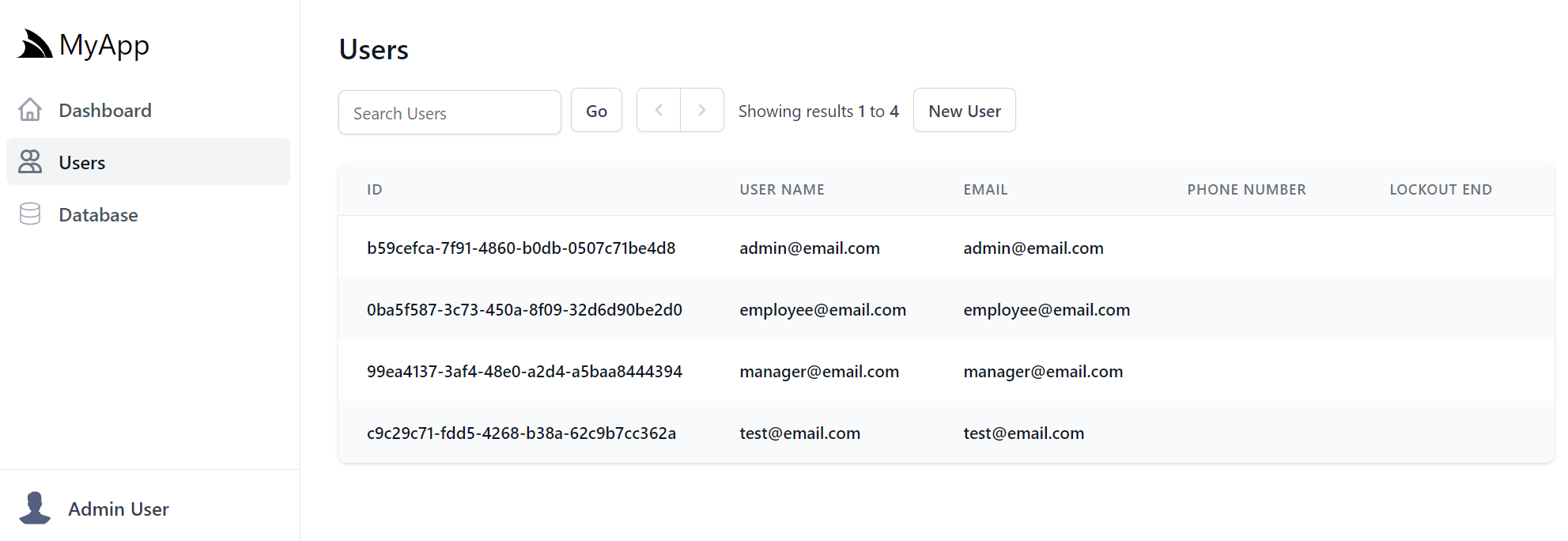
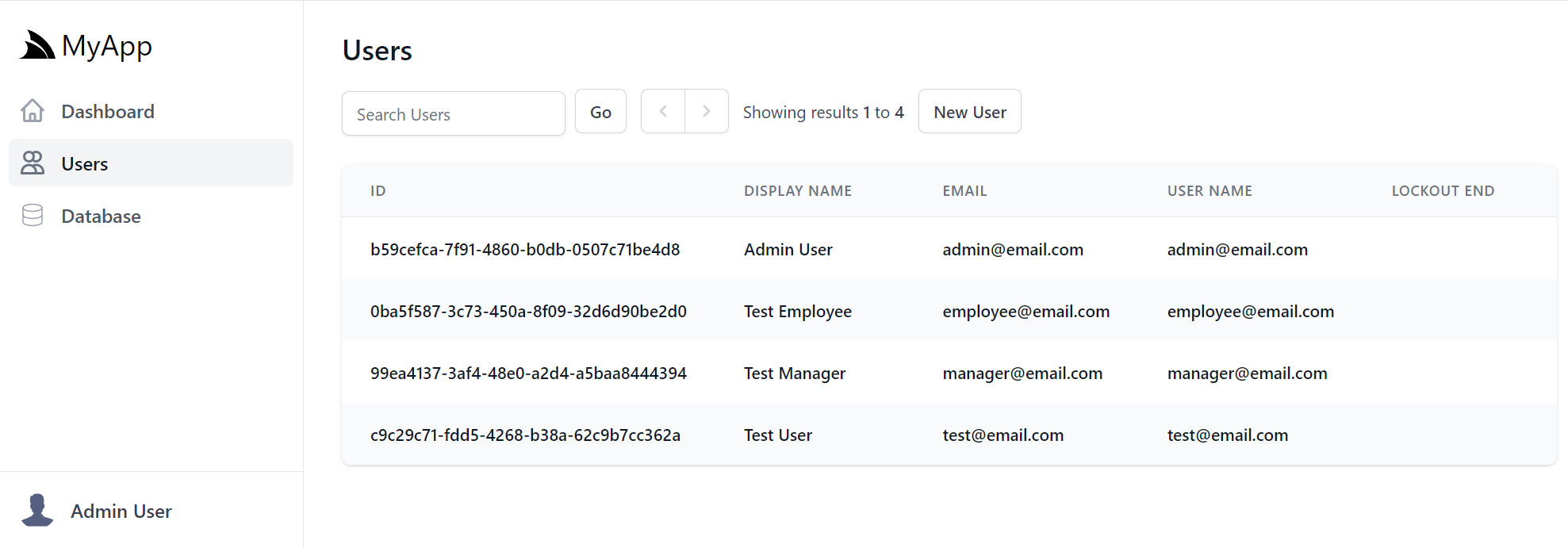
### Old vs New UI
Here's a sample set of screenshots of the old vs new UIs:
Whilst we keep the old UI around for reference, you can view both UIs side-by-side at:
- Old (AWS + ECS + RDS): https://vuetify.techstacks.io
- New (Hetzner + PostgreSQL): https://techstacks.io
### Why UIs Are Perfect Candidates for Replacement
Unlike backend systems where "tear down and rebuild" is far riskier and requires a more methodical approach, UIs are uniquely suited for complete replacement:
**1. WYSIWYG Validation**
The end result is immediately visible. You can see if it works correctly just by using it. No hidden business logic, no subtle data corruption bugs - it just needs to look and behave right.
**2. Clear API Boundaries**
When your UI integrates with existing, battle-tested backend APIs, you're building on proven business logic. The API contract is your safety boundary — preventing you from accidentally introducing server-side vulnerabilities or data corruption.
**3. No Legacy Baggage**
Start fresh without inheriting:
- Workarounds for bugs in older framework versions but never updated
- CSS hacks for IE11 compatibility that we no longer need
- State management patterns designed before modern solutions existed
- Build configurations accumulated over years of framework updates
**4. Better Modern Frameworks**
Today's frameworks solve problems that required custom code in legacy stacks:
- Server Components eliminate entire categories of client-side state management
- Modern CSS (Grid, Flexbox, Container Queries) replaces brittle layout hacks
- TypeScript catches errors that required runtime checks and defensive coding
- Built-in optimizations (code splitting, lazy loading) that were manual before
**5. Separation of Concerns**
The UI layer is just the presentation layer. All the critical business logic, validation, authorization, and data integrity remains safely in the backend where it's been tested and proven over years of production use.
### The AI-First Advantage
The real return on migrating isn’t the one-time rewrite, it’s the velocity that's gained afterward. After migrating to an AI‑native stack (Next.js, React, TypeScript, Tailwind), AI agents are better able to reliably implement new features asynchronously, i.e. without human intervention.
Changes like **"Add dark mode support"**, **"Implement infinite scrolling"** or **"Add export to CSV"** become natural‑language prompts instead of full developer-assigned tickets. Iteration cycles of most UI features get compressed down to seconds, where it now takes less time to get AI Agents to implement features than it would take to describe the feature to a developer. Code becomes a disposable resource that's become cheap to write, where complete UI rewrites, prototypes, and experiments are now feasible.
Most importantly, a high quality product is the result of multiple dev iterations, i.e. continuously improving on features until they work exactly as intended and AI Agents enables far greater iteration velocity than hand coded implementations, at a fraction of the cost – that's able to supercharge the productivity of existing developers.
This is the primary benefit of rewriting to an AI‑native stack: creating a new foundation that enables **"Vibe Coding"** - where UI changes are described by text prompts and implemented by AI Agents.
Work that once took hours of human effort can now be done using AI Agents in minutes, with the migration typically paying for itself within the first few features.
## Looking Forward
We're at the beginning of a fundamental shift in how we approach software development. AI Assistance has become a mandatory tool for developers, amplifying their capabilities and automating away tedious, repetitive work.
AI models are only going to get better at understanding codebases and generating accurate implementations. The frameworks and patterns that work best with AI will become the new standard.
For organizations with legacy applications, it means **modernization is now economically viable**. Barriers that made UI rewrites prohibitively expensive have eroded. What was once a multi-month project requiring dedicated teams is now achievable in days with AI assistance.
## From .NET APIs to AI First UIs
The unprecedented productivity of AI Assisted development has transformed our roadmap which is now firmly centered on developing the ideal .NET AI‑first development stack, powered by a growing suite of React / TypeScript / Tailwind CSS templates and components, the ultimate UX of hot-reloading npm UIs and built on our highly capable & performant .NET backend APIs.
# New .NET 10 + Angular 21 ASP.NET Identity Auth Tailwind SPA Template
Source: https://razor-ssg.web-templates.io/posts/angular-template
We're excited to announce the release of our new **Angular 21 SPA Template** - a modern, full-stack template combining the latest Angular 21 frontend with a powerful .NET 10 backend powered by ServiceStack.
## What's New
### Angular with Modern Features
- **Standalone Components** - No NgModules, cleaner component architecture
- **Signal-based State Management** - Reactive state with Angular's new signals API
- **TypeScript 5.9** - Latest TypeScript features and improved type safety
- **Tailwind CSS 4** - Utility-first styling with dark mode support
### .NET 10 Backend
- **ServiceStack v10** - High-performance .NET APIs with AutoQuery CRUD
- **Entity Framework Core 10** - For ASP.NET Core Identity
- **OrmLite** - Fast, typed POCO ORM for application data
- **SQLite** - Zero-configuration database (easily swap for PostgreSQL, SQL Server, etc.)
### Upgrading to an production RDBMS
To switch from SQLite to PostgreSQL/SQL Server/MySQL:
1. Install preferred RDBMS (`ef-postgres`, `ef-mysql`, `ef-sqlserver`), e.g:
:::sh {.mb-8}
npx add-in ef-postgres
:::
2. Install `db-identity` to also switch to use this RDBMS for [Background Jobs](https://docs.servicestack.net/rdbms-background-jobs) and [Request Logs Analytics](https://docs.servicestack.net/admin-ui-rdbms-analytics):
:::sh {.mb-8}
npx add-in db-identity
:::
## Simplified .NET + Angular Development Workflow
- Single endpoint `https://localhost:5001` for both .NET and Angular UI (no dev certs required)
- ASP.NET Core proxies requests to Angular dev server (port 4200)
- Hot Module Replacement (HMR) support for instant UI updates
- WebSocket proxying for Angular HMR functionality

## .NET Angular App with Static Export
**Angular SPA** uses **static export**, where a production build of the Angular App is generated at deployment and published together with the .NET App in its `/wwwroot` folder, utilizing static file serving to render its UI.
This minimal `angular-spa` starting template is perfect for your next AI Assisted project, offering a streamlined foundation for building modern web applications with **Angular 21** and **.NET 10**:

## Key Features
### 🔐 ASP.NET Core Identity Authentication
Full authentication system with beautifully styled Tailwind CSS pages:
- User registration and login
- Email confirmation
- Password reset
- Profile management
- Role-based authorization
### ⚡ Rapid AutoQuery CRUD dev workflow
Quickly generate complete C# [CRUD APIs](https://docs.servicestack.net/autoquery/crud) and [DB Migrations](https://docs.servicestack.net/ormlite/db-migrations) from simple [TypeScript data models](https://localhost:5002/autoquery/okai-models):
1. Create a new feature
:::sh
npx okai init MyFeature
:::
2. Define your TypeScript data models in `MyFeature.d.ts`, e.g:
:::sh
code MyApp.ServiceModel/MyFeature.d.ts
:::
3. When ready, generate C# APIs and migrations
:::sh
npx okai MyFeature.d.ts
:::
4. Apply database migrations
:::sh
npm run migrate
:::
### Use AI for quick scaffolding
To help quickly scaffold your data models and features, use ServiceStack's AI assistant. Example of creating AutoQuery CRUD APIs for managing products:
:::sh
npx okai "Manage products price and inventory"
:::
### 📊 Background Jobs
Durable background job processing with:
- Command-based job execution
- Recurring job scheduling
- SMTP email sending via background workers
### 📝 Request Logging
SQLite-backed request logging for:
- API request tracking
- Error monitoring
- Performance analysis
### 🔍 Built-in Admin UIs
- **/ui** - ServiceStack API Explorer
- **/admin-ui** - Database management, user administration
- **/swagger** - OpenAPI documentation (development mode)
## Architecture Highlights
### Hybrid Development Model
During development, `dotnet watch` starts both the .NET backend and Angular dev server with Hot Module Replacement. In production, Angular builds to static files served directly by ASP.NET Core.
### Modular Configuration
Clean separation of concerns with `IHostingStartup` pattern:
- [Configure.AppHost.cs](https://github.com/NetCoreTemplates/angular-spa/blob/main/MyApp/Configure.AppHost.cs) - Main ServiceStack AppHost registration
- [Configure.Auth.cs](https://github.com/NetCoreTemplates/angular-spa/blob/main/MyApp/Configure.Auth.cs) - ServiceStack AuthFeature with ASP.NET Core Identity integration
- [Configure.AutoQuery.cs](https://github.com/NetCoreTemplates/angular-spa/blob/main/MyApp/Configure.AutoQuery.cs) - AutoQuery features and audit events
- [Configure.Db.cs](https://github.com/NetCoreTemplates/angular-spa/blob/main/MyApp/Configure.Db.cs) - Database setup (OrmLite for app data, EF Core for Identity)
- [Configure.Db.Migrations.cs](https://github.com/NetCoreTemplates/angular-spa/blob/main/MyApp/Configure.Db.Migrations.cs) - Runs OrmLite and EF DB Migrations and creates initial users
- [Configure.BackgroundJobs.cs](https://github.com/NetCoreTemplates/angular-spa/blob/main/MyApp/Configure.BackgroundJobs.cs) - Background job processing
- [Configure.HealthChecks.cs](https://github.com/NetCoreTemplates/angular-spa/blob/main/MyApp/Configure.HealthChecks.cs) - Health monitoring endpoint
This pattern keeps [Program.cs](https://github.com/NetCoreTemplates/angular-spa/blob/main/MyApp/Program.cs) clean and separates concerns.
### Type-Safe API Client
Auto-generated TypeScript DTOs ensure type safety across the stack:
```typescript
import { QueryBookings } from '@/dtos'
const response = await client.api(new QueryBookings({ minCost: 100 }))
if (response.succeeded) {
console.log(response.response!.results)
}
```
## Deployment Ready
GitHub Actions workflows included for:
- **CI/CD** - Automated build and test
- **Container Builds** - Docker image creation
- **Kamal Deployment** - One-command production deployment with SSL
### Kamal Deployments
All deployments include the GitHub Action workflows to deploy your App to [any Linux Server with Kamal](https://docs.servicestack.net/kamal-deploy) using Docker, SSH and GitHub Container Registry (ghcr).
Where you can host it on a [Hetzner US Cloud](https://www.hetzner.com/cloud) VM for as low as **$5 per month** or if you have multiple Apps you can deploy them all to a single VM which we're doing for our .NET Template Live Demos which runs **30 Docker Apps** on a **8GB RAM/80GB SSD** dedicated VM for **$15 /month**.
## AI-Assisted Development with CLAUDE.md
As part of our objectives of improving developer experience and embracing modern AI-assisted development workflows - all new .NET React templates include a comprehensive `AGENTS.md` file designed to optimize AI-assisted development workflows.
### What is CLAUDE.md?
`CLAUDE.md` and [AGENTS.md](https://agents.md) onboards Claude (and other AI assistants) to your codebase by using a structured documentation file that provides it with complete context about your project's architecture, conventions, and technology choices. This enables more accurate code generation, better suggestions, and faster problem-solving.
### What's Included
Each template's `AGENTS.md` contains:
- **Project Architecture Overview** - Technology stack, design patterns, and key architectural decisions
- **Project Structure** - Gives Claude a map of the codebase
- **ServiceStack Conventions** - DTO patterns, Service implementation, AutoQuery, Authentication, and Validation
- **React Integration** - TypeScript DTO generation, API client usage, component patterns, and form handling
- **Database Patterns** - OrmLite setup, migrations, and data access patterns
- **Common Development Tasks** - Step-by-step guides for adding APIs, implementing features, and extending functionality
- **Testing & Deployment** - Test patterns and deployment workflows
### Extending with Project-Specific Details
The existing `CLAUDE.md` serves as a solid foundation, but for best results, you should extend it with project-specific details like the purpose of the project, key parts and features of the project and any unique conventions you've adopted.
### Benefits
- **Faster Onboarding** - New developers (and AI assistants) understand project conventions immediately
- **Consistent Code Generation** - AI tools generate code following your project's patterns
- **Better Context** - AI assistants can reference specific ServiceStack patterns and conventions
- **Reduced Errors** - Clear documentation of framework-specific conventions
- **Living Documentation** - Keep it updated as your project evolves
### How to Use
Claude Code and most AI Assistants already support automatically referencing `CLAUDE.md` and `AGENTS.md` files, for others you can just include it in your prompt context when asking for help, e.g:
> Using my project's AGENTS.md, can you help me add a new AutoQuery API for managing Products?
The AI will understand your App's ServiceStack conventions, React setup, and project structure, providing more accurate and contextual assistance.
### Getting Started
All new [angular-spa.web-templates.io](https://angular-spa.web-templates.io) include [AGENTS.md](https://github.com/NetCoreTemplates/angular-spa/blob/main/AGENTS.md) by default. For existing projects, you can adapt the template to document your App's conventions, patterns and technology choices.
## Feature Tour
Angular's structured approach to modern web development is ideal for large complex Applications that stitches together various technologies, handling authentication, designing responsive UIs, and managing complex state which the new Angular SPA template embraces to provide a productive starting point with a robust foundation packed with essential features right out of the box.
1. **Built-in Identity Authentication:** Secured out-of-the-box, this template integrates seamlessly with ASP.NET Core Identity, providing ready-to-use registration, login, and User Admin management features.
2. **Tailwind v4 CSS:** Rewritten to use Tailwind v4 CSS, allowing you to rapidly build beautiful, responsive designs directly in your markup.
3. **Dark Mode Support:** Cater to user preferences with built-in, easily toggleable dark mode support, styled elegantly with Tailwind.
4. **Customizable DataGrid Component:** Effortlessly display tabular data with the included customizable DataGrid. Easily adapt it for sorting, filtering and displaying your specific data structures.
5. **Reusable Input Components with Validation:** The template includes reusable, pre-styled input components (e.g., text input, selects) with built-in support for validation bound forms and contextual displaying of validation errors.
6. **RxJS & Signals Support:** Modern Angular reactivity: whether you prefer the established power of **RxJS Observables** or the new granular reactivity of **Angular Signals**, our template is structured to support *both* programming models.
We'll take a quick tour to explore the templates features:
### Home Page
The home page sports a responsive Tailwind design where all its components are encapsulated within its
[/app/home](https://github.com/NetCoreTemplates/angular-spa/tree/main/MyApp.Client/src/app/home)
with its logic maintained in `*.ts` files and its presentation UI optionally maintained in a separate `*.html` file.
### Dark Mode
The [dark-mode-toggle.component.ts](https://github.com/NetCoreTemplates/angular-spa/blob/main/MyApp.Client/src/components/dark-mode-toggle.component.ts)
and [theme.service.ts](https://github.com/NetCoreTemplates/angular-spa/blob/main/MyApp.Client/src/components/services/theme.service.ts)
handles switching between Light and Dark Mode which is initially populated from the Users OS preference.
### Weather
The Weather page maintained in [/app/weather](https://github.com/NetCoreTemplates/angular-spa/tree/main/MyApp.Client/src/app/weather)
provides a good example of utilizing an RxJS Observable programming model with the
[api-http-client.service.ts](https://github.com/NetCoreTemplates/angular-spa/blob/main/MyApp.Client/src/components/services/api-http-client.service.ts)
that extends Angular's Observable HttpClient with an additional `api` method that lets you use your Services typed `dtos.ts`
TypeScript DTOs to enable type-safe integration with your back-end services:
```ts
import { Forecast, GetWeatherForecast, ResponseStatus } from 'src/dtos'
import { ApiHttpClient } from 'src/components/services/api-http-client.service'
export class WeatherComponent {
http = inject(ApiHttpClient);
public error: ResponseStatus | null = null;
public forecasts: Forecast[] = [];
getForecasts() {
this.http.api(new GetWeatherForecast({ date:'2025-04-01' })).subscribe({
next:(result) => {
this.error = null;
this.forecasts = result;
},
error:(error) => {
this.error = error;
}
});
}
}
```
Whilst its [weather.component.html](https://github.com/NetCoreTemplates/angular-spa/blob/main/MyApp.Client/src/app/weather/weather.component.html)
template showcases the new [data-grid.component.ts](https://github.com/NetCoreTemplates/angular-spa/blob/main/MyApp.Client/src/components/data-grid.component.ts)
to display a beautiful tailwind DataGrid with just:
```html
```
:::{.not-prose .p-4 .mx-auto .max-w-3xl .shadow .rounded-lg}
[](https://angular-spa.web-templates.io/weather)
:::
It's a direct port of our [Vue DataGrid](https://docs.servicestack.net/vue/datagrid) that also supports
the same customizations allowing for custom Headers and Column fields, e.g:
```html
Date
{{ x | date:'MMMM d, yyyy' }}
{{ x }}°
{{ x }}°
{{ x }}
```
Which renders the expected:
:::{.not-prose .p-4 .mx-auto .max-w-3xl .shadow .rounded-lg}
[](https://angular-spa.web-templates.io/weather)
:::
## Todos MVC
The Todos MVC App maintained in [/app/todomvc](https://github.com/NetCoreTemplates/angular-spa/tree/main/MyApp.Client/src/app/todomvc)
demonstrates how to create the popular [todomvc.com](https://todomvc.com) App in Angular 19.
:::{.not-prose .p-4 .mx-auto .max-w-3xl .shadow .rounded-lg}
[](https://angular-spa.web-templates.io/todomvc)
:::
It's another example of building a simple CRUD Application with Angular RxJS Observables and your APIs TypeScript DTOs.
This snippet shows how to query and create Todos with the `ApiHttpClient`:
```ts
import { Todo, QueryTodos, CreateTodo, ResponseStatus } from 'src/dtos'
import { ApiHttpClient } from 'src/components/services/api-http-client.service'
export class TodoMvcComponent implements OnInit {
client = inject(ApiHttpClient);
error: ResponseStatus | null = null;
todos: Todo[] = [];
newTodoText = '';
loadTodos(): void {
this.client.api(new QueryTodos()).subscribe({
next: (todos) => {
this.todos = todos.results;
},
error: (err) => {
this.error = err;
}
});
}
addTodo(): void {
if (!this.newTodoText.trim()) return;
this.client.api(new CreateTodo({
text: this.newTodoText.trim()
})).subscribe({
next: (todo) => {
this.todos.push(todo);
this.newTodoText = '';
},
error: (err) => {
this.error = err;
console.error('Error adding todo:', err);
}
});
}
//...
}
```
## Bookings
All other examples in the template uses Angular's newer Signal for reactivity and the standard ServiceStack `JsonServiceClient`
used in all other TypeScript/JS Apps.
The Bookings Pages are maintained in [/app/bookings](https://github.com/NetCoreTemplates/angular-spa/tree/main/MyApp.Client/src/app/bookings)
and showcases a more complete example of developing a CRUD UI in Angular starting with an example of how to encapsulate
route information for a feature in an isolated [booking.routes.ts](https://github.com/NetCoreTemplates/angular-spa/blob/main/MyApp.Client/src/app/bookings/booking.routes.ts):
```ts
import { Routes } from '@angular/router';
import { BookingListComponent } from './booking-list.component';
import { BookingCreateComponent } from './booking-create.component';
import { BookingEditComponent } from './booking-edit.component';
import { authGuard } from 'src/guards';
export const BOOKING_ROUTES: Routes = [
{
path: 'bookings',
component: BookingListComponent,
canActivate: [authGuard]
},
{
path: 'bookings/create',
component: BookingCreateComponent,
canActivate: [authGuard]
},
{
path: 'bookings/edit/:id',
component: BookingEditComponent,
canActivate: [authGuard]
}
];
```
The use of the Route `authGuard` ensures only Authenticated Users can access these routes, as well as redirecting
non-authenticated users to the Sign In page.
### Bookings List
:::{.not-prose .p-4 .mx-auto .max-w-3xl .shadow .rounded-lg}
[](https://angular-spa.web-templates.io/bookings)
:::
The bookings list component shows an example of using Angular's Signals with the `JsonServiceClient` together with
an `ApiState` context to enable data bound forms and validation errors:
```ts
@Component({
templateUrl: './booking-list.component.html',
providers: [
...provideApiState()
],
//...
})
export class BookingListComponent implements OnInit {
private router = inject(Router);
private client = inject(JsonServiceClient);
api = inject(ApiState);
// Signals for state
allBookings = signal([]);
ngOnInit(): void {
this.loadBookings();
}
async loadBookings(): Promise {
this.api.begin();
const api = await this.client.api(new QueryBookings({
orderByDesc: 'BookingStartDate',
}));
if (api.succeeded) {
this.allBookings.set(api.response!.results);
}
this.api.complete(api.error);
}
}
```
Using `provideApiState()` implicitly injects the populated API context containing both the APIs Loading and Error state into child components saving you from having to explicitly inject it into each component.
E.g. the `` component will display when API Requests are in-flight whilst API Error Responses are displayed
after receiving failed API Responses:
```html
@if (allBookings().length > 0) {
...
}
@else {
}
```
### Create Booking
The [booking-create.component.ts](https://github.com/NetCoreTemplates/angular-spa/blob/main/MyApp.Client/src/app/bookings/booking-create.component.ts) shows the standard pattern of calling ServiceStack Typed APIs to
save forms whilst saving any validation errors to the `ApiState` context:
```ts
async save(): Promise {
this.api.begin();
const request = new CreateBooking(this.booking());
const api = await this.client.api(request);
if (api.succeeded) {
// Navigate back to bookings list after successful save
this.router.navigate(['/bookings']);
}
this.api.complete(api.error);
}
```
Where any contextual validation will be displayed next to the input field:
:::{.not-prose .p-4 .mx-auto .max-w-3xl .shadow .rounded-lg}
[](https://angular-spa.web-templates.io/bookings/create)
:::
### Edit Booking
The [booking-edit.component.ts](https://github.com/NetCoreTemplates/angular-spa/blob/main/MyApp.Client/src/app/bookings/booking-edit.component.ts)
shows an example of using the `JsonServiceClient` with Signals to get and modify bookings:
```ts
export class BookingEditComponent implements OnInit {
private route = inject(ActivatedRoute);
private router = inject(Router);
private client = inject(JsonServiceClient);
meta = inject(MetadataService);
api = inject(ApiState);
// Signals
booking = signal(new Booking());
ngOnInit(): void {
// Get booking ID from route params
const id = this.route.snapshot.paramMap.get('id');
if (id) {
this.fetchBooking(parseInt(id, 10));
} else {
this.api.setErrorMessage('Booking ID is required');
}
}
async fetchBooking(id: number): Promise {
this.api.begin();
const api = await this.client.api(new QueryBookings({id}));
if (api.succeeded) {
this.booking.set(api.response!.results[0]);
}
this.api.complete(api.error);
}
async save(): Promise {
this.api.begin();
const api = await this.client.api(new UpdateBooking(this.booking()));
if (api.succeeded) {
this.router.navigate(['/bookings']);
}
this.api.complete(api.error);
}
}
```
:::{.not-prose .p-4 .mx-auto .max-w-3xl .shadow .rounded-lg}
[](https://angular-spa.web-templates.io/bookings/edit/1)
:::
It shows an example of a validation bound form bounded to a signal instance of a `Booking` DTO with summary and
contextual validation and utilization of your API's metadata with `meta.enumOptions('RoomType')` which populates
the `` drop down with the C# `RoomType` enum values:
```html
@if (booking().id) {
}
@else {
}
```
# New Vibe Codable .NET 10 React Templates
Source: https://razor-ssg.web-templates.io/posts/vibecode-react-templates
Over the last few months our primary focus has been on enabling first-class support for React, this is a contrast from our own decade-long personal preference for Vue which has better affinity with HTML and its support for progressive enhancement enabling a [Simple, Modern JavaScript](https://servicestack.net/posts/javascript) development workflow without requiring npm or any build tools and why it was chosen for all of ServiceStack's [built-in UIs](https://servicestack.net/auto-ui). Whilst our [focus for Blazor](https://servicestack.net/blazor) was driven by .NET's preference for Blazor given it's primary positioning by the .NET team.
### Software Development has changed forever
Software Development has reached an inflection point where AI Models and tools are now good enough to build features in minutes, not hours and rewrite mid-sized application UIs in hours, not months. This fundamentally changes the economics of Software Development.
Whatever our developer preferences were have become significantly less important in the age of AI where the most important factor is now which frameworks AI Models are most proficient in.
### The Optimal Stack for AI Development
With an AI-first development model, you're no longer writing the code directly, your task becomes feeding AI Models text prompts and context on what features to implement, so it's more important to choose a framework that AI Models understand well. Currently, that's:
- **Next.js 16** - Modern React framework with excellent AI model familiarity
- **React 19** - Component patterns that AI models understand deeply
- **TypeScript** - Type safety that helps AI generate correct code
- **Tailwind CSS v4** - Utility-first styling that AI excels at composing
This stack represents the sweet spot where AI models have the most training data, the clearest patterns, and the best ability to generate cohesive, loosely coupled, high-quality code - where it's the de facto standard for instant AI-generated Apps from
[Replit](https://blog.replit.com/react),
[Lovable](https://lovable.dev/blog/best-tailwind-css-component),
[Google's AI Studio](https://aistudio.google.com),
[Vercel's v0](https://v0.app) and [Claude Code Web](https://claude.ai/code).
### react-templates.net
The culmination of our work on React support is being poured into the new [react-templates.net](https://react-templates.net) website:
[](https://react-templates.net)
### Ultimate Developer Experience
As we expect this to be the future of software development, we've focused on creating the best possible developer experience for all React templates, starting with removing the complexity of needing to manage 2 independent dev servers and local self-signed dev SSL certificates.
Instead you're able to run `dotnet watch` or `dotnet run` to run your React App like every other .NET App, where it's accessible at `https://localhost:5001`:

During development the new `NodeProxy` takes care of routing all non-matching routes to the underlying Node server, it also takes care of proxying the HotModuleReload (HMR) WebSocket connections of Next.js or Vite React Apps, where we finally get to experience the benefits that Vite/Next.js developers have been enjoying for years, with fast, stateful, iterative feedback loops.
### Seamless fusion of .NET APIs, Razor Pages and React UIs
Another benefit of this architecture of the .NET App handling all Requests and only proxying unknown requests to the Node server is that it enables a seamless fusion of .NET Razor Pages and React UIs. As many customers have customized Identity Auth flows we've included the
[Tailwind Identity Auth Razor Pages](https://github.com/NetCoreTemplates/react-static/tree/main/MyApp/Areas/Identity/Pages) from the [razor](https://github.com/NetCoreTemplates/razor) template into all new .NET React Templates.
This ability to seamlessly integrate React components within Razor Pages enables a gradual migration strategy, allowing teams to incrementally modernize legacy ASP.NET websites by progressively replacing individual pages or sections with React UIs without requiring a complete rewrite or disrupting existing functionality.
### .NET React Templates with Static Exports
All existing SPA Templates have only used **static exports**, where at deployment a production build of the Node App is generated and published together with the .NET App in its `/wwwroot` folder, utilizing static file serving to render its UI:

This continues to be the case for **4/5 of the .NET React Templates**, starting with 2x new `react-static` and `next-static` minimal starting templates - perfect base for your next Vibe Coding project, starting with the simplest template:
## Vibe Codable .NET React Templates
When your App needs the features from a full-featured Web Framework like Next.js with file-based routing and SEO you choose from the Next.js templates starting with:
Like React Static, Next.js Static is a static export of a Next.js App, but what about when you need the full power of Next.js? For that you can use:
### Next.js in Production
Using full Next.js does mean we also need to have a Next.js runtime at production, which looks like:

Fortunately Docker simplifies managing both .NET and Node servers as a single deployable unit, with the next-rsc custom [Dockerfile](https://github.com/NetCoreTemplates/next-rsc/blob/main/Dockerfile) handling the orchestration.
### Full-Featured React Templates
In addition to the minimal starting templates above, we've also created 2 full-featured React Templates providing a good reference implementation for integrating several React features including Blog, MDX, Todos and shadcn/ui components alongside .NET features like API Keys, AI Chat & Swagger UI.
### Kamal Deployments
All deployments include the GitHub Action workflows to deploy your App to [any Linux Server with Kamal](https://react-templates.net/docs/deployments) using Docker, SSH and GitHub Container Registry (ghcr).
Where you can host it on a [Hetzner US Cloud](https://www.hetzner.com/cloud) VM for as low as **$5 per month** or if you have multiple Apps you can deploy them all to a single VM which we're doing for our .NET Template Live Demos which runs **30 Docker Apps** on a **8GB RAM/80GB SSD** dedicated VM for **$15 /month**.
## AI-Assisted Development with CLAUDE.md
As part of our objectives of improving developer experience and embracing modern AI-assisted development workflows - all new .NET React templates include a comprehensive `AGENTS.md` file designed to optimize AI-assisted development workflows.
### What is CLAUDE.md?
`CLAUDE.md` and [AGENTS.md](https://agents.md) onboards Claude (and other AI assistants) to your codebase by using a structured documentation file that provides it with complete context about your project's architecture, conventions, and technology choices. This enables more accurate code generation, better suggestions, and faster problem-solving.
### What's Included
Each template's `AGENTS.md` contains:
- **Project Architecture Overview** - Technology stack, design patterns, and key architectural decisions
- **Project Structure** - Gives Claude a map of the codebase
- **ServiceStack Conventions** - DTO patterns, Service implementation, AutoQuery, Authentication, and Validation
- **React Integration** - TypeScript DTO generation, API client usage, component patterns, and form handling
- **Database Patterns** - OrmLite setup, migrations, and data access patterns
- **Common Development Tasks** - Step-by-step guides for adding APIs, implementing features, and extending functionality
- **Testing & Deployment** - Test patterns and deployment workflows
### Extending with Project-Specific Details
The existing `CLAUDE.md` serves as a solid foundation, but for best results, you should extend it with project-specific details like the purpose of the project, key parts and features of the project and any unique conventions you've adopted.
### Benefits
- **Faster Onboarding** - New developers (and AI assistants) understand project conventions immediately
- **Consistent Code Generation** - AI tools generate code following your project's patterns
- **Better Context** - AI assistants can reference specific ServiceStack patterns and conventions
- **Reduced Errors** - Clear documentation of framework-specific conventions
- **Living Documentation** - Keep it updated as your project evolves
### How to Use
Claude Code and most AI Assistants already support automatically referencing `CLAUDE.md` and `AGENTS.md` files, for others you can just include it in your prompt context when asking for help, e.g:
> Using my project's AGENTS.md, can you help me add a new AutoQuery API for managing Products?
The AI will understand your App's ServiceStack conventions, React setup, and project structure, providing more accurate and contextual assistance.
### Getting Started
All new [react-templates.net](https://react-templates.net) include [AGENTS.md](https://github.com/NetCoreTemplates/react-static/blob/main/AGENTS.md) by default. For existing projects, you can adapt the template to document your App's conventions, patterns and technology choices.
# .NET 10's new OpenAPI Scalar + Swagger UIs
Source: https://razor-ssg.web-templates.io/posts/openapi-net10
# .NET 10 LTS
We're excited to announce **ServiceStack v10** - a major release aligned with Microsoft's newly released .NET 10!
This milestone release brings first-class .NET 10 support across the entire ServiceStack ecosystem, with all packages now shipping native .NET 10 builds optimized for the latest runtime.
As part of this major version upgrade, we've modernized our tooling and streamlined our package offerings:
- **All project templates upgraded to .NET 10** - Start new projects on the latest LTS framework
- **Adopted the new `.slnx` solution format** - Embracing .NET's modern, simplified solution file format
- **Enhanced Kamal GitHub Action deployments** - Streamlined CI/CD that intelligently derives configuration from your repository name and GitHub Action context
## .NET 10 OpenAPI Support
.NET 10 has added support for generating OpenAPI schemas and API Explorer UIs with there now being multiple ways to generate OpenAPI schemas and multiple ways to view them.
Assuming the trend of Microsoft's defaults having a determinant influence on the wider .NET ecosystem, we expect Microsoft's new [Microsoft.AspNetCore.OpenApi](https://learn.microsoft.com/en-us/aspnet/core/fundamentals/openapi/overview) to become the defacto default and Swashbuckle to suffer a slow death as a result, until then it's still the simpler and more popular combination that we've added .NET 10 support for in the new NuGet package:
### ServiceStack.OpenApi.Swashbuckle
Depends on:
- Microsoft.OpenApi v2.x
- Swashbuckle.AspNetCore v10.x
Which can be added to .NET 10 Project with:
:::sh
npx add-in openapi-swagger
:::
Which uses `Swashbuckle.AspNetCore` for generating OpenAPI schemas and displaying the Swagger UI.
## Microsoft.AspNetCore.OpenApi
This was a more frustrating package to support starting with trying to use the latest **Microsoft.OpenApi v3.x**
results in failures at runtime since its latest version is limited to **Microsoft.OpenApi v2.x**.
In addition **Microsoft.OpenApi v2.x** use of Analyzers/Interceptors made it impossible to add support for the **Microsoft.OpenApi v2.x** in .NET 10 builds whilst preserving **Microsoft.OpenApi v1.x** for NET 8.0 builds.
As a result we've had to publish .NET 10 support in the new NuGet package:
### ServiceStack.OpenApi.Microsoft
Depends on:
- Microsoft.OpenApi v2.x
- Microsoft.AspNetCore.OpenApi v10.x
Which can be added to .NET 10 Project with:
:::sh
npx add-in openapi-scalar
:::
Which uses `Microsoft.AspNetCore.OpenApi` to generate OpenAPI schemas and is configured to use `Scalar.AspNetCore`
to display the newer Scalar UI from the VC-backed [scalar.com](https://scalar.com).
Unfortunately `Microsoft.AspNetCore.OpenApi` has issues that we're surprised to find its complexity leaking into end-user projects which requires adding an `` configuration to your **MyApp.csproj**:
```xml
$(InterceptorsNamespaces);Microsoft.AspNetCore.OpenApi.Generated
```
Another alternative we've discovered to avoid build issues is to disable its XML Comment source generator:
```xml
```
## npx scripts
A new **v10.0.0** version of the **x** dotnet tool is now available with.NET 10 support:
```bash
dotnet tool install --global x # install
dotnet tool update -g x # update
```
Although this is the last .NET runtime that the `x` tool will support as it's being phased out in favor of use-case specific `npx` scripts as it doesn't require a separate install or needs a .NET 10 SDK to be pre-installed.
The npx tools have the same behavior as the different x sub-features where you can just replace the command prefix with the npx script equivalent, e.g:
| x command | npx script | description |
| ------------ | ----------------------- | ----------- |
| `x new` | `npx create-net` | Create a new App from a .NET 10 project template |
| `x mix` | `npx add-in` | Register and configure a Plugin with your App |
| `x ts` | `npx get-dtos ts` | Regenerate latest TypeScript DTOs |
| `x ts ` | `npx get-dtos ts ` | Generate DTOs for a remote ServiceStack API |
# Creating a custom Explorer UI for OpenAIs Chat API
Source: https://razor-ssg.web-templates.io/posts/ai-chat-explorer
Anyone who's used ServiceStack's built-in [API Explorer](https://docs.servicestack.net/api-explorer) or
[Auto HTML API](https://docs.servicestack.net/auto-html-api) UIs know that not all API Explorer UIs are created equal.
The differences are more pronounced as APIs get larger and more complex which we can see by comparing it with
Swagger UI for rendering [AI Chat's](/posts/ai-chat) `ChatCompletion` API:
[](https://servicestack.net/img/posts/ai-chat-explorer/ai-chat-swagger-form.webp)
This is just the tip of the iceberg, the [full-length Swagger UI Screenshot](https://servicestack.net/img/posts/ai-chat-explorer/ai-chat-swagger-long.webp)
is absurdly long, past the point of being usable.
As expected from a generic UI we get very little assistance from the UI on what values are allowed, the numeric fields
aren't number inputs and the only dropdowns we see are for `bool` properties to select from their `true` and `false` values.
There's not going to be any chance for it to be able to show App-specific options like which models are currently enabled.
## API Explorer UI
By contrast here is the same API rendered with ServiceStack's [API Explorer](https://docs.servicestack.net/api-explorer):
[](https://servicestack.net/img/posts/ai-chat-explorer/ai-chat-form.webp)
This is much closer to what you'd expect from a hand-crafted Application UI and far more usable.
#### Properties use optimized UI Components
It renders an optimized UI for each property, with the **Model**, **Reasoning Effort**, **Service Tier** and **Verbosity**
properties all using a [Combobox](https://docs.servicestack.net/vue/combobox) component for quickly searching through a
list of supported options, or they can choose to enter a custom value.
**Bool** properties use Checkboxes whilst Numeric fields use **number** inputs, with integer properties only allowing
integer values and floating point properties being able to step through fractional values.
#### UI-specific text hints
Each property also contains **placeholder** text and **help** text hints that's more focused and concise than the
verbose API documentation.
#### HTML client-side validation
Client-side HTML validation ensure properties are valid and within any configured min/max values before any request is sent.
[](https://servicestack.net/img/posts/ai-chat-explorer/ai-chat-form-completed.webp)
### Custom Components for Complex Properties
The only property that doesn't use a built-in component is `Messages` which is rendered with a custom
`ChatMessages` component purpose-built to populate the `List Messages` property. It uses a **Markdown Editor**
for the UserPrompt, a collapsible Textarea for any System Prompt and the ability to attach **image**, **audio** & **file**
document attachments to the API request.
## How is it done?
The entire UI is driven by these [declarative annotations](https://docs.servicestack.net/locode/declarative) added on the
[ChatCompletion](https://github.com/ServiceStack/ServiceStack/blob/main/ServiceStack/src/ServiceStack.AI.Chat/ChatCompletion.cs)
Request DTO:
```csharp
[Description("Chat Completions API (OpenAI-Compatible)")]
[Notes("The industry-standard, message-based interface for interfacing with Large Language Models.")]
public class ChatCompletion : IPost, IReturn
{
[DataMember(Name = "messages")]
[Input(Type = "ChatMessages", Label=""), FieldCss(Field = "col-span-12")]
public List Messages { get; set; } = [];
[DataMember(Name = "model")]
[Input(Type = "combobox", EvalAllowableValues = "Chat.Models", Placeholder = "e.g. glm-4.6", Help = "ID of the model to use")]
public string Model { get; set; }
[DataMember(Name = "reasoning_effort")]
[Input(Type="combobox", EvalAllowableValues = "['low','medium','high','none','default']", Help = "Constrains effort on reasoning for reasoning models")]
public string? ReasoningEffort { get; set; }
[DataMember(Name = "service_tier")]
[Input(Type = "combobox", EvalAllowableValues = "['auto','default']", Help = "Processing type for serving the request")]
public string? ServiceTier { get; set; }
[DataMember(Name = "safety_identifier")]
[Input(Type = "text", Placeholder = "e.g. user-id", Help = "Stable identifier to help detect policy violations")]
public string? SafetyIdentifier { get; set; }
[DataMember(Name = "stop")]
[Input(Type = "tag", Max = "4", Help = "Up to 4 sequences for the API to stop generating tokens")]
public List? Stop { get; set; }
[DataMember(Name = "modalities")]
[Input(Type = "tag", Max = "3", Help = "The output types you would like the model to generate")]
public List? Modalities { get; set; }
[DataMember(Name = "prompt_cache_key")]
[Input(Type = "text", Placeholder = "e.g. my-cache-key", Help = "Used by OpenAI to cache responses for similar requests")]
public string? PromptCacheKey { get; set; }
[DataMember(Name = "tools")]
public List? Tools { get; set; }
[DataMember(Name = "verbosity")]
[Input(Type = "combobox", EvalAllowableValues = "['low','medium','high']", Placeholder = "e.g. low", Help = "Constrains verbosity of model's response")]
public string? Verbosity { get; set; }
[DataMember(Name = "temperature")]
[Input(Type = "number", Step = "0.1", Min = "0", Max = "2", Placeholder = "e.g. 0.7", Help = "Higher values more random, lower for more focus")]
public double? Temperature { get; set; }
[DataMember(Name = "max_completion_tokens")]
[Input(Type = "number", Value = "2048", Step = "1", Min = "1", Placeholder = "e.g. 2048", Help = "Max tokens for completion (inc. reasoning tokens)")]
public int? MaxCompletionTokens { get; set; }
[DataMember(Name = "top_logprobs")]
[Input(Type = "number", Step = "1", Min = "0", Max = "20", Placeholder = "e.g. 5", Help = "Number of most likely tokens to return with log probs")]
public int? TopLogprobs { get; set; }
[DataMember(Name = "top_p")]
[Input(Type = "number", Step = "0.1", Min = "0", Max = "1", Placeholder = "e.g. 0.5", Help = "Nucleus sampling - alternative to temperature")]
public double? TopP { get; set; }
[DataMember(Name = "frequency_penalty")]
[Input(Type = "number", Step = "0.1", Min = "0", Max = "2", Placeholder = "e.g. 0.5", Help = "Penalize tokens based on frequency in text")]
public double? FrequencyPenalty { get; set; }
[DataMember(Name = "presence_penalty")]
[Input(Type = "number", Step = "0.1", Min = "0", Max = "2", Placeholder = "e.g. 0.5", Help = "Penalize tokens based on presence in text")]
public double? PresencePenalty { get; set; }
[DataMember(Name = "seed")]
[Input(Type = "number", Placeholder = "e.g. 42", Help = "For deterministic sampling")]
public int? Seed { get; set; }
[DataMember(Name = "n")]
[Input(Type = "number", Placeholder = "e.g. 1", Help = "How many chat choices to generate for each input message")]
public int? N { get; set; }
[Input(Type = "checkbox", Help = "Whether or not to store the output of this chat request")]
[DataMember(Name = "store")]
public bool? Store { get; set; }
[DataMember(Name = "logprobs")]
[Input(Type = "checkbox", Help = "Whether to return log probabilities of the output tokens")]
public bool? Logprobs { get; set; }
[DataMember(Name = "parallel_tool_calls")]
[Input(Type = "checkbox", Help = "Enable parallel function calling during tool use")]
public bool? ParallelToolCalls { get; set; }
[DataMember(Name = "enable_thinking")]
[Input(Type = "checkbox", Help = "Enable thinking mode for some Qwen providers")]
public bool? EnableThinking { get; set; }
[DataMember(Name = "stream")]
[Input(Type = "hidden")]
public bool? Stream { get; set; }
}
```
Which uses the [[Input] attribute](https://docs.servicestack.net/locode/declarative#custom-fields-and-inputs)
to control the HTML Input rendered for each property whose `Type` can reference any
HTML Input or any [ServiceStack Vue Component](https://docs.servicestack.net/vue/form-inputs) that's either built-in
or registered with the Component library.
In addition, you also have control to the css of the containing **Field**, **Input** and **Label** elements with the
[[FieldCss] attribute](https://docs.servicestack.net/locode/declarative#field)
which uses `[FieldCss(Field="col-span-12")]` to render the field to span the full width of the form.
The `[Input(Type="hidden")]` is used to hide the `Stream` property from the UI since it is invalid from an API Explorer UI.
### Combobox Values
The Combobox `EvalAllowableValues` can reference any JavaScript expression which is evaluated with
[#Script](https://sharpscript.net) with the results embedded in the API Metadata that API Explorer uses to render its UI.
All combo boxes references a static JS Array except for `Model` which uses `EvalAllowableValues = "Chat.Models"` to
invoke the registered `Chat` instance `Models` property which returns an ordered list of all available models from all enabled providers:
```csharp
appHost.ScriptContext.Args[nameof(Chat)] = new Chat(this);
public class Chat(ChatFeature feature)
{
public List Models => feature.Providers.Values
.SelectMany(x => x.Models.Keys)
.Distinct()
.OrderBy(x => x)
.ToList();
}
```
### Custom ChatMessages Component
The only property that doesn't use a built-in component is:
```csharp
[Input(Type = "ChatMessages", Label=""), FieldCss(Field = "col-span-12")]
public List Messages { get; set; } = [];
```
Which makes use of a custom `ChatMessages` component in
[/modules/ui/components/ChatMessages.mjs](https://github.com/ServiceStack/ServiceStack/blob/main/ServiceStack/src/ServiceStack.AI.Chat/modules/ui/components/ChatMessages.mjs).
Custom Components can be added to API Explorer in the same way as
[overriding any built-in API Explorer](https://docs.servicestack.net/locode/custom-overview#ui)
component by adding it to your local `/wwwroot` folder:
```files
/modules
/ui
/components
ChatMessages.mjs
```
All components added to the `/components` folder will be automatically registered and available for use.
That's all that's needed to customize the `ChatCompletion` Form UI in API Explorer, for more features and
customizations see the [API Explorer Docs](https://docs.servicestack.net/api-explorer).
## Install
To experience [AI Chat's UI](/posts/ai-chat-ui) and its `ChatCompletion` API Explorer UI for yourself, you can add
AI Chat to any .NET 8+ project by installing the **ServiceStack.AI.Chat** NuGet package and configuration with:
:::sh
npx add-in chat
:::
Prerequisites:
Which drops this simple [Modular Startup](https://docs.servicestack.net/modular-startup) that adds the `ChatFeature`
and registers a link to its UI on the [Metadata Page](https://docs.servicestack.net/metadata-page) if you want it:
```csharp
public class ConfigureAiChat : IHostingStartup
{
public void Configure(IWebHostBuilder builder) => builder
.ConfigureServices((context, services) => {
// Docs: https://docs.servicestack.net/ai-chat-api
services.AddPlugin(new ChatFeature {
EnableProviders = [
"servicestack",
// "groq",
// "google_free",
// "openrouter_free",
// "ollama",
// "google",
// "anthropic",
// "openai",
// "grok",
// "qwen",
// "z.ai",
// "mistral",
// "openrouter",
]
});
// Persist AI Chat History, enables analytics at /admin-ui/chat
services.AddSingleton();
// Or store history in monthly partitioned tables in PostgreSQL:
// services.AddSingleton();
services.ConfigurePlugin(feature => {
feature.AddPluginLink("/chat", "AI Chat");
});
});
}
```
## Learn more about AI Chat
To dive deeper into what AI Chat can do:
- Read the [AI Chat API docs](https://docs.servicestack.net/ai-chat-api) to integrate AI into your own services and apps.
- Explore the [AI Chat UI guide](https://docs.servicestack.net/ai-chat-ui) to customize the built-in experience.
- Use [Admin UI](https://docs.servicestack.net/ai-chat-analytics) to inspect analytics, monitor usage, and review audit history.
# FREE Gemini, Minimax M2, GLM 4.6, Kimi K2
Source: https://razor-ssg.web-templates.io/posts/ai-chat-servicestack
To give AI Chat instant utility, we're making available a free `servicestack` OpenAI Chat provider that can be enabled with:
```csharp
services.AddPlugin(new ChatFeature {
EnableProviders = [
"servicestack",
// "groq",
// "google_free",
// "openrouter_free",
// "ollama",
// "google",
// "anthropic",
// "openai",
// "grok",
// "qwen",
// "z.ai",
// "mistral",
// "openrouter",
]
});
```
The `servicestack` provider is configured with a default `llms.json` which enables access to Gemini and the
best value OSS models for FREE:
```json
{
"providers": {
"servicestack": {
"enabled": false,
"type": "OpenAiProvider",
"base_url": "http://okai.servicestack.com",
"api_key": "$SERVICESTACK_LICENSE",
"models": {
"gemini-flash-latest": "gemini-flash-latest",
"gemini-flash-lite-latest": "gemini-flash-lite-latest",
"kimi-k2": "kimi-k2",
"kimi-k2-thinking": "kimi-k2-thinking",
"minimax-m2": "minimax-m2",
"glm-4.6": "glm-4.6",
"gpt-oss:20b": "gpt-oss:20b",
"gpt-oss:120b": "gpt-oss:120b",
"llama4:400b": "llama4:400b",
"mistral-small3.2:24b": "mistral-small3.2:24b"
}
}
}
}
```
## Clean, Lightweight & Flexible AI Integration
ServiceStack's AI Chat delivers a production-ready solution for integrating AI capabilities into your applications with minimal overhead and maximum flexibility. The [llms.json](https://github.com/ServiceStack/ServiceStack/blob/main/ServiceStack/src/ServiceStack.AI.Chat/chat/llms.json) configuration approach provides several key advantages:
### Unified Provider Abstraction
Define the exact models you want your application to use through a single, declarative configuration file. This thin abstraction layer eliminates vendor lock-in and allows seamless switching between providers without code changes, enabling you to:
- **Optimize for cost** - Route requests to the most economical provider for each use case
- **Maximize performance** - Leverage faster models for latency-sensitive operations while using more capable models for complex tasks
- **Ensure reliability** - Configure automatic failover between providers to maintain service availability
- **Control access** - Specify which models are available to users in your preferred priority order
### Hybrid Deployment Flexibility
Mix and match local and cloud providers to meet your specific requirements. Deploy privacy-sensitive workloads on local models while leveraging cloud providers for scale, or combine premium models for critical features with cost-effective alternatives for routine tasks.
### Zero-Dependency Architecture
The lightweight implementation adds minimal footprint to your application while providing enterprise-grade AI capabilities. No heavy SDKs or framework dependencies required—just clean, direct performant integrations.
The `servicestack` provider requires the `SERVICESTACK_LICENSE` Environment Variable, although any ServiceStack License Key can be used, including expired and Free ones.
Learn more about [AI Chat's UI](https://docs.servicestack.net/ai-chat-ui):
[](https://docs.servicestack.net/ai-chat-ui)
### FREE for Personal Usage
To be able to maintain this as a free service we're limiting usage for development or personal assistance and research
by limiting usage to **60 requests /hour** which should be more than enough for most personal usage and research whilst
deterring usage in automated tools or usage in production.
:::tip info
Rate limiting is implemented with a sliding [Token Bucket algorithm](https://en.wikipedia.org/wiki/Token_bucket)
that replenishes 1 additional request every 60s
:::
## Effortless AI Integration
In addition of providing UI and ChatGPT-like features, it also makes it trivially simple to access AI Features from within your own App that's as simple as sending a populated `ChatCompletion` Request DTO with the `IChatClient` dependency:
```csharp
class MyService(IChatClient client)
{
public async Task Any(DefaultChat request)
{
return await client.ChatAsync(new ChatCompletion {
Model = "glm-4.6",
Messages = [
Message.Text(request.UserPrompt)
],
});
}
}
```
It's also makes it easy to send Image, Audio & Document inputs to AI Models that support it, e.g:
```csharp
var image = new ChatCompletion
{
Model = "qwen2.5vl",
Messages = [
Message.Image(imageUrl:"https://example.org/image.webp",
text:"Describe the key features of the input image"),
]
}
var audio = new ChatCompletion
{
Model = "gpt-4o-audio-preview",
Messages = [
Message.Audio(data:"https://example.org/speaker.mp3",
text:"Please transcribe and summarize this audio file"),
]
};
var file = new ChatCompletion
{
Model = "gemini-flash-latest",
Messages = [
Message.File(
fileData:"https://example.org/order.pdf",
text:"Please summarize this document"),
]
};
```
## Learn more about AI Chat
To dive deeper into what AI Chat can do:
- Read the [AI Chat API docs](https://docs.servicestack.net/ai-chat-api) to integrate AI into your own services and apps.
- Explore the [AI Chat UI guide](https://docs.servicestack.net/ai-chat-ui) to customize the built-in experience.
- Use [Admin UI](https://docs.servicestack.net/ai-chat-analytics) to inspect analytics, monitor usage, and review audit history.
# AI Chat history persistence and Admin Analytics UI
Source: https://razor-ssg.web-templates.io/posts/ai-chat-analytics
ServiceStack's [AI Chat](https://docs.servicestack.net/ai-chat-api) feature provides a unified API for integrating multiple AI providers into your applications. To gain visibility into usage patterns, costs, and performance across your AI infrastructure, the platform includes comprehensive chat history persistence and analytics capabilities.
:::sh
npx add-in chat
:::
Or by referencing the **ServiceStack.AI.Chat** NuGet package and adding the `ChatFeature` plugin:
```csharp
services.AddPlugin(new ChatFeature {
EnableProviders = [
"servicestack",
]
});
```
## AI Chat History Persistence
Enabling chat history persistence allows you to maintain a complete audit trail of all AI interactions, track token consumption, monitor costs across providers and models, and analyze usage patterns over time that captures every
request and response flowing through AI Chat's UI, external OpenAI endpoints and internal `IChatStore` requests.
### Database Storage Options
ServiceStack provides two storage implementations to suit different deployment scenarios:
`DbChatStore` - A universal solution that stores chat history in a single table compatible with any RDBMS
[supported by OrmLite](https://docs.servicestack.net/ormlite/getting-started):
```csharp
services.AddSingleton();
```
`PostgresChatStore` - An optimized implementation for PostgreSQL that leverages monthly table partitioning for improved query performance and data management:
```csharp
services.AddSingleton();
```
Both implementations utilize indexed queries with result limits to ensure consistent performance even as your chat history grows. The partitioned approach in PostgreSQL offers additional benefits for long-term data retention and archival strategies.
## Admin UI Analytics
Once chat history persistence is enabled, the Admin UI provides comprehensive analytics dashboards that deliver actionable insights into your AI infrastructure. The analytics interface offers multiple views to help you understand costs, optimize token usage, and monitor activity patterns across all configured AI providers and models.
The analytics dashboard includes three primary tabs:
- **Cost Analysis** - Track spending across providers and models with daily and monthly breakdowns
- **Token Usage** - Monitor input and output token consumption to identify optimization opportunities
- **Activity** - Review detailed request logs with full conversation history and metadata
These visualizations enable data-driven decisions about provider selection, model usage, and cost optimization strategies.
### Cost Analysis
The Cost Analysis tab provides financial visibility into your AI operations with interactive visualizations showing spending distribution across providers and models. Daily cost trends help identify usage spikes, while monthly aggregations reveal long-term patterns. Pie charts break down costs by individual models and providers, making it easy to identify your most expensive AI resources and opportunities for cost optimization.
:::{.wideshot}

:::
### Token Usage
The Token Usage tab tracks both input (prompt) and output (completion) tokens across all requests. Daily usage charts display token consumption trends over time, while model and provider breakdowns show which AI resources consume the most tokens. This granular visibility helps optimize prompt engineering, identify inefficient usage patterns, and forecast capacity requirements.
:::{.wideshot}

:::
### Activity Log
The Activity tab maintains a searchable log of all AI chat requests, displaying timestamps, models, providers, and associated costs. Clicking any request opens a detailed view showing the complete conversation including user prompts, AI responses, token counts, duration, and the full request payload. This audit trail is invaluable for debugging, quality assurance, and understanding how your AI features are being used in production.
:::{.wideshot}

:::
# AI Chat - A Simple OpenAI Chat Completions API, UI & Client LLM Gateway
Source: https://razor-ssg.web-templates.io/posts/ai-chat
We're excited to introduce **AI Chat** — a refreshingly simple solution for integrating AI into your applications by
unlocking the full value of the OpenAI Chat API. Unlike most other OpenAI SDKs and Frameworks, all of AI Chat's features
are centered around arguably the most important API in our time - OpenAI's simple [Chat Completion API](https://platform.openai.com/docs/api-reference/chat)
i.e. the primary API used to access Large Language Models (LLMs).
## AI Chat UI
[AI Chat](/posts/ai-chat) also allows you to offer a curated ChatGPT-like UI to your users where you're able to
change the branding to suit your App, control the API Keys, billing, and sanctioned providers your users can access to
maintain your own **Fast, Local, and Private** access to AI from within your own organization.
## Install
AI Chat can be added to any .NET 8+ project by installing the **ServiceStack.AI.Chat** NuGet package and configuration with:
:::sh
npx add-in chat
:::
Which drops this simple [Modular Startup](https://docs.servicestack.net/modular-startup) that adds the `ChatFeature`
and registers a link to its UI on the [Metadata Page](https://docs.servicestack.net/metadata-page) if you want it:
```csharp
public class ConfigureAiChat : IHostingStartup
{
public void Configure(IWebHostBuilder builder) => builder
.ConfigureServices((context, services) => {
// Docs: https://docs.servicestack.net/ai-chat-api
services.AddPlugin(new ChatFeature {
EnableProviders = [
"servicestack",
// "groq",
// "google_free",
// "openrouter_free",
// "ollama",
// "google",
// "anthropic",e
// "openai",
// "grok",
// "qwen",
// "z.ai",
// "mistral",
// "openrouter",
]
});
// Persist AI Chat History, enables analytics at /admin-ui/chat
services.AddSingleton();
// Or store history in monthly partitioned tables in PostgreSQL:
// services.AddSingleton();
services.ConfigurePlugin(feature => {
feature.AddPluginLink("/chat", "AI Chat");
});
});
}
```
### Identity Auth or Valid API Key
AI Chat makes of ServiceStack's new [API Keys or Identity Auth APIs](/posts/apikey_auth_apis) which allows usage
for both Authenticated Identity Auth users otherwise unauthenticated users will need to provide a valid API Key:
:::{.shadow}
[](https://servicestack.net/img/posts/ai-chat/ai-chat-ui-apikey.webp)
:::
If needed `ValidateRequest` can be used to further restrict access to AI Chat's UI and APIs, e.g. you can restrict access
to API Keys with the `Admin` scope with:
```csharp
services.AddPlugin(new ChatFeature {
ValidateRequest = async req =>
req.GetApiKey()?.HasScope(RoleNames.Admin) == true
? null
: HttpResult.Redirect("/admin-ui"),
});
```
### Import / Export
All data is stored locally in the users local browser's IndexedDB. When needed you can backup and transfer your
entire chat history between different browsers using the **Export** and **Import** features on the home page.
:::{.wideshot}
[](https://servicestack.net/img/posts/ai-chat/llms-home.webp)
:::
## Simple and Flexible UI
Like all of [ServiceStack's built-in UIs](https://servicestack.net/auto-ui), AI Chat is also [naturally customizable](https://docs.servicestack.net/locode/custom-overview)
where you can override any of [AI Chat's Vue Components](https://github.com/ServiceStack/ServiceStack/tree/main/ServiceStack/src/ServiceStack.AI.Chat/chat)
and override them with your own by placing them in your
[/wwwroot/chat](https://github.com/ServiceStack/ServiceStack/tree/main/ServiceStack/tests/AdhocNew/wwwroot/chat) folder:
```files
/wwwroot
/chat
Brand.mjs
Welcome.mjs
```
Where you'll be able to customize the appearance and behavior of AI Chat's UI to match your App's branding and needs.
:::{.wideshot}
[](https://servicestack.net/img/posts/ai-chat/ai-chat-custom-ui.webp)
:::
## Customize
The built-in [ui.json](https://github.com/ServiceStack/ServiceStack/blob/main/ServiceStack/src/ServiceStack.AI.Chat/chat/ui.json)
configuration can be overridden with your own to use your preferred system prompts and other defaults by adding them to your local folder:
```files
/wwwroot
/chat
llms.json
ui.json
```
Alternatively `ConfigJson` and `UiConfigJson` can be used to load custom JSON configuration from a different source, e.g:
```csharp
services.AddPlugin(new ChatFeature {
// Use custom llms.json configuration
ConfigJson = vfs.GetFile("App_Data/llms.json").ReadAllText(),
// Use custom ui.json configuration
UiConfigJson = vfs.GetFile("App_Data/ui.json").ReadAllText(),
});
```
## Rich Markdown & Syntax Highlighting
To maximize readability there's full support for Markdown and Syntax highlighting for the most popular programming
languages.
:::{.wideshot}
[](https://servicestack.net/img/posts/ai-chat/llms-syntax.webp)
:::
To quickly and easily make use of AI Responses, **Copy Code** icons are readily available on hover of all messages
and code blocks.
## Rich, Multimodal Inputs
The Chat UI goes beyond just text and can take advantage of the multimodal capabilities of modern LLMs
with support for Image, Audio, and File inputs.
### 🖼️ 1. Image Inputs & Analysis
Images can be uploaded directly into your conversations with vision-capable models for comprehensive image analysis.
Visual AI Responses are highly dependent on the model used. This is a typical example of the visual analysis provided by the latest Gemini Flash of our [ServiceStack Logo](https://servicestack.net/img/logo.png):
:::{.wideshot}
[](https://servicestack.net/img/posts/ai-chat/llms-image.webp)
:::
### 🎤 2. Audio Input & Transcription
Likewise you can upload Audio files and have them transcribed and analyzed by multi-modal models with audio capabilities.
:::{.wideshot}
[](https://servicestack.net/img/posts/ai-chat/llms-audio.webp)
:::
Example of processing audio input. Audio files can be uploaded with system and user prompts
to instruct the model to transcribe and summarize its content where its
multi-modal capabilities are integrated right within the chat interface.
### 📎 3. File and PDF Attachments
In addition to images and audio, you can also upload documents, PDFs, and other files to
capable models to extract insights, summarize content or analyze.
**Document Processing Use Cases:**
- **PDF Analysis**: Upload PDF documents for content extraction and analysis
- **Data Extraction**: Extract specific information from structured documents
- **Document Summarization**: Get concise summaries of lengthy documents
- **Query Content**: Ask questions about specific content in documents
- **Batch Processing**: Upload multiple files for comparative analysis
Perfect for research, document review, data analysis, and content extractions.
:::{.wideshot}
[](https://servicestack.net/img/posts/ai-chat/llms-files.webp)
:::
## Custom AI Chat Requests
Send Custom Chat Completion requests through the settings dialog, allowing Users to fine-tune
their AI requests with advanced options including:
- **Temperature** `(0-2)` for controlling response randomness
- **Max Completion Tokens** to limit response length
- **Seed** values for deterministic sampling
- **Top P** `(0-1)` for nucleus sampling
- **Frequency** & **Presence Penalty** `(-2.0 to 2.0)` for reducing repetition
- **Stop** Sequences to control where the API stops generating
- **Reasoning Effort** constraints for reasoning models
- **Top Logprobs** `(0-20)` for token probability analysis
- **Verbosity** settings
:::{.wideshot}
[](https://servicestack.net/img/posts/ai-chat/llms-settings.webp)
:::
## Enable / Disable Providers
**Admin** Users can manage which providers they want enabled or disabled at runtime.
Providers are invoked in the order they're defined in `llms.json` that supports the requested model.
If a provider fails, it tries the next available one.
By default Providers with Free tiers are enabled first, followed by local providers and then premium
cloud providers which can all be enabled or disabled in the UI:
:::{.wideshot}
[](https://servicestack.net/img/posts/ai-chat/llms-providers.webp)
:::
## Search History
Quickly find past conversations with built-in search:
:::{.wideshot}
[](https://servicestack.net/img/posts/ai-chat/llms-search-python.webp)
:::
## Smart Autocomplete for Models & System Prompts
Autocomplete components are used to quickly find and select the preferred model and system prompt.
Only models from enabled providers will appear in the drop down, which will be available immediately after
providers are enabled.
:::{.wideshot}
[](https://servicestack.net/img/posts/ai-chat/llms-autocomplete.webp)
:::
## Comprehensive System Prompt Library
Access a curated collection of 200+ professional system prompts designed for various use cases, from technical assistance to creative writing.
:::{.wideshot}
[](https://servicestack.net/img/posts/ai-chat/llms-system-prompt.webp)
:::
System Prompts be can added, removed & sorted in your `ui.json`
```json
{
"prompts": [
{
"id": "it-expert",
"name": "Act as an IT Expert",
"value": "I want you to act as an IT expert. You will be responsible..."
},
...
]
}
```
### Reasoning
Access the thinking process of advanced AI models with specialized rendering for reasoning and chain-of-thought responses:
:::{.wideshot}
[](https://servicestack.net/img/posts/ai-chat/llms-reasoning.webp)
:::
## AI Solutions get outdated quickly
We've had several attempts at adding a valuable layer of functionality for harnessing AI into our Apps, including:
- [GptAgentFeature](https://servicestack.net/posts/chat-gpt-agents) - Use Semantic Kernel to implement our own Chain-of-Thought functionality to develop Autonomous agents
- [TypeScript TypeChat](https://servicestack.net/posts/typescript-typechat-examples) - Use Semantic Kernel to implement all of TypeScript's TypeChat examples in .NET
- [ServiceStack.AI](https://servicestack.net/posts/servicestack-ai) - TypeChat providers and unified Abstractions over AWS, Azure and Google Cloud AI Providers
The problem being that we wouldn't consider any of these solutions to be relevant today, any "smarts" or opinionated
logic added look to become irrelevant as AI models get more capable and intelligent.
## The Problem with Complex Abstractions
Over the years, we've seen AI integration libraries grow in complexity. Take
[Microsoft Semantic Kernel](https://github.com/microsoft/semantic-kernel) - a sprawling codebase
that maintains its own opinionated abstractions that aren't serializable and has endured several breaking changes
over the years. After investing development effort in catching up with their breaking changes we're now told to
[Migrate to Agent Framework](https://learn.microsoft.com/en-us/agent-framework/migration-guide/from-semantic-kernel/).
The fundamental issue? These complex abstractions didn't prove to be reusable. Microsoft's own next competing solution
[Agent Framework](https://github.com/microsoft/agent-framework) - doesn't even use Semantic Kernel Abstractions.
Instead, it maintains its own non-serializable complex abstractions, repeating the same architectural issues.
This pattern of building heavyweight, non-portable abstractions creates vendor lock-in, adds friction, hinders reuse,
and limits how and where it can be used. After getting very little value from Semantic Kernel, we don't plan for any
rewrites to follow adoption of their next over-engineered framework.
## Back to OpenAI Chat
The only AI Abstraction we feel confident that has any longevity in this space, that wont be subject to breaking changes
and rewrites is the underlying OpenAI Chat Completion API itself.
The API with the most utility, with all the hard work of having AI Providers adopt this common API already
done for us, we just have to facilitate calling it.
Something so simple that it can be easily called from a shell script:
```bash
RESPONSE=$(curl https://api.openai.com/v1/chat/completions \
-H "Authorization: Bearer $OPENAI_API_KEY" \
-H "Content-Type: application/json" \
-d '{
"model": "gpt-5",
"messages": [{"role": "user", "content": "Capital of France?"}]
}')
echo "$RESPONSE" | jq -r '.choices[0].message.content'
```
Shouldn't require complex libraries over several NuGet packages to make use of.
The simplest and obvious solution is design around the core `ChatCompletion` DTO itself - a simple, serializable,
implementation-free data structure that maps directly to the OpenAI Chat API request body maintained in
[ChatCompletion.cs](https://github.com/ServiceStack/ServiceStack/blob/main/ServiceStack/src/ServiceStack.AI.Chat/ChatCompletion.cs)
with all its functionality encapsulated (no third-party dependencies) within the new **ServiceStack.AI.Chat** NuGet package.
Using DTOs gives us all the natural [advantages of message-based APIs](https://docs.servicestack.net/advantages-of-message-based-web-services)
whose clean POCO models helps us [fight against complexity](https://docs.servicestack.net/service-complexity-and-dto-roles).
### Why This Matters
Because `ChatCompletion` is a plain serializable DTO, you can:
- **Store it in a database** - Save conversation history, audit AI requests, or implement retry logic
- **Use it in client workflows** - Pass the same DTO between frontend and backend without transformations
- **Send it through message queues** - Build asynchronous AI processing pipelines with RabbitMQ and others
- **Debug easily** - Inspect the exact JSON being sent to OpenAI
- **Test easily** - Mock AI responses with simple DTOs or JSON payloads
- **Use it outside the library** - The DTO works independently of any specific client implementation
More importantly, because it's a **Request DTO**, we unlock a wealth of ServiceStack features for free,
since most of ServiceStack's functionality is designed around Request DTOs — which we'll explore later.
## Install
AI Chat can be added to any .NET 8+ project by installing the **ServiceStack.AI.Chat** NuGet package and configuration with:
:::sh
npx add-in chat
:::
Which drops this simple [Modular Startup](https://docs.servicestack.net/modular-startup) that adds the `ChatFeature`
and registers a link to its UI on the [Metadata Page](https://docs.servicestack.net/metadata-page) if you want it:
```csharp
public class ConfigureAiChat : IHostingStartup
{
public void Configure(IWebHostBuilder builder) => builder
.ConfigureServices((context, services) => {
// Docs: https://docs.servicestack.net/ai-chat-api
services.AddPlugin(new ChatFeature {
EnableProviders = [
"servicestack",
// "groq",
// "google_free",
// "openrouter_free",
// "ollama",
// "google",
// "anthropic",
// "openai",
// "grok",
// "qwen",
// "z.ai",
// "mistral",
// "openrouter",
]
});
// Persist AI Chat History, enables analytics at /admin-ui/chat
services.AddSingleton();
// Or store history in monthly partitioned tables in PostgreSQL:
// services.AddSingleton();
services.ConfigurePlugin(feature => {
feature.AddPluginLink("/chat", "AI Chat");
});
});
}
```
## Simple, Not Simplistic
How simple is it to use? It's just as you'd expect, your App logic need only bind to a simple `IChatClient` interface
that accepts a Typed `ChatCompletion` Request DTO and returns a Typed `ChatResponse` DTO:
```csharp
public interface IChatClient
{
Task ChatAsync(
ChatCompletion request, CancellationToken token=default);
}
```
An impl-free easily substitutable interface for calling any OpenAI-compatible Chat API, using clean
Typed `ChatCompletion` and `ChatResponse` DTOs.
Unfortunately since the API needs to be typed and .NET Serializers don't have support for de/serializing union types
yet, the DTO adopts OpenAI's more verbose and flexible multi-part Content Type which looks like:
```csharp
IChatClient client = CreateClient();
var request = new ChatCompletion
{
Model = "gpt-5",
Messages = [
new() {
Role = "user",
Content = [
new AiTextContent {
Type = "text", Text = "Capital of France?"
}
],
}
]
};
var response = await client.ChatAsync(request);
```
To improve the UX we've added a [Message.cs](https://github.com/ServiceStack/ServiceStack/blob/main/ServiceStack/src/ServiceStack.AI.Chat/Message.cs) helper
which encapsulates the boilerplate of sending **Text**, **Image**, **Audio** and **Files** into more
succinct and readable code where you'd typically only need to write:
```csharp
var request = new ChatCompletion
{
Model = "gpt-5",
Messages = [
Message.SystemPrompt("You are a helpful assistant"),
Message.Text("Capital of France?"),
]
};
var response = await client.ChatAsync(request);
string? answer = response.GetAnswer();
```
### Same ChatCompletion DTO, Used Everywhere
That's all that's required for your internal App Logic to access your App's configured AI Models. However, as
AI Chat also makes its own OpenAI Compatible API available, your external .NET Clients can use the
**same exact DTO** to get the **same Response** by calling your API with a
[C# Service Client](https://docs.servicestack.net/csharp-client):
```csharp
var client = new JsonApiClient(BaseUrl) {
BearerToken = apiKey
};
var response = await client.SendAsync(request);
```
### Support for Text, Images, Audio & Files
For Multi-modal LLMs which support it, you can also send Images, Audio & File attachments with your AI Request
using **URLs**, e.g:
```csharp
var image = new ChatCompletion
{
Model = "qwen2.5vl",
Messages = [
Message.Image(imageUrl:"https://example.org/image.webp",
text:"Describe the key features of the input image"),
]
}
var audio = new ChatCompletion
{
Model = "gpt-4o-audio-preview",
Messages = [
Message.Audio(data:"https://example.org/speaker.mp3",
text:"Please transcribe and summarize this audio file"),
]
};
var file = new ChatCompletion
{
Model = "gemini-flash-latest",
Messages = [
Message.File(
fileData:"https://example.org/order.pdf",
text:"Please summarize this document"),
]
};
```
#### Relative File Path
If a [VirtualFiles Provider](https://docs.servicestack.net/virtual-file-system) was configured, you can specify a relative path instead:
```csharp
var image = new ChatCompletion
{
Model = "qwen2.5vl",
Messages = [
Message.Image(imageUrl:"/path/to/image.webp",
text:"Describe the key features of the input image"),
]
};
```
#### Manual Download & Embedding
Alternatively you can embed and send the raw Base64 Data or Data URI yourself:
```csharp
var bytes = await "https://example.org/image.webp".GetBytesFromUrlAsync();
var dataUri = $"data:image/webp;base64,{Convert.ToBase64String(bytes)}";
var image = new ChatCompletion
{
Model = "qwen2.5vl",
Messages = [
Message.Image(imageUrl:dataUri,
text:"Describe the key features of the input image"),
]
};
```
Although sending references to external resources allows keeping AI Requests payloads small, making them
easier to store in Databases, send in MQs and client workflows, etc.
This illustrates some of the "value-added" features of AI Chat where it will automatically download any URL Resources
and embed it as Base64 Data in the `ChatCompletion` Request DTO.
### Configure Downloads
Relative paths can be enabled by configuring a `VirtualFiles` Provider to refer to a safe path that you want to allow
access to.
Whilst URLs are downloaded by default, but its behavior can be customized with `ValidateUrl` or replaced entirely with
`DownloadUrlAsBase64Async`:
```csharp
services.AddPlugin(new ChatFeature {
// Enable Relative Path Downloads
VirtualFiles = new FileSystemVirtualFiles(assetDir),
// Validate URLs before download
ValidateUrl = url => {
if (!IsAllowedUrl(url))
throw HttpError.Forbidden("URL not allowed");
},
// Use Custom URL Downloader
// DownloadUrlAsBase64Async = async (provider, url) => {
// var (base64, mimeType) = await MyDownloadAsync(url);
// return (base64, mimeType);
// },
});
```
## Configure AI Providers
By default AI Chat is configured with a list of providers in its `llms.json`
which is pre-configured with the best models from the leading LLM providers.
The easiest way to use a custom `llms.json` is to add a local modified copy of
[llms.json](https://github.com/ServiceStack/ServiceStack/blob/main/ServiceStack/src/ServiceStack.AI.Chat/chat/llms.json)
to your App's `/wwwroot/chat` folder:
```files
/wwwroot
/chat
llms.json
```
If you just need to change which providers are enabled you can specify them in `EnableProviders`:
```csharp
services.AddPlugin(new ChatFeature {
// Specify which providers you want to enable
EnableProviders =
[
"openrouter_free",
"groq",
"google_free",
"codestral",
"ollama",
"openrouter",
"google",
"anthropic",
"openai",
"grok",
"qwen",
"z.ai",
"mistral",
],
// Use custom llms.json configuration
ConfigJson = vfs.GetFile("App_Data/llms.json").ReadAllText(),
});
```
Alternatively you can use `ConfigJson` to load a custom JSON provider configuration from a different source, which
you'll want to use if you prefer to keep your provider configuration and API Keys all in `llms.json`.
### llms.json - OpenAI Provider Configuration
[llms.json](https://github.com/ServiceStack/ServiceStack/blob/main/ServiceStack/src/ServiceStack.AI.Chat/chat/llms.json)
contains a list of OpenAI Compatible Providers you want to make available along with a user-defined **model alias**
you want to use for model routing along with the provider-specific model name it maps to when the model is used
with that provider, e.g:
```json
{
"providers": {
"openrouter": {
"enabled": false,
"type": "OpenAiProvider",
"base_url": "https://openrouter.ai/api",
"api_key": "$OPENROUTER_API_KEY",
"models": {
"grok-4": "x-ai/grok-4",
"glm-4.5-air": "z-ai/glm-4.5-air",
"kimi-k2": "moonshotai/kimi-k2",
"deepseek-v3.1:671b": "deepseek/deepseek-chat",
"llama4:400b": "meta-llama/llama-4-maverick"
}
},
"anthropic": {
"enabled": false,
"type": "OpenAiProvider",
"base_url": "https://api.anthropic.com",
"api_key": "$ANTHROPIC_API_KEY",
"models": {
"claude-sonnet-4-0": "claude-sonnet-4-0"
}
},
"ollama": {
"enabled": false,
"type": "OllamaProvider",
"base_url": "http://localhost:11434",
"models": {},
"all_models": true
},
"google": {
"enabled": false,
"type": "GoogleProvider",
"api_key": "$GOOGLE_API_KEY",
"models": {
"gemini-flash-latest": "gemini-flash-latest",
"gemini-flash-lite-latest": "gemini-flash-lite-latest",
"gemini-2.5-pro": "gemini-2.5-pro",
"gemini-2.5-flash": "gemini-2.5-flash",
"gemini-2.5-flash-lite": "gemini-2.5-flash-lite"
},
"safety_settings": [
{
"category": "HARM_CATEGORY_DANGEROUS_CONTENT",
"threshold": "BLOCK_ONLY_HIGH"
}
],
"thinking_config": {
"thinkingBudget": 1024,
"includeThoughts": true
}
},
//...
}
}
```
The only non-OpenAI Chat Provider AI Chat supports is `GoogleProvider`, where an exception was made to add explicit
support for Gemini's Models given its low cost and generous free quotas.
### Provider API Keys
API Keys can be either be specified within the `llms.json` itself, alternatively API Keys starting with `$` like
`$GOOGLE_API_KEY` will first try to resolve it from `Variables` before falling back to checking Environment Variables.
```csharp
services.AddPlugin(new ChatFeature {
EnableProviders =
[
"openrouter",
"anthropic",
"google",
],
Variables =
{
["OPENROUTER_API_KEY"] = secrets.OPENROUTER_API_KEY,
["ANTHROPIC_API_KEY"] = secrets.ANTHROPIC_API_KEY,
["GOOGLE_API_KEY"] = secrets.GOOGLE_API_KEY,
}
});
```
### Model Routing and Failover
Providers are invoked in the order they're defined in `llms.json` that supports the requested model.
If a provider fails, it tries the next available provider.
This enables scenarios like:
- Routing different request types to different providers
- Optimize by Cost, Performance, Reliability, or Privacy
- A/B testing different models
- Added resilience with fallback when a provider is unavailable
The model aliases don't need to identify a model directly, e.g. you could use your own artificial names for use-cases
you need like `image-captioner`, `audio-transcriber`, `pdf-extractor` then map them to different models different providers
should use to achieve the desired task.
#### Use Model Routing with Fallback
To make use of the model routing and fallback you would call `ChatAsync` on `IChatClient` directly:
```csharp
class MyService(IChatClient client)
{
public async Task Any(DefaultChat request)
{
return await client.ChatAsync(new ChatCompletion {
Model = "glm-4.6",
Messages = [
Message.Text(request.UserPrompt)
],
});
}
}
```
#### Use Specific Provider
Alternatively to use a specific provider, you can use `IChatClients` dependency `GetClient(providerId)` method
to resolve the provider then calling `ChatAsync` will only use that provider:
```csharp
class MyService(IChatClients clients)
{
public async Task Any(ProviderChat request)
{
var groq = clients.GetClient("groq");
return await groq.ChatAsync(new ChatCompletion {
Model = "kimi-k2",
Messages = [
Message.Text(request.UserPrompt)
],
});
}
}
```
### Compatible with llms.py
The other benefit of simple configuration and simple solutions, is that they're easy to implement. A perfect example
of this being that this is the 2nd implementation done using this configuration. The same configuration, UI, APIs
and functionality is also available in our [llms.py](https://github.com/ServiceStack/llms) Python CLI and server gateway we've developed
in order to have a dependency-free LLM Gateway solution needed in our ComfyUI Agents.
:::sh
pip install llms-py
:::
This also means you can use and test your own custom `llms.json` configuration on the command-line or in shell
automation scripts:
```sh
# Simple question
llms "Explain quantum computing"
# With specific model
llms -m gemini-2.5-pro "Write a Python function to sort a list"
# With system prompt
llms -s "You are a helpful coding assistant" "Reverse a string in Python?"
# With image (vision models)
llms --image image.jpg "What's in this image?"
llms --image https://example.com/photo.png "Describe this photo"
# Display full JSON Response
llms "Explain quantum computing" --raw
# Start the UI and an OpenAI compatible API on port 8000:
llms --serve 8000
```
Incidentally, as [llms.py UI](https://servicestack.net/posts/llms-py-ui) and AI Chat utilize the same UI you can use its
**import/export** features to transfer your AI Chat History between them.
Check out the [llms.py GitHub repo](https://github.com/ServiceStack/llms) for even more features.
# React + Tailwind + TypeScript for AI-First Development
Source: https://razor-ssg.web-templates.io/posts/react
We're witnessing a fundamental shift in how applications are built. AI code generation has evolved from a novelty to a productivity multiplier that's become too significant to ignore. While AI models still require oversight for production backend systems, they excel at generating frontend UIs—compressing development timelines that once took months into days.
## The Rise of Vibe Coding
AI can now generate complete, production-ready UI code. This enables an entirely new development workflow that [Andrej Karpathy](https://en.wikipedia.org/wiki/Andrej_Karpathy) has termed ["Vibe Coding"](https://en.wikipedia.org/wiki/Vibe_coding)—where developers iteratively guide AI agents to implement features through natural language instructions, where features can be iteratively prototyped, refined and improved within seconds instead of hours.
This AI-first approach is rapidly maturing, with tools like [Cursor](https://cursor.com), [Claude Code](https://www.claude.com/product/claude-code), and [Codex](https://chatgpt.com/features/codex/) becoming the preferred platforms for this new paradigm with new tools designed to get maximum effectiveness of AI models with sophisticated planning
tools, focused models optimized for code generation and edits and agentic workflows that's able to solidifying each new feature iteration with tests, along with detailed documentation, planning, migrations and usage guides.
## React & Tailwind: The AI Development Standard
React and Tailwind have emerged as the de facto standards for AI-generated UIs. Every major platform for generating applications from prompts has converged on this stack including
[Replit](https://blog.replit.com/react),
[Lovable](https://lovable.dev/blog/best-tailwind-css-component),
[Google's AI Studio](https://aistudio.google.com),
[Vercel's v0](https://v0.app) and [Claude Code Web](https://claude.ai/code).
### TypeScript
Whilst TypeScript is often excluded in one-prompt solutions catering to non-developers, it's still a critical part of the AI development workflow. It provides a type system that helps AI models generate more accurate and maintainable code and TypeScript's static analysis also helps identify errors in the generated code which AI Models have have become really good at correcting—as such it's an integral part in all our React templates.
## How ServiceStack Excels in AI-First Development
Context is king when developing with AI models. The better the context, the higher the quality of generated code
and ServiceStack's architecture is uniquely suited for AI-assisted development:
### Declarative Typed APIs
All ServiceStack APIs follow a flat, declarative structure—The contract is explicit and consistent and LLMs don't need to guess what APIs accept or return.
### End-to-End Type Safety
Context quality directly impacts generated code quality. ServiceStack's TypeScript integration provides complete static analysis of what APIs accept, return, and how to bind responses—giving AI models the full context they need.
The static analysis feedback also directs models to identify and correct any errors in the generated code.
### Zero-Ambiguity Integration
AI models thrive on consistency. ServiceStack removes guesswork with a single pattern for all API calls:
- One generic `JsonServiceClient` for all APIs
- Consistent methods used to send all requests
- Consistent Typed Request DTO → Response DTO flow
- Uniform error handling
### Intuitive Project Structure
ServiceStack's [physical project structure](https://docs.servicestack.net/physical-project-structure) provides clear separation of concerns, with the entire API surface area contained in [the ServiceModel project](https://docs.servicestack.net/physical-project-structure#servicemodel-project)—making codebases easy for AI models to navigate and understand.
### Minimal Code Surface
Less code means fewer opportunities for errors. ServiceStack's high-productivity features minimize the code AI needs to generate:
- **[AutoQuery APIs](https://docs.servicestack.net/autoquery/)** - Flexible, queryable APIs defined with just a Request DTO
- **[AutoQueryGrid Component](https://react.servicestack.net/gallery/autoquerygrid)** - Complete CRUD UIs in 1 line of code
- **[Auto Form Components](https://react.servicestack.net/gallery/autoform)** - Beautiful, validation-bound forms in 1 line of code
These components are ideal for rapidly building backend management interfaces, freeing developers to focus on differentiating customer-facing features.
## Modern React Project Templates
We're introducing three production-ready React templates, each optimized for different use cases:
## Comprehensive React Component Library
All three templates leverage our new [React Component Gallery](https://react.servicestack.net)—a high-fidelity port of our proven [Vue Component Library](https://docs.servicestack.net/vue/) and [Blazor Component Library](https://blazor.servicestack.net). This comprehensive collection provides everything needed to build highly productive, modern and responsive web applications.
:::{.not-prose}
:::{.my-8 .max-w-3xl .mx-auto .rounded-lg .overflow-hidden .shadow .hover:shadow-xl}
[](https://react.servicestack.net)
:::
:::
Switch to Dark Mode to see how all components looks in Dark Mode:
:::{.not-prose}
:::{.my-8 .max-w-3xl .mx-auto .rounded-lg .overflow-hidden .shadow .hover:shadow-xl}
[](https://react.servicestack.net)
:::
:::
ServiceStack's first-class React support positions your applications at the forefront of AI-assisted development. With declarative APIs, complete type safety, and minimal boilerplate, you can leverage AI code generation with confidence while maintaining the quality and maintainability your production systems demand.
## Admin Analytics UI & Persistence
ServiceStack's AI Chat now includes comprehensive chat history persistence and analytics capabilities, providing deep visibility into AI usage patterns, costs, and performance across your infrastructure. Choose between `DbChatStore` for universal RDBMS compatibility or `PostgresChatStore` for optimized PostgreSQL performance with monthly table partitioning—both ensuring consistent performance as history grows.
The Admin UI Analytics dashboard delivers actionable insights through three key views: **Cost Analysis** tracks spending across providers and models with daily and monthly breakdowns, **Token Usage** monitors input and output token consumption to identify optimization opportunities, and **Activity Log** maintains a searchable audit trail with full conversation details. These visualizations enable data-driven decisions about provider selection, cost optimization, and help debug AI features in production by capturing every request and response flowing through AI Chat's UI, external OpenAI endpoints, and internal `IChatStore` requests.
## TypeScript Data Models
As AI Models are not as adept at generating C# APIs or Migrations yet, they excel at generating TypeScript code, which our
[TypeScript Data Models](https://docs.servicestack.net/autoquery/okai-models) feature can take advantage of by generating all the C# AutoQuery CRUD APIs and DB Migrations needing to support it.
With just a TypeScript Definition:
- [Bookings.d.ts](https://github.com/NetCoreTemplates/react-vite/blob/main/MyApp.ServiceModel/Bookings.d.ts)
We can generate all the AutoQuery CRUD APIs and DB Migrations needed to enable a CRUD UI with:
:::copy
npx okai Bookings.d.ts
:::
This is enough to generate a complete CRUD UI to manage Bookings
in your React App with the [React AutoQueryGrid Component](https://react.servicestack.net/gallery/autoquerygrid).
or with ServiceStack's built-in [Locode UI](https://docs.servicestack.net/locode/):
:::{.not-prose}
:::{.my-8 .max-w-3xl .mx-auto .rounded-lg .overflow-hidden .shadow .hover:shadow-xl}
[](https://docs.servicestack.net/locode/)
:::
:::
### Cheat Sheet
We'll quickly cover the common dev workflow for this feature.
To create a new Table use `init `, e.g:
:::copy
npx okai init Transaction
:::
This will generate an empty `MyApp.ServiceModel/.d.ts` file along with stub AutoQuery APIs and DB Migration implementations.
#### Regenerate AutoQuery APIs and DB Migrations
After modifying the TypeScript Data Model to include the desired fields, you can re-run the `okai` tool to generate the AutoQuery APIs and DB Migrations
(which can be run anywhere within your Solution):
:::copy
npx okai Transaction.d.ts
:::
After you're happy with your Data Model you can run DB Migrations to run the DB Migration and create your RDBMS Table:
:::copy
npm run migrate
:::
#### Making changes after first migration
If you want to make further changes to your Data Model, you can re-run the `okai` tool to update the AutoQuery APIs and DB Migrations, then run the `rerun:last` npm script to drop and re-run the last migration:
:::copy
npm run rerun:last
:::
#### Removing a Data Model and all generated code
If you changed your mind and want to get rid of the RDBMS Table you can revert the last migration:
:::copy
npm run revert:last
:::
Which will drop the table and then you can get rid of the AutoQuery APIs, DB Migrations and TypeScript Data model with:
:::copy
npx okai rm Transaction.d.ts
:::
## AI-First Example
There are a number of options for starting with an AI generated Application, with all the Instant AI App Generators like
[Google's App Studio](https://aistudio.google.com/apps) able to provide a great starting point. Although currently Professional Developers tend to use
[Cursor](https://cursor.com/), [Claude Code](https://www.claude.com/product/claude-code) or
[Codex](https://openai.com/codex/) as their day-to-day tools of choice.
### Use GitHub Copilot when creating a new Repository
If you're using [GitHub Copilot](https://copilot.github.com/) you can also use it to generate a new App
[from the Vite React template ](https://github.com/new?template_name=react-vite&template_owner=NetCoreTemplates):
:::{.not-prose}
:::{.my-8 .max-w-3xl .mx-auto .rounded-lg .overflow-hidden .shadow .hover:shadow-xl}
[](https://github.com/new?template_name=react-vite&template_owner=NetCoreTemplates)
:::
:::
For the example, I've started with a useful App that I've never created before, a Budget Planner App, using the prompt:
### Budget Planner Prompt
```
- React 19, TypeScript, TailwindCSS v4
- Persistence in IndexedDB/localStorage
- Recharts
- Vitest with React Testing Library
## Features
Dashboard
- Overview of total income, expenses, and remaining budget
- Monthly summary chart (line graph)
- Expense categories (pie chart)
Transactions
- Add/Edit/Delete income or expenses
- Date filtering/sorting
Budgets
- Set monthly budget goals per category
- Progress bars for spending vs. budget
Reports
- View past months
- Export
```
The generated source code for the App was uploaded to: [github.com/mythz/budgets.apps.cafe](https://github.com/mythz/budgets.apps.cafe)
### Budgent Planner App
After a few minutes Copilot creates a PR with what we asked for, even things that we didn't specify in the prompt but could be inferred from the Project Template like **Dark Mode** support where it made use of the existing ` `.
### Prompt AI to add new Features
AI Assistance doesn't end after the initial implementation as AI Models and tools are more than capable to
create 100% of the React UI now, including new features, fixes and other improvements. For this example I used
Claude Code to Implement Category Auto-Tagging with this prompt:
Implement Category Auto-Tagging
Allow specifying tags when creating a new transaction.
When users add a transaction, try to predict the tag from the Description, e.g:
Input: “Starbucks latte” → Suggests category: Food & Drinks
Input: “Uber to work” → Suggests category: Transport
Implementation:
Maintain a small local list of common keywords + categories.
Pre-fill category in the transaction form as the user types in the Description.
Which resulted in [this commit](https://github.com/mythz/budgets.apps.cafe/commit/e45a17b8dfd2b5983971554ced3e52ded6fa050e) which sees the feature available in the UI:
:::{.not-prose}
:::{.my-8 .max-w-3xl .mx-auto .rounded-lg .overflow-hidden .shadow .hover:shadow-xl}

:::
:::
Along with different seed data, tailored for Income and Expenses:
- [categoryAutoTag.ts](https://github.com/mythz/budgets.apps.cafe/blob/main/MyApp.Client/src/lib/categoryAutoTag.ts)
And 19 passing tests to verify a working implementation:
- [categoryAutoTag.test.ts](https://github.com/mythz/budgets.apps.cafe/blob/main/MyApp.Client/src/lib/categoryAutoTag.test.ts)
Combined with Vite's instant hot-reload, this creates a remarkably fluid development experience where
we get to watch our prompts materialize into working features in real-time.
All this to say that this new development model exists today, and given its significant productivity gains, it's
very likely to become the future of software development, especially for UIs. Since developers are no longer
the primary authors of code, our UI choices swing from Developer preferences to UI technologies that AI models
excel at.
So whilst we have a preference for Vue given it's more readable syntax and progressive enhancement capabalities, and despite the .NET ecosystem having a strong bias towards Blazor, we're even more excited for the future of React and are committed to providing the best possible support for it.
# Ask ServiceStack Docs - Introducing AI Search
Source: https://razor-ssg.web-templates.io/posts/typesense-ai-search
We're excited to announce the new Typesense-powered **AI Search**, a powerful new feature bringing
conversational AI capabilities to [ServiceStack Docs](https://docs.servicestack.net).
:::{.not-prose}
:::{.my-8 .max-w-3xl .mx-auto .rounded-lg .overflow-hidden .shadow .hover:shadow-xl}
[](https://docs.servicestack.net)
:::
:::
### Comprehensive Docs
As ServiceStack has grown over the years, so have our docs - now spanning hundreds of pages covering everything
from core features to advanced integrations. While comprehensive documentation is invaluable, finding the right information
quickly can be challenging. Traditional search works well when you know what you're looking for, but what about when you
need to understand concepts, explore solutions, or learn how different features work together? That's where **AI Search** comes in.
:::{.not-prose}
:::{.my-8 .max-w-2xl .mx-auto}
[](https://docs.servicestack.net)
:::
:::
**AI Search** leverages Typesense's advanced [Conversational Search API](https://typesense.org/docs/29.0/api/conversational-search-rag.html)
that uses Retrieval-Augmented Generation (RAG) of our docs combined with an LLM to provide intelligent, context-aware answers
directly from our documentation.
:::{.not-prose}
:::{.my-8 .max-w-3xl .mx-auto .rounded-lg .overflow-hidden .shadow .hover:shadow-xl}
[](https://docs.servicestack.net)
:::
:::
#### AI Search vs Instant Typesense Search
**AI Search** is ideal for when you need conversational answers, explanations of concepts, or help understanding
how different features work together. The AI excels at synthesizing information across multiple documentation pages
to answer complex `how do I...` questions.
Otherwise the existing instant Typesense Search is still the best option when you know exactly what you're looking for - like a
specific API name, configuration option, or documentation page.
## What is Typesense AI Search?
Typesense AI Search is a conversational interface that allows you to ask natural language questions about
ServiceStack and receive:
- **AI-Generated Answers** - Intelligent responses powered by Typesense's conversational model
- **Relevant Documentation Links** - Direct links to the most relevant documentation pages
- **Multi-turn Conversations** - Ask follow-up questions within the same conversation context
## Key Features
[](https://docs.servicestack.net)
### 🤖 Conversational Interface
Click the AI Search button (chat icon) in the header to open an intuitive modal dialog.
Type your question and get instant answers without leaving the documentation.
### 📚 Retrieval-Augmented Generation (RAG)
The AI doesn't just generate responses - it grounds its answers in actual ServiceStack documentation.
Each response includes:
- **AI-Generated Answer** - Contextual explanation based on your question
- **Search Results** - Up to 10 relevant documentation snippets with direct links
- **Snippets** - Quick previews of relevant content to help find what you need
### 💬 Multi-turn Conversations
Maintain context across multiple questions in a single conversation:
- Ask initial questions about ServiceStack features
- Follow up with clarifications or related topics
- The conversation ID is automatically maintained for coherent context
- Start a new conversation anytime by clicking on **clear** links or refreshing
### Asking Questions
- Type your question naturally (e.g., "How do I set up authentication?")
- Review the AI answer and explore the suggested documentation links
### Following Up
1. Ask related questions in the same conversation
2. The AI maintains context from previous messages
3. Click any documentation link to navigate to the full page
4. Start a new conversation anytime by refreshing
## Technical Implementation
The AI Search feature was built with:
- [TypesenseConversation Component](https://github.com/ServiceStack/docs.servicestack.net/blob/main/MyApp/wwwroot/mjs/components/TypesenseConversation.mjs) - AI Search UI Vue component
- **Indexing** - Uses [typesense-docsearch-scraper](https://github.com/typesense/typesense-docsearch-scraper) to index
content and generate embeddings using custom field definitions defined in [typesense-scraper-config.json](https://github.com/ServiceStack/docs.servicestack.net/blob/main/search-server/typesense-scraper/typesense-scraper-config.json)
- **Setup** - Conversational Model and Conversation History collection created in [setup-search-index.yml](https://github.com/ServiceStack/docs.servicestack.net/blob/main/.github/workflows/setup-search-index.yml) GitHub Action
- **LLM** - Typesense sends the query and relevant context to Gemini Flash 2.5 as the Conversational Model
- **Backend**: Uses [Typesense Conversational Search (RAG)](https://typesense.org/docs/29.0/api/conversational-search-rag.html) `multi_search` API
## Use Cases
### For Developers
- **Quick Answers** - Get instant answers without searching through docs
- **Learning** - Understand ServiceStack concepts through conversational explanations
- **Troubleshooting** - Ask about common issues and get relevant solutions
- **Discovery** - Find features you didn't know existed
### For Teams
- **Onboarding** - New team members can quickly learn ServiceStack
- **Documentation** - Reduces support burden by providing instant answers
- **Knowledge Base** - Conversational access to your documentation
## Feedback & Support
We'd love to hear your feedback! If you encounter any issues or have suggestions for improvements, please
[let us know!](https://forums.servicestack.net/).
# Protect same APIs with API Keys or Identity Auth
Source: https://razor-ssg.web-templates.io/posts/apikey_auth_apis
Modern APIs need to serve different types of clients, each with distinct authentication requirements.
Understanding when to use **Identity Auth** versus **API Keys** is crucial to optimize for security, performance,
and user experience.
## Two Auth Paradigms for Different Use Cases
### Identity Auth: User → API
**Identity Auth** is designed for scenarios where a **human user** is interacting with your API, typically through a
web or mobile application which:
- Requires user credentials (username/password, OAuth, etc.)
- Establishes a user session with roles and permissions
- For interactive workflows like logins, password resets & email confirmation
- Enables user-specific features like profile management and personalized UX
- Provides full access to user context, claims, and role-based authorization
### API Keys: Machine → API / User Agent → API
**API Keys** are purpose-built for **machine-to-machine** communication or **user agents** accessing your
API programmatically, without interactive user authentication. This authentication model:
- Provides simple, token-based authentication without user sessions
- Enables fine-grained access control through scopes and features
- Supports non-interactive scenarios like scripts, services, and integrations
- Can optionally be associated with a user but doesn't run in their context
- Offers superior performance by avoiding the auth workflow overhead
- Supports project based billing and usage metrics by API Key
**Common scenarios:**
- Microservices communicating with each other
- Third-party integrations accessing your API
- CLI tools and scripts that need API access
- Mobile apps or SPAs making direct API calls without user context
- Webhooks and automated processes
- Providing API access to partners or customers with controlled permissions
Despite serving 2 different use-cases there are a few times when you may want to serve the same API with both
Identity Auth and API Keys.
### Supporting both Auth Models with 2 APIs
Previously you would've needed to maintain two separate APIs, one protected with Identity Auth and another with API Keys.
Thanks to ServiceStack's message-based APIs and [built-in Auto Mapping](https://docs.servicestack.net/auto-mapping)
this is fairly easy to do:
```csharp
// For authenticated users
[ValidateIsAuthenticated]
public class QueryOrders : QueryDb { }
// For API key access
[ValidateApiKey]
public class QueryOrdersApiKey : QueryDb { }
public class OrderService : Service
{
public List Get(GetOrders request)
{
var userId = Request.GetRequiredUserId();
// Shared business logic
}
public List Get(GetOrdersViaApiKey request) =>
Get(request.ConvertTo());
}
public static class MyExtensions
{
public static string GetRequiredUserId(this IRequest? req) =>
req.GetApiKey()?.UserAuthId ??
req.GetClaimsPrincipal().GetUserId() ??
throw HttpError.Unauthorized("API Key must be associated with a user");
}
```
Whilst easy to implement, the biggest draw back with this approach is that it requires maintaining 2x APIs,
2x API endpoints, and 2x API docs.
## The Best of Both Worlds
ServiceStack's flexible [API Keys feature](https://docs.servicestack.net/auth/apikeys) now allows you to protect
the same APIs with **both** Identity Auth and API Keys, enabling you to:
- Maintain a single API surface for all clients
- Serve the same interactive UIs protected with Identity Auth or API Keys
- Provide programmatic access via API Keys
- Maintain all the benefits of API Keys
To achieve this, Users will need to have a valid API Key generated for them which would then need to be added to the `apikey`
Claim in the `UserClaimsPrincipalFactory` to be included in their Identity Auth Cookie:
```csharp
// Program.cs
services.AddScoped,
AdditionalUserClaimsPrincipalFactory>();
// AdditionalUserClaimsPrincipalFactory.cs
///
/// Add additional claims to the Identity Auth Cookie
///
public class AdditionalUserClaimsPrincipalFactory(
UserManager userManager,
RoleManager roleManager,
IApiKeySource apiKeySource,
IOptions optionsAccessor)
: UserClaimsPrincipalFactory(
userManager, roleManager, optionsAccessor)
{
public override async Task CreateAsync(ApplicationUser user)
{
var principal = await base.CreateAsync(user);
var identity = (ClaimsIdentity)principal.Identity!;
var claims = new List();
if (user.ProfileUrl != null)
{
claims.Add(new Claim(JwtClaimTypes.Picture, user.ProfileUrl));
}
// Add Users latest valid API Key to their Auth Cookie's 'apikey' claim
var latestKey = (await apiKeySource.GetApiKeysByUserIdAsync(user.Id))
.OrderByDescending(x => x.CreatedDate)
.FirstOrDefault();
if (latestKey != null)
{
claims.Add(new Claim(JwtClaimTypes.ApiKey, latestKey.Key));
}
identity.AddClaims(claims);
return principal;
}
}
```
After which Authenticated Users will be able to access `[ValidateApiKey]` protected APIs where it attaches the
API Key in the `apikey` Claim to the request - resulting in the same behavior had they sent their API Key with the request.
```csharp
// For authenticated users or API Keys
[ValidateApiKey]
public class QueryOrders : QueryDb { }
```
# RDBMS Background Jobs
Source: https://razor-ssg.web-templates.io/posts/rdbms_jobs
We're excited to announce that we've ported our much loved [Background Jobs](https://docs.servicestack.net/background-jobs)
feature to the popular **PostgreSQL**, **SQL Server** and **MySQL** RDBMS's!
Since launching [Background Jobs](https://servicestack.net/posts/background-jobs) in September 2024, it's become
one of our most popular features - providing a simple, infrastructure-free solution for managing background jobs
and scheduled tasks in .NET 8+ Apps. The original implementation used SQLite for its durability, which worked
beautifully for many use cases thanks to SQLite's low latency, fast disk persistence, and zero infrastructure requirements.
However, we recognize that many of our customers need the features and scalability of industrial-strength RDBMS systems.
Whether it's for leveraging existing database infrastructure, meeting enterprise requirements, or utilizing advanced
database features like native table partitioning - we wanted to ensure Background Jobs could work seamlessly with
your preferred database platform.
## Introducing DatabaseJobsFeature
The new **DatabaseJobsFeature** is a purpose-built implementation for PostgreSQL, SQL Server, and MySQL that's
a drop-in replacement for SQLite's **BackgroundsJobFeature**. It maintains the same simple API, data models,
and service contracts - making migration from SQLite straightforward while unlocking the power of enterprise RDBMS platforms.
Best of all, it can be added to an existing .NET 8+ project with a single command using our
[mix tool](https://docs.servicestack.net/mix-tool):
## Quick Start
### For Identity Auth Projects
If you're using [ServiceStack ASP.NET Identity Auth](https://servicestack.net/start) templates, simply run:
:::sh
x mix db-identity
:::
This replaces both `Configure.BackgroundJobs.cs` and `Configure.RequestLogs.cs` with RDBMS-compatible versions
that use `DatabaseJobsFeature` for background jobs and `DbRequestLogger` for API request logging.
### For Other .NET 8+ Apps
For all other ServiceStack applications, use:
:::sh
x mix db-jobs
:::
This replaces `Configure.BackgroundJobs.cs` to use the new `DatabaseJobsFeature`:
```csharp
public class ConfigureBackgroundJobs : IHostingStartup
{
public void Configure(IWebHostBuilder builder) => builder
.ConfigureServices(services => {
services.AddPlugin(new CommandsFeature());
services.AddPlugin(new DatabaseJobsFeature {
// Optional: Use a separate named connection
// NamedConnection = "jobs"
});
services.AddHostedService();
}).ConfigureAppHost(afterAppHostInit: appHost => {
var services = appHost.GetApplicationServices();
var jobs = services.GetRequiredService();
// Example: Register recurring jobs to run on a schedule
// jobs.RecurringCommand(Schedule.Hourly);
});
}
public class JobsHostedService(ILogger log, IBackgroundJobs jobs)
: BackgroundService
{
protected override async Task ExecuteAsync(CancellationToken stoppingToken)
{
await jobs.StartAsync(stoppingToken);
using var timer = new PeriodicTimer(TimeSpan.FromSeconds(3));
while (!stoppingToken.IsCancellationRequested &&
await timer.WaitForNextTickAsync(stoppingToken))
{
await jobs.TickAsync();
}
}
}
```
## Seamless Migration from SQLite
We've maintained the same `IBackgroundJobs` interface, data models, and API service contracts, which means:
- **Zero code changes** to your existing job enqueueing logic
- **Same Admin UI** for monitoring and managing jobs
- **Compatible APIs** - all your existing commands and job configurations work as-is
The only change needed is swapping `BackgroundsJobFeature` for `DatabaseJobsFeature` in your configuration!
Watch our video introduction to Background Jobs to see it in action:
:::youtube 2Cza_a_rrjA
Durable C# Background Jobs and Scheduled Tasks for .NET
:::
## Smart RDBMS Optimizations
One of the key benefits of SQLite Background Jobs was the ability to maintain completed and failed job history in
separate **monthly databases** (e.g., `jobs_2025-01.db`, `jobs_2025-02.db`). This prevented unbounded database growth
and made it easy to archive or delete old job history.
For `DatabaseJobsFeature`, we've replicated this monthly partitioning strategy using **monthly partitioned tables**
for the `CompletedJob` and `FailedJob` archive tables - but the implementation varies by database platform to leverage
each RDBMS's strengths.
### PostgreSQL - Native Table Partitioning
PostgreSQL provides native support for table partitioning, allowing us to automatically create monthly partitions using
`PARTITION BY RANGE` on the `CreatedDate` column. The `DatabaseJobFeature` automatically creates new monthly partitions
as needed, maintaining the same logical separation as SQLite's monthly .db's while keeping everything within a single
Postgres DB:
```sql
CREATE TABLE CompletedJob (
-- columns...
CreatedDate TIMESTAMP NOT NULL,
PRIMARY KEY ("Id","CreatedDate")
) PARTITION BY RANGE ("CreatedDate");
-- Monthly partitions are automatically created, e.g.:
CREATE TABLE CompletedJob_2025_01 PARTITION OF CompletedJob
FOR VALUES FROM ('2025-01-01') TO ('2025-02-01');
```
This provides excellent query performance since PostgreSQL can use partition pruning to only scan relevant monthly partitions
when filtering by `CreatedDate`.
### SQLServer / MySQL - Manual Partition Management
For **SQL Server** and **MySQL**, monthly partitioned tables need to be created **out-of-band**
(either manually or via cronjob scripts) since they don't support the same level of automatic
partition management as PostgreSQL. However, this still works well in practice as it uses:
1. **Write-Only Tables** - The `CompletedJob` and `FailedJob` tables are write-only append tables. Jobs are never updated after completion or failure, only inserted.
2. **CreatedDate Index** - All queries against these tables use the `CreatedDate` indexed column for filtering and sorting, ensuring efficient access patterns even as the tables grow.
The indexed `CreatedDate` column ensures that queries remain performant regardless of table size, and the write-only
nature means there's no complex update logic to manage across partitions.
This approach maintains the same benefits as SQLite's monthly databases - easy archival, manageable table sizes,
and efficient queries - while leveraging the scalability and features of enterprise RDBMS systems.
### Separate Jobs Database
Or if preferred, you can maintain background jobs in a **separate database** from your main application database.
This separation keeps the write-heavy job processing load off your primary database, allowing you to optimize
each database independently for its specific workload patterns like maintaining different backup strategies
for your critical application data vs. job history.
```csharp
// Configure.Db.cs
services.AddOrmLite(options => options.UsePostgres(connectionString))
.AddPostgres("jobs", jobsConnectionString);
// Configure.BackgroundJobs.cs
services.AddPlugin(new DatabaseJobFeature {
NamedConnection = "jobs"
});
```
### Real Time Admin UI
The Jobs Admin UI provides a real time view into the status of all background jobs including their progress, completion times,
Executed, Failed, and Cancelled Jobs, etc. which is useful for monitoring and debugging purposes.
[](https://servicestack.net/img/posts/background-jobs/jobs-dashboard.webp)
View Real-time progress of queued Jobs
[](https://servicestack.net/img/posts/background-jobs/jobs-queue.webp)
View real-time progress logs of executing Jobs
[](https://servicestack.net/img/posts/background-jobs/jobs-logs.webp)
View Job Summary and Monthly Databases of Completed and Failed Jobs
[](https://servicestack.net/img/posts/background-jobs/jobs-completed.webp)
View full state and execution history of each Job
[](https://servicestack.net/img/posts/background-jobs/jobs-failed.webp)
Cancel Running jobs and Requeue failed jobs
## Usage
For even greater reuse of your APIs you're able to queue your existing ServiceStack Request DTOs
as a Background Job in addition to [Commands](https://docs.servicestack.net/commands)
for encapsulating units of logic into internal invokable, inspectable and auto-retryable building blocks.
### Queue Commands
Any API, Controller or Minimal API can execute jobs with the `IBackgroundJobs` dependency, e.g.
here's how you can run a background job to send a new email when an API is called in
any new Identity Auth template:
```csharp
class MyService(IBackgroundJobs jobs) : Service
{
public object Any(MyOrder request)
{
var jobRef = jobs.EnqueueCommand(new SendEmail {
To = "my@email.com",
Subject = $"Received New Order {request.Id}",
BodyText = $"""
Order Details:
{request.OrderDetails.DumptTable()}
""",
});
//...
}
}
```
Which records and immediately executes a worker to execute the `SendEmailCommand` with the specified
`SendEmail` Request argument. It also returns a reference to a Job which can be used later to query
and track the execution of a job.
### Queue APIs
Alternatively a `SendEmail` API could be executed with just the Request DTO:
```csharp
var jobRef = jobs.EnqueueApi(new SendEmail {
To = "my@email.com",
Subject = $"Received New Order {request.Id}",
BodyText = $"""
Order Details:
{request.OrderDetails.DumptTable()}
""",
});
```
Although Sending Emails is typically not an API you want to make externally available and would
want to [Restrict access](https://docs.servicestack.net/auth/restricting-services) or [limit usage to specified users](https://docs.servicestack.net/auth/identity-auth#declarative-validation-attributes).
In both cases the `SendEmail` Request is persisted into the Jobs SQLite database for durability
that gets updated as it progresses through the queue.
For execution the API or command is resolved from the IOC before being invoked with the Request.
APIs are executed via the [MQ Request Pipeline](https://docs.servicestack.net/order-of-operations)
and commands executed using the [Commands Feature](https://docs.servicestack.net/commands) where
they'll also be visible in the [Commands Admin UI](https://docs.servicestack.net/commands#command-admin-ui).
### Background Job Options
The behavior for each `Enqueue*` method for executing background jobs can be customized with
the following options:
- `Worker` - Serially process job using a named worker thread
- `Callback` - Invoke another command with the result of a successful job
- `DependsOn` - Execute jobs after successful completion of a dependent job
- If parent job fails all dependent jobs are cancelled
- `UserId` - Execute within an Authenticated User Context
- `RunAfter` - Queue jobs that are only run after a specified date
- `RetryLimit` - Override default retry limit for how many attempts should be made to execute a job
- `TimeoutSecs` - Override default timeout for how long a job should run before being cancelled
- `RefId` - Allow clients to specify a unique Id (e.g Guid) to track job
- `Tag` - Group related jobs under a user specified tag
- `CreatedBy` - Optional field for capturing the owner of a job
- `BatchId` - Group multiple jobs with the same Id
- `ReplyTo` - Optional field for capturing where to send notification for completion of a Job
- `Args` - Optional String Dictionary of Arguments that can be attached to a Job
### Feature Overview
It packs most features needed in a Background Jobs solution including:
- Use your App's existing RDBMS (no other infrastructure dependencies)
- Execute existing APIs or versatile Commands
- Commands auto registered in IOC
- Scheduled Reoccurring Tasks
- Track Last Job Run
- Serially execute jobs with the same named Worker
- Queue Jobs dependent on successful completion of parent Job
- Queue Jobs to be executed after a specified Date
- Execute Jobs within the context of an Authenticated User
- Auto retry failed jobs on a default or per-job limit
- Timeout Jobs on a default or per-job limit
- Cancellable Jobs
- Requeue Failed Jobs
- Execute custom callbacks on successful execution of Job
- Maintain Status, Logs, and Progress of Executing Jobs
- Execute transitive (i.e. non-durable) jobs using named workers
- Attach optional `Tag`, `BatchId`, `CreatedBy`, `ReplyTo` and `Args` with Jobs
Please [let us know](https://servicestack.net/ideas) of any other missing features you'd love to see implemented.
## Schedule Recurring Tasks
In addition to queueing jobs to run in the background, it also supports scheduling recurring tasks
to execute APIs or Commands at fixed intervals.
:::youtube DtB8KaXXMCM
Schedule your Reoccurring Tasks with Background Jobs!
:::
APIs and Commands can be scheduled to run at either a `TimeSpan` or
[CRON Expression](https://github.com/HangfireIO/Cronos?tab=readme-ov-file#cron-format) interval, e.g:
### CRON Expression Examples
```csharp
// Every Minute Expression
jobs.RecurringCommand(Schedule.Cron("* * * * *"));
// Every Minute Constant
jobs.RecurringCommand(Schedule.EveryMinute, new CheckUrls {
Urls = urls
});
```
### CRON Format
You can use any **unix-cron format** expression supported by the [HangfireIO/Cronos](https://github.com/HangfireIO/Cronos) library:
```txt
|------------------------------- Minute (0-59)
| |------------------------- Hour (0-23)
| | |------------------- Day of the month (1-31)
| | | |------------- Month (1-12; or JAN to DEC)
| | | | |------- Day of the week (0-6; or SUN to SAT)
| | | | |
| | | | |
* * * * *
```
The allowed formats for each field include:
| Field | Format of valid values |
|------------------|--------------------------------------------|
| Minute | 0-59 |
| Hour | 0-23 |
| Day of the month | 1-31 |
| Month | 1-12 (or JAN to DEC) |
| Day of the week | 0-6 (or SUN to SAT; or 7 for Sunday) |
#### Matching all values
To match all values for a field, use the asterisk: `*`, e.g here are two examples in which the minute field is left unrestricted:
- `* 0 1 1 1` - the job runs every minute of the midnight hour on January 1st and Mondays.
- `* * * * *` - the job runs every minute (of every hour, of every day of the month, of every month, every day of the week, because each of these fields is unrestricted too).
#### Matching a range
To match a range of values, specify your start and stop values, separated by a hyphen (-). Do not include spaces in the range. Ranges are inclusive. The first value must be less than the second.
The following equivalent examples run at midnight on Mondays, Tuesdays, Wednesdays, Thursdays, and Fridays (for all months):
- `0 0 * * 1-5`
- `0 0 * * MON-FRI`
#### Matching a list
Lists can contain any valid value for the field, including ranges. Specify your values, separated by a comma (,). Do not include spaces in the list, e.g:
- `0 0,12 * * *` - the job runs at midnight and noon.
- `0-5,30-35 * * * *` - the job runs in each of the first five minutes of every half hour (at the top of the hour and at half past the hour).
### TimeSpan Interval Examples
```csharp
jobs.RecurringCommand(
Schedule.Interval(TimeSpan.FromMinutes(1)));
// With Example
jobs.RecurringApi(Schedule.Interval(TimeSpan.FromMinutes(1)), new CheckUrls {
Urls = urls
});
```
That can be registered with an optional **Task Name** and **Background Options**, e.g:
```csharp
jobs.RecurringCommand("Check URLs", Schedule.EveryMinute,
new() {
RunCommand = true // don't persist job
});
```
:::info
If no name is provided, the Command's Name or APIs Request DTO will be used
:::
## Interned Cronos
A major source of friction in .NET Libraries and most Frameworks from all platforms in general is dependency conflicts.
E.g. Conflicting versions of JSON.NET have plagued many a .NET library and framework for several years, something that
never impacted ServiceStack Apps since we maintain our own fast/flexible JSON Serializer and have never had a dependency
to JSON.NET.
As supply chain attacks from external OSS libraries have become more common, it's even more important to avoid
taking dependencies on external libraries where possible.
As we now have multiple packages that referenced
[Hangfire's Cronos](https://github.com/HangfireIO/Cronos) library we've decided to intern it in ServiceStack,
removing the previous dependency **ServiceStack.Jobs** had to Cronos. The only issue was that
[CronParser.cs](https://github.com/HangfireIO/Cronos/blob/main/src/Cronos/CronParser.cs) uses unsafe parsing and we
don't allow `` in any ServiceStack package, so it was rewritten to use Spans in our interned
[CronParser.cs](https://github.com/ServiceStack/ServiceStack/blob/main/ServiceStack/src/ServiceStack.Common/Cronos/CronParser.cs)
implementation.
It's released under the same MIT License as Cronos so anyone else is welcome to use it, as is our port of their
[CronExpressionTests.cs](https://github.com/ServiceStack/ServiceStack/blob/main/ServiceStack/tests/ServiceStack.Common.Tests/CronExpressionTests.cs)
to NUnit.
### Idempotent Registration
Scheduled Tasks are idempotent where the same registration with the same name will
either create or update the scheduled task registration without losing track of the
last time the Recurring Task, as such it's recommended to always define your App's
Scheduled Tasks on Startup:
```csharp
public class ConfigureBackgroundJobs : IHostingStartup
{
public void Configure(IWebHostBuilder builder) => builder
.ConfigureServices((context,services) => {
//...
}).ConfigureAppHost(afterAppHostInit: appHost => {
var services = appHost.GetApplicationServices();
var jobs = services.GetRequiredService();
// App's Scheduled Tasks Registrations:
jobs.RecurringCommand(Schedule.Hourly);
});
}
```
### Background Jobs Admin UI
The last job the Recurring Task ran is also viewable in the Jobs Admin UI:
[](https://servicestack.net/img/posts/background-jobs/jobs-scheduled-tasks-last-job.webp)
### Executing non-durable jobs
`IBackgroundJobs` also supports `RunCommand*` methods for executing background jobs transiently
(i.e. non-durable), which is useful for commands that want to be serially executed by a named worker
but don't need to be persisted.
#### Execute in Background and return immediately
You could use this to queue system emails to be sent by the same **smtp** worker and are happy to
not have its state and execution history tracked in the Jobs database.
```csharp
var job = jobs.RunCommand(new SendEmail { ... },
new() {
Worker = "smtp"
});
```
In this case `RunCommand` returns the actual `BackgroundJob` instance that will be updated by
the worker.
#### Execute in Background and wait for completion
You can also use `RunCommandAsync` if you prefer to wait until the job has been executed. Instead
of a Job it returns the **Result** of the command if it returned one.
```csharp
var result = await jobs.RunCommandAsync(new SendEmail {...},
new() {
Worker = "smtp"
});
```
### Serially Execute Jobs with named Workers
By default jobs are executed immediately in a new Task, we can also change the behavior to
instead execute jobs one-by-one in a serial queue by specifying them to use the same named
worker as seen in the example above.
Alternatively you can annotate the command with the `[Worker]` attribute if you **always** want
all jobs executing the command to use the same worker:
```csharp
[Worker("smtp")]
public class SendEmailCommand(IBackgroundJobs jobs) : SyncCommand
{
//...
}
```
### Use Callbacks to process the results of Commands
Callbacks can be used to extend the lifetime of a job to include processing a callback to process its results.
This is useful where you would like to reuse the the same command but handle the results differently,
e.g. the same command can email results or invoke a webhook by using a callback:
```csharp
jobs.EnqueueCommand(new CheckUrls { Urls = allUrls },
new() {
Callback = nameof(EmailUrlResultsCommand),
});
jobs.EnqueueCommand(new CheckUrls { Urls = criticalUrls },
new() {
Callback = nameof(WebhookUrlResultsCommand),
ReplyTo = callbackUrl
});
```
Callbacks that fail are auto-retried the same number of times as their jobs, which if they all fail then
the entire job is also marked as failed.
### Run Job dependent on successful completion of parent
Jobs can be queued to only run after the successful completion of another job, this is useful
for when you need to kick off multiple jobs after a long running task has finished like
generating monthly reports after monthly data has been aggregated, e.g:
```csharp
var jobRef = jobs.EnqueueCommand(new Aggregate {
Month = DateTime.UtcNow
});
jobs.EnqueueCommand(new () {
DependsOn = jobRef.Id,
});
jobs.EnqueueCommand(new () {
DependsOn = jobRef.Id,
});
```
Inside your command you can get a reference to your current job with `Request.GetBackgroundJob()`
which will have its `ParentId` populated with the parent job Id and `job.ParentJob` containing
a reference to the completed Parent Job where you can access its Request, Results, and other job
information:
```csharp
public class GenerateSalesReportCommand(ILogger log)
: SyncCommand
{
protected override void Run()
{
var job = Request.GetBackgroundJob();
var parentJob = job.ParentJob;
}
}
```
### Atomic Batching Behavior
We can also use `DependsOn` to implement atomic batching behavior where from inside our
executing command we can queue new jobs that are dependent on the successful execution
of the current job, e.g:
```csharp
public class CheckUrlsCommand(IHttpClientFactory factory, IBackgroundJobs jobs)
: AsyncCommand
{
protected override async Task RunAsync(CheckUrls req, CancellationToken ct)
{
var job = Request.GetBackgroundJob();
var batchId = Guid.NewGuid().ToString("N");
using var client = factory.CreateClient();
foreach (var url in req.Urls)
{
var msg = new HttpRequestMessage(HttpMethod.Get, url);
var response = await client.SendAsync(msg, ct);
response.EnsureSuccessStatusCode();
jobs.EnqueueCommand(new SendEmail {
To = "my@email.com",
Subject = $"{new Uri(url).Host} status",
BodyText = $"{url} is up",
}, new() {
DependsOn = job.Id,
BatchId = batchId,
});
}
}
}
```
Where any dependent jobs are only executed if the job was successfully completed.
If instead an exception was thrown during execution, the job will be failed and
all its dependent jobs cancelled and removed from the queue.
### Executing jobs with an Authenticated User Context
If you have existing logic dependent on a Authenticated `ClaimsPrincipal` or ServiceStack
`IAuthSession` you can have your APIs and Commands also be executed with that user context
by specifying the `UserId` the job should be executed as:
```csharp
var openAiRequest = new CreateOpenAiChat {
Request = new() {
Model = "gpt-4",
Messages = [
new() {
Content = request.Question
}
]
},
};
// Example executing API Job with User Context
jobs.EnqueueApi(openAiRequest,
new() {
UserId = Request.GetClaimsPrincipal().GetUserId(),
CreatedBy = Request.GetClaimsPrincipal().GetUserName(),
});
// Example executing Command Job with User Context
jobs.EnqueueCommand(openAiRequest,
new() {
UserId = Request.GetClaimsPrincipal().GetUserId(),
CreatedBy = Request.GetClaimsPrincipal().GetUserName(),
});
```
Inside your API or Command you access the populated User `ClaimsPrincipal` or
ServiceStack `IAuthSession` using the same APIs that you'd use inside your ServiceStack APIs, e.g:
```csharp
public class CreateOpenAiChatCommand(IBackgroundJobs jobs)
: AsyncCommand
{
protected override async Task RunAsync(
CreateOpenAiChat request, CancellationToken token)
{
var user = Request.GetClaimsPrincipal();
var session = Request.GetSession();
//...
}
}
```
### Queue Job to run after a specified date
Using `RunAfter` lets you queue jobs that are only executed after a specified `DateTime`,
useful for executing resource intensive tasks at low traffic times, e.g:
```csharp
var jobRef = jobs.EnqueueCommand(new Aggregate {
Month = DateTime.UtcNow
},
new() {
RunAfter = DateTime.UtcNow.Date.AddDays(1)
});
```
### Attach Metadata to Jobs
All above Background Job Options have an effect on when and how Jobs are executed.
There are also a number of properties that can be attached to a Job that can be useful
in background job processing despite not having any effect on how jobs are executed.
These properties can be accessed by commands or APIs executing the Job and are visible
and can be filtered in the Jobs Admin UI to help find and analyze executed jobs.
```csharp
var jobRef = jobs.EnqueueCommand(openAiRequest,
new() {
// Group related jobs under a common tag
Tag = "ai",
// A User-specified or system generated unique Id to track the job
RefId = request.RefId,
// Capture who created the job
CreatedBy = Request.GetClaimsPrincipal().GetUserName(),
// Link jobs together that are sent together in a batch
BatchId = batchId,
// Capture where to notify the completion of the job to
ReplyTo = "https:example.org/callback",
// Additional properties about the job that aren't in the Request
Args = new() {
["Additional"] = "Metadata"
}
});
```
### Querying a Job
A job can be queried by either it's auto-incrementing `Id` Primary Key or by a unique `RefId`
that can be user-specified.
```csharp
var jobResult = jobs.GetJob(jobRef.Id);
var jobResult = jobs.GetJobByRefId(jobRef.RefId);
```
At a minimum a `JobResult` will contain the Summary Information about a Job as well as the
full information about a job depending on where it's located:
```csharp
class JobResult
{
// Summary Metadata about a Job in the JobSummary Table
JobSummary Summary
// Job that's still in the BackgroundJob Queue
BackgroundJob? Queued
// Full Job information in Monthly DB CompletedJob Table
CompletedJob? Completed
// Full Job information in Monthly DB FailedJob Table
FailedJob? Failed
// Helper to access full Job Information
BackgroundJobBase? Job => Queued ?? Completed ?? Failed
}
```
### Job Execution Limits
Default Retry and Timeout Limits can be configured on the `DatabaseJobFeature`:
```csharp
services.AddPlugin(new DatabaseJobFeature
{
DefaultRetryLimit = 2,
DefaultTimeout = TimeSpan.FromMinutes(10),
});
```
These limits are also overridable on a per-job basis, e.g:
```csharp
var jobRef = jobs.EnqueueCommand(new Aggregate {
Month = DateTime.UtcNow
},
new() {
RetryLimit = 3,
Timeout = TimeSpan.FromMinutes(30),
});
```
### Logging, Cancellation an Status Updates
We'll use the command for checking multiple URLs to demonstrate some recommended patterns
and how to enlist different job processing features.
```csharp
public class CheckUrlsCommand(
ILogger logger,
IBackgroundJobs jobs,
IHttpClientFactory clientFactory) : AsyncCommand
{
protected override async Task RunAsync(CheckUrls req, CancellationToken ct)
{
// 1. Create Logger that Logs and maintains logging in Jobs DB
var log = Request.CreateJobLogger(jobs,logger);
// 2. Get Current Executing Job
var job = Request.GetBackgroundJob();
var result = new CheckUrlsResult {
Statuses = new()
};
using var client = clientFactory.CreateClient();
for (var i = 0; i < req.Urls.Count; i++)
{
// 3. Stop processing Job if it's been cancelled
ct.ThrowIfCancellationRequested();
var url = req.Urls[i];
try
{
var msg = new HttpRequestMessage(HttpMethod.Get,url);
var response = await client.SendAsync(msg, ct);
result.Statuses[url] = response.IsSuccessStatusCode;
log.LogInformation("{Url} is {Status}",
url, response.IsSuccessStatusCode ? "up" : "down");
// 4. Optional: Maintain explicit progress and status updates
log.UpdateStatus(i/(double)req.Urls.Count,$"Checked {i} URLs");
}
catch (Exception e)
{
log.LogError(e, "Error checking {Url}", url);
result.Statuses[url] = false;
}
}
// 5. Send Results to WebHook Callback if specified
if (job.ReplyTo != null)
{
jobs.EnqueueCommand(result,
new() {
ParentId = job.Id,
ReplyTo = job.ReplyTo,
});
}
}
}
```
We'll cover some of the notable parts useful when executing Jobs:
#### 1. Job Logger
We can use a Job logger to enable database logging that can be monitored in real-time in the
Admin Jobs UI. Creating it with both `BackgroundJobs` and `ILogger` will return a combined
logger that both Logs to standard output and to the Jobs database:
```csharp
var log = Request.CreateJobLogger(jobs,logger);
```
Or just use `Request.CreateJobLogger(jobs)` to only save logs to the database.
#### 2. Resolve Executing Job
If needed the currently executing job can be accessed with:
```csharp
var job = Request.GetBackgroundJob();
```
Where you'll be able to access all the metadata the jobs were created with including `ReplyTo`
and `Args`.
#### 3. Check if Job has been cancelled
To be able to cancel a long running job you'll need to periodically check if a Cancellation
has been requested and throw a `TaskCanceledException` if it has to short-circuit the command
which can be done with:
```csharp
ct.ThrowIfCancellationRequested();
```
You'll typically want to call this at the start of any loops to prevent it from doing any more work.
#### 4. Optionally record progress and status updates
By default Background Jobs looks at the last API or Command run and worker used to estimate
the duration and progress for how long a running job will take.
If preferred your command can explicitly set a more precise progress and optional status update
that should be used instead, e.g:
```csharp
log.UpdateStatus(progress:i/(double)req.Urls.Count, $"Checked {i} URLs");
```
Although generally the estimated duration and live logs provide a good indication for the progress
of a job.
#### 5. Notify completion of Job
Calling a Web Hook is a good way to notify externally initiated job requests of the completion
of a job. You could invoke the callback within the command itself but there are a few benefits
to initiating another job to handle the callback:
- Frees up the named worker immediately to process the next task
- Callbacks are durable, auto-retried and their success recorded like any job
- If a callback fails the entire command doesn't need to be re-run again
We can queue a callback with the result by passing through the `ReplyTo` and link it to the
existing job with:
```csharp
if (job.ReplyTo != null)
{
jobs.EnqueueCommand(result,
new() {
ParentId = job.Id,
ReplyTo = job.ReplyTo,
});
}
```
Which we can implement by calling the `SendJsonCallbackAsync` extension method with the
Callback URL and the Result DTO it should be called with:
```csharp
public class NotifyCheckUrlsCommand(IHttpClientFactory clientFactory)
: AsyncCommand
{
protected override async Task RunAsync(
CheckUrlsResult request, CancellationToken token)
{
await clientFactory.SendJsonCallbackAsync(
Request.GetBackgroundJob().ReplyTo, request, token);
}
}
```
#### Callback URLs
`ReplyTo` can be any URL which by default will have the result POST'ed back to the URL with a JSON
Content-Type. Typically URLs will contain a reference Id so external clients can correlate a callback
with the internal process that initiated the job. If the callback API is publicly available you'll
want to use an internal Id that can't be guessed so the callback can't be spoofed, like a Guid, e.g:
:::copy
`https://api.example.com?refId={RefId}`
:::
If needed the callback URL can be customized on how the HTTP Request callback is sent.
You can change the HTTP Method used by including it before the URL:
:::copy
`PUT https://api.example.com`
:::
If the auth part contains a colon `:` it's treated as Basic Auth:
:::copy
`username:password@https://api.example.com`
:::
If name starts with `http.` sends a HTTP Header
:::copy
`http.X-API-Key:myApiKey@https://api.example.com`
:::
Otherwise it's sent as a Bearer Token:
:::copy
`myToken123@https://api.example.com`
:::
Bearer Token or HTTP Headers starting with `$` is substituted with Environment Variable if exists:
:::copy
`$API_TOKEN@https://api.example.com`
:::
When needed headers, passwords, and tokens can be URL encoded if they contain any delimiter characters.
## Implementing Commands
At a minimum a command need only implement the [IAsyncCommand interface](https://docs.servicestack.net/commands#commands-feature):
```csharp
public interface IAsyncCommand
{
Task ExecuteAsync(T request);
}
```
Which is the singular interface that can execute any command.
However commands executed via Background Jobs have additional context your commands may need to
access during execution, including the `BackgroundJob` itself, the `CancellationToken` and
an Authenticated User Context.
To reduce the effort in creating commands with a `IRequest` context we've added a number ergonomic
base classes to better capture the different call-styles a unit of logic can have including
**Sync** or **Async** execution, whether they require **Input Arguments** or have **Result Outputs**.
Choosing the appropriate Abstract base class benefits from IDE tooling in generating the method
signature that needs to be implemented whilst Async commands with Cancellation Tokens in its method
signature highlights any missing async methods that are called without the token.
### Sync Commands
- `SyncCommand` - Requires No Arguments
- `SyncCommand` - Requires TRequest Argument
- `SyncCommandWithResult` - Requires No Args and returns Result
- `SyncCommandWithResult` - Requires Arg and returns Result
```csharp
public record MyArgs(int Id);
public record MyResult(string Message);
public class MyCommandNoArgs(ILogger log) : SyncCommand
{
protected override void Run()
{
log.LogInformation("Called with No Args");
}
}
public class MyCommandArgs(ILogger log) : SyncCommand
{
protected override void Run(MyArgs request)
{
log.LogInformation("Called with {Id}", request.Id);
}
}
public class MyCommandWithResult(ILogger log)
: SyncCommandWithResult
{
protected override MyResult Run()
{
log.LogInformation("Called with No Args and returns Result");
return new MyResult("Hello World");
}
}
public class MyCommandWithArgsAndResult(ILogger log)
: SyncCommandWithResult
{
protected override MyResult Run(MyArgs request)
{
log.LogInformation("Called with {Id} and returns Result", request.Id);
return new MyResult("Hello World");
}
}
```
### Async Commands
- `AsyncCommand` - Requires No Arguments
- `AsyncCommand` - Requires TRequest Argument
- `AsyncCommandWithResult` - Requires No Args and returns Result
- `AsyncCommandWithResult` - Requires Arg and returns Result
```csharp
public class MyAsyncCommandNoArgs(ILogger log) : AsyncCommand
{
protected override async Task RunAsync(CancellationToken token)
{
log.LogInformation("Async called with No Args");
}
}
public class MyAsyncCommandArgs(ILogger log)
: AsyncCommand
{
protected override async Task RunAsync(MyArgs request, CancellationToken t)
{
log.LogInformation("Async called with {Id}", request.Id);
}
}
public class MyAsyncCommandWithResult(ILogger log)
: AsyncCommandWithResult
{
protected override async Task RunAsync(CancellationToken token)
{
log.LogInformation("Async called with No Args and returns Result");
return new MyResult("Hello World");
}
}
public class MyAsyncCommandWithArgsAndResult(ILogger log)
: AsyncCommandWithResult
{
protected override async Task RunAsync(
MyArgs request, CancellationToken token)
{
log.LogInformation("Called with {Id} and returns Result", request.Id);
return new MyResult("Hello World");
}
}
```
# In Depth Interactive API Analytics for PostgreSQL, SQL Server & MySQL
Source: https://razor-ssg.web-templates.io/posts/rdbms_analytics
ServiceStack v8.9 restores parity to **PostgreSQL**, **SQL Server** & **MySQL** RDBMS's for our previous
SQLite-only features with the new `DbRequestLogger` which is a drop-in replacement for
[SQLite Request Logging](https://docs.servicestack.net/sqlite-request-logs) for persisting API Request Logs to a RDBMS.
Whilst maintaining an archive of API Requests is nice, the real value of DB Request Logging is that it unlocks the
comprehensive API Analytics and querying Logging available that was previously limited to SQLite Request Logs.
:::youtube kjLcm1llC5Y
In Depth and Interactive API Analytics available to all ASP .NET Core ServiceStack Apps!
:::
### Benefits of API Analytics
They provide deep and invaluable insight into your System API Usage, device distribution, its Users, API Keys and the
IPs where most traffic generates:
- **Visibility:** Provides a clear, visual summary of complex log data, making it easier to understand API usage and performance at a glance.
- **Performance Monitoring:** Helps track key metrics like request volume and response times to ensure APIs are meeting performance expectations.
- **User Understanding:** Offers insights into how users (and bots) are interacting with the APIs (devices, browsers).
- **Troubleshooting:** Aids in quickly identifying trends, anomalies, or specific endpoints related to issues.
- **Resource Planning:** Understanding usage patterns helps in scaling infrastructure appropriately.
- **Security Insight:** Identifying bot traffic and unusual request patterns can be an early indicator of security concerns.
### Interactive Analytics
Analytics are also interactive where you're able to drill down to monitor the activity of individual APIs, Users, API Keys
and IPs which have further links back to the request logs which the summary analytics are derived from.
As they offer significant and valuable insights the `SqliteRequestLogger` is built into all ASP.NET Core
IdentityAuth templates, to switch it over to use a RDBMS we recommend installing `db-identity` mix gist to
also replace SQLite BackgroundJobs with the RDBMS `DatabaseJobFeature`:
:::sh
x mix db-identity
:::
Or if you just want to replace SQLite Request Logs with a RDBMS use:
:::sh
x mix db-requestlogs
:::
Or you can copy the [Modular Startup](https://docs.servicestack.net/modular-startup) script below:
```csharp
[assembly: HostingStartup(typeof(MyApp.ConfigureRequestLogs))]
namespace MyApp;
public class ConfigureRequestLogs : IHostingStartup
{
public void Configure(IWebHostBuilder builder) => builder
.ConfigureServices((context, services) => {
services.AddPlugin(new RequestLogsFeature {
RequestLogger = new DbRequestLogger {
// NamedConnection = ""
},
EnableResponseTracking = true,
EnableRequestBodyTracking = true,
EnableErrorTracking = true
});
services.AddHostedService();
if (context.HostingEnvironment.IsDevelopment())
{
services.AddPlugin(new ProfilingFeature());
}
});
}
public class RequestLogsHostedService(ILogger log, IRequestLogger requestLogger) : BackgroundService
{
protected override async Task ExecuteAsync(CancellationToken stoppingToken)
{
using var timer = new PeriodicTimer(TimeSpan.FromSeconds(3));
if (requestLogger is IRequireAnalytics logger)
{
while (!stoppingToken.IsCancellationRequested && await timer.WaitForNextTickAsync(stoppingToken))
{
await logger.TickAsync(log, stoppingToken);
}
}
}
}
```
### RDBMS Provider
When using a remote RDBMS, network latency becomes a primary concern that any solution needs to be designed around,
as such the API Request Logs are initially maintained in an in memory collection before being flushed to the database
**every 3 seconds** — configurable in the `PeriodicTimer` interval above.
To reduce the number of round-trips to the database, the `DbRequestLogger` batches all pending logs into a single
request using [OrmLite's Bulk Inserts](https://docs.servicestack.net/ormlite/bulk-inserts) which is supported by all
major RDBMS's.
### PostgreSQL Table Partitioning
PostgreSQL provides native support for table partitioning, allowing us to automatically create monthly partitions using
`PARTITION BY RANGE` on the `CreatedDate` column. The `DbRequestLogger` automatically creates new monthly partitions
as needed, maintaining the same logical separation as SQLite's monthly .db's while keeping everything within a single
Postgres DB:
```sql
CREATE TABLE "RequestLog" (
-- columns...
"CreatedDate" TIMESTAMP NOT NULL,
PRIMARY KEY ("Id","CreatedDate")
) PARTITION BY RANGE ("CreatedDate");
-- Monthly partitions are automatically created, e.g.:
CREATE TABLE "RequestLog_2025_01" PARTITION OF "RequestLog"
FOR VALUES FROM ('2025-01-01') TO ('2025-02-01');
```
### SQLServer / MySQL - Manual Partition Management
For **SQL Server** and **MySQL**, monthly partitioned tables need to be created **out-of-band**
(either manually or via cronjob scripts) since they don't support the same level of automatic
partition management as PostgreSQL. However, this still works well in practice as because `RequestLog` is an
**Append Only** table with all querying from the Admin UIs being filtered by its indexed `CreatedDate`
in monthly viewable snapshots like it was with SQLite.
### Separate RequestLog Database
Or if preferred, you can maintain request logs in a **separate database** from your main application database.
This separation keeps the write-heavy logging load off your primary database, allowing you to optimize
each database independently for its specific workload patterns like maintaining different backup strategies
for your critical application data vs. log history.
```csharp
// Configure.Db.cs
services.AddOrmLite(options => options.UsePostgres(connectionString))
.AddPostgres("logs", logsConnectionString);
// Configure.RequestLogs.cs
services.AddPlugin(new RequestLogsFeature {
RequestLogger = new DbRequestLogger {
NamedConnection = "logs"
},
//...
});
```
## Queryable Admin Logging UI
This will enable a more feature rich Request Logging Admin UI which utilizes the full queryability of the
[AutoQueryGrid](https://docs.servicestack.net/vue/autoquerygrid) component to filter, sort and export Request Logs.
[](https://servicestack.net/img/posts/analytics/sqlitelogs.webp)
## Analytics Overview
Utilizing an `DbRequestLogger` also enables the **Analytics** Admin UI in the sidebar which initially
displays the API Analytics Dashboard:
:::{.wideshot}
[](https://servicestack.net/img/posts/analytics/analytics-apis1.webp)
:::
### Distribution Pie Charts
Lets you quickly understand the composition of your user base and traffic sources and the
distribution of users across different web browsers, device types, and to identify the proportion of traffic coming from automated bots.
### Requests per day Line Chart
Lets you monitor API usage trends and performance over time. It tracks the total number of API requests and the average response
time day-by-day. You can easily spot trends like peak usage hours/days, identify sudden spikes or drops in traffic,
and correlate request volume with API performance which is crucial for capacity planning and performance troubleshooting.
### API tag groups Pie Chart
Lets you understand the usage patterns across different functional categories of your APIs.
By grouping API requests based on assigned tags (like Security, Authentication, User Management, Tech, etc.), you get a
high-level view of which *types* of functionalities are most frequently used or are generating the most load.
### API Requests Bar Chart
Lets you identify the most and least frequently used specific API endpoints which ranks individual API endpoints by
the number of requests they receive. This helps pinpoint:
- **Critical Endpoints:** The most heavily used APIs that require robust performance and monitoring.
- **Optimization Targets:** High-traffic endpoints that could benefit from performance optimization.
- **Underutilized Endpoints:** APIs that might be candidates for deprecation or require promotion.
- **Troubleshooting:** If performance issues arise (seen in the line chart), this helps narrow down which specific endpoint might be responsible.
:::{.wideshot}
[](https://servicestack.net/img/posts/analytics/analytics-apis2.webp)
:::
### Total Duration Bar Chart
Identifies which API endpoints consume the most *cumulative processing time* over the selected period.
Even if an API endpoint is relatively fast per call, if it's called extremely frequently, it can contribute significantly to overall server load.
Optimizing these can lead to significant savings in server resources (CPU, memory).
### Average Duration Bar Chart
Pinpoints which API endpoints are the slowest on a *per-request* basis. APIs at the top of this list are prime candidates
for performance investigation and optimization, as they represent potential user-facing slowness or system bottlenecks.
### Requests by Duration Ranges Histogram
Provides an overview of the performance distribution for *all* API requests.
This chart shows how many requests fall into different speed buckets and helps you understand the overall responsiveness of your API system at a glance.
## Individual API Analytics
Clicking on an API's bar chart displays a dedicated, detailed view of a single API endpoint's behavior, isolating its performance
and usage patterns from the overall system metrics offering immediate insight into the endpoint's traffic volume and reliability.
:::{.wideshot}
[](https://servicestack.net/img/posts/analytics/analytics-api.webp)
:::
### Total Requests
Displays the total requests for an API during the selected month. It includes HTTP Status Breakdown which
provide **direct access to the filtered request logs**. This is a major benefit for **rapid troubleshooting**, allowing
you to instantly view the specific log entries corresponding to successful requests or particular error codes for this API.
### Last Request Information
Provides immediate context on the most recent activity for this endpoint with *when* the last request occurred,
the source **IP address** and device information to help understand recent usage and check if the endpoint is still active,
or quickly investigate the very last interaction if needed.
### Duration Summary Table (Total, Min, Max)
Quantifies the performance characteristics specifically for this endpoint with the cumulative (Total) processing load,
the best-case performance (Min), and the worst-case performance (Max) which is useful for identifying performance outliers.
### Duration Requests Histogram
Visualizes the performance distribution for this API.
### Top Users Bar Chart
Identifies which authenticated users are most frequently calling this API and relies on this endpoint the most.
This can be useful for identifying power users, potential API abuse by a specific user account, or understanding the impact of changes to this API on key users.
### Top IP Addresses Bar Chart
Shows which source IP addresses are generating the most traffic for this API.
Useful for identifying high-volume clients, specific servers interacting with this endpoint, or potentially malicious IPs.
## Users
The **Users** tab will display the top 100 Users who make the most API Requests and lets you click on a Users bar chart
to view their individual User analytics.
:::{.wideshot}
[](https://servicestack.net/img/posts/analytics/analytics-users.webp)
:::
### Individual User Analytics
Provides a comprehensive view of a single user's complete interaction history and behavior across all APIs they've accessed,
shifting the focus from API performance to user experience and activity.
:::{.wideshot}
[](https://servicestack.net/img/posts/analytics/analytics-user.webp)
:::
### User Info & Total Requests
Identifies the user and quantifies their overall activity level. Clicking on their ID or Name will navigate to the Users Admin UI.
It also shows their success/error rate via the clickable status code links. This helps gauge user engagement and baseline activity.
### Last Request Information
Offers a snapshot of the user's most recent interaction for immediate context.
Knowing **when**, **what** API they called, from which **IP address**, using which **client** & **device** is valuable
for support, identifying their last action or checking recent activity.
### HTTP Status Pie Chart
Visualizes the overall success and error rate specifically for this user's API requests.
### Performance & Request Body Summary Table
Quantifies the performance experienced by this user and the data they typically send.
### Duration Requests Histogram
Shows the distribution of response times for requests made by this user to help understand the typical performance this user experiences.
### Top APIs Bar Chart
Reveals which API endpoints this user interacts with most frequently and help understanding user behavior and which features they use most.
### Top IP Addresses Bar Chart
Identifies the primary network locations or devices the user connects from.
### User Admin UI Analytics
To assist in discoverability a snapshot of a Users Analytics is also visible in the Users Admin UI:
[](https://servicestack.net/img/posts/analytics/analytics-user-adminui.webp)
Clicking on **View User Analytics** takes you to the Users Analytics page to access to the full Analytics features and navigation.
## API Keys
The **API Keys** tab will display the top 100 API Keys who make the most API Requests and lets you click on an API Key
bar chart to view its individual API Key analytics.
:::{.wideshot}
[](https://servicestack.net/img/posts/analytics/analytics-apikeys.webp)
:::
### Individual API Key Analytics
Provides comprehensive API Key analytics Similar to User Analytics but limited to the API Usage of a single API Key:
:::{.wideshot}
[](https://servicestack.net/img/posts/analytics/analytics-apikey.webp)
:::
## IPs
The **IP Addresses** tab will display the top 100 IPs that make the most API Requests. Click on an IP's
bar chart to view its individual analytics made from that IP Address.
:::{.wideshot}
[](https://servicestack.net/img/posts/analytics/analytics-ips.webp)
:::
### Individual IP Analytics
Provides comprehensive IP Address analytics Similar to User Analytics but limited to the API Usage from a single IP Address:
:::{.wideshot}
[](https://servicestack.net/img/posts/analytics/analytics-ip.webp)
:::
# RDBMS Async Tasks Builder
Source: https://razor-ssg.web-templates.io/posts/ormlite-async-task-builder
### Sequential Async DB Access
Async improves I/O thread utilization in multi-threaded apps like Web Servers. However, it doesn't improve the performance
of individual API Requests that need to execute multiple independent DB Requests. These are often written to run async
db access sequentially like this:
```csharp
var rockstars = await Db.SelectAsync();
var albums = await Db.SelectAsync();
var departments = await Db.SelectAsync();
var employees = await Db.SelectAsync();
```
The issue being that it's not running them in parallel as each DB Request is executed sequentially with the Request for
Albums not starting until the Request for Rockstars has completed.
To run them in parallel you would need to open multiple scoped DB Connections, await them concurrently then do the
syntax boilerplate gymnastics required to extract the generic typed results, e.g:
```csharp
var connections = await Task.WhenAll(
DbFactory.OpenDbConnectionAsync(),
DbFactory.OpenDbConnectionAsync()
);
using var dbRockstars = connections[0];
using var dbAlbums = connections[1];
using var dbDepartments = connections[2];
using var dbEmployees = connections[3];
var tasks = new List
{
dbRockstars.SelectAsync(),
dbAlbums.SelectAsync(),
dbDepartments.SelectAsync(),
dbEmployees.SelectAsync()
};
await Task.WhenAll(tasks);
var rockstars = ((Task>)tasks[0]).Result;
var albums = ((Task>)tasks[1]).Result;
var departments = ((Task>)tasks[2]).Result;
var employees = ((Task>)tasks[3]).Result;
```
Even without Error handling, writing coding like this can quickly become tedious, less readable and error prone that
as a result is rarely done.
### Parallel DB Requests in TypeScript
This is easier to achieve in languages like TypeScript where typed ORMs like [litdb.dev](https://litdb.dev)
can run multiple DB Requests in parallel with just:
```csharp
const [rockstars, albums, departments, employees] = await Promise.all([
db.all($.from(Rockstar)), //= Rockstar[]
db.all($.from(Album)), //= Album[]
db.all($.from(Department)), //= Department[]
db.all($.from(Employee)), //= Employee[]
])
```
Which benefits from TypeScript's powerful type system that allows destructuring arrays whilst preserving their positional types,
whilst its single threaded event loop lets you reuse the same DB Connection to run DB Requests in parallel without
multi-threading issues.
## OrmLite's new Async Tasks Builder
OrmLite's new `AsyncDbTasksBuilder` provides a similar benefit of making it effortless to run multiple async DB Requests
in parallel, which looks like:
```csharp
var results = await DbFactory.AsyncDbTasksBuilder()
.Add(db => db.SelectAsync())
.RunAsync();
var (albums, rockstars, employees, departments) = results;
```
Which just like TypeScript's destructuring returns a positionally typed tuple of the results which can be destructured back
into their typed variables, e.g:
```csharp
(List albums,
List rockstars,
List employees,
List departments) = results;
```
### Supports up to 8 Tasks
It allows chaining up to **8 async Tasks in parallel** as C#'s Type System doesn't allow for preserving different
positional generic types in an unbounded collection. Instead each Task returns a new Generic Type builder which preserves
the positional types before it.
### Supports both Async `Task` and `Task` APIs
Where `Task` and `Task` APIs can be mixed and matched interchangeably:
```csharp
var builder = DbFactory.AsyncDbTasksBuilder()
.Add(db => db.InsertAsync(rockstars[0],rockstars[1]))
.Add(db => db.SelectAsync())
.Add(db => db.InsertAsync(albums[2],albums[3]))
.Add(db => db.SelectAsync())
.Add(db => db.InsertAsync([department]))
.Add(db => db.SelectAsync())
.Add(db => db.InsertAsync([employee]))
.Add(db => db.SelectAsync());
```
Where to preserve the results chain, `Task` APIs return `bool` results, e.g:
```csharp
(bool r1,
List r2,
bool r3,
List r4,
bool r5,
List r6,
bool r7,
List r8) = await builder.RunAsync();
```
### Error Handling
Whilst tasks are executed in parallel when they're added, any Exceptions are only thrown when the task is awaited:
```csharp
using var Db = await OpenDbConnectionAsync();
var builder = DbFactory.AsyncDbTasksBuilder()
.Add(db => db.InsertAsync(rockstars[0]))
.Add(db => db.InsertAsync(rockstars[0])); // <-- Duplicate PK Exception
// Exceptions are not thrown until the task is awaited
try
{
var task = builder.RunAsync();
}
catch (Exception e)
{
throw;
}
```
---
👈 [OrmLite's new Configuration Model](/posts/ormlite-new-configuration)
# OrmLite new Configuration Model and Defaults
Source: https://razor-ssg.web-templates.io/posts/ormlite-new-configuration
## New Configuration Model and Defaults
In continuing with ServiceStack's [seamless integration with the ASP.NET Framework](https://docs.servicestack.net/releases/v8_01),
providing a familiar development experience that follows .NET configuration model and Entity Framework conventions
has become a priority.
Implementing a new configuration model also gives us the freedom to change OrmLite's defaults which wasn't possible before
given the paramount importance of maintaining backwards compatibility in a data access library that accesses existing
Customer data.
#### JSON used for Complex Types
The biggest change that applies to all RDBMS providers is replacing the JSV serialization used for serializing Complex Types
with JSON now that most RDBMS have native support for JSON.
#### PostgreSQL uses default Naming Strategy
The biggest change to PostgreSQL is using the same default naming strategy as other RDBMS which matches EF's convention
that's used for ASP .NET's Identity Auth tables.
#### SQL Server uses latest 2022 Dialect
SQL Server now defaults to the latest SqlServer 2022 dialect which is also compatible with SQL Server 2016 and up.
## New Configuration Model
OrmLite new modern, fluent configuration API aligns with ASP.NET Core's familiar `services.Add*()` pattern.
This new approach provides a more intuitive and discoverable way to configure your database connections, with strongly-typed
options for each RDBMS provider.
The new configuration model starts with the `AddOrmLite()` extension method to configure its `IDbConnectionFactory` dependency
by combining it with RDBMS provider-specific methods for the RDBMS you wish to use:
- `UseSqlite()` in **ServiceStack.OrmLite.Sqlite.Data**
- `UsePostgres()` in **ServiceStack.OrmLite.PostgreSQL**
- `UseSqlServer()` in **ServiceStack.OrmLite.SqlServer.Data**
- `UseMySql()` in **ServiceStack.OrmLite.MySql**
- `UseMySqlConnector()` in **ServiceStack.OrmLite.MySqlConnector**
- `UseOracle()` in **ServiceStack.OrmLite.Oracle** (community supported)
- `UseFirebird()` in **ServiceStack.OrmLite.Firebird** (community supported)
Each provider method accepts a connection string and an optional configuration callback that lets you customize the dialect's
behavior with IntelliSense support.
It's an alternative approach to manually instantiating `OrmLiteConnectionFactory` with specific dialect providers,
offering better discoverability and a more consistent experience across different database providers.
### SQLite
```csharp
services.AddOrmLite(options => options.UseSqlite(connectionString));
```
Each RDBMS provider can be further customized to change its defaults with:
```csharp
services.AddOrmLite(options => options.UseSqlite(connectionString, dialect => {
// Default SQLite Configuration:
dialect.UseJson = true;
dialect.UseUtc = true;
dialect.EnableWal = true;
dialect.EnableForeignKeys = true;
dialect.BusyTimeout = TimeSpan.FromSeconds(30);
})
);
```
### PostgreSQL
```csharp
services.AddOrmLite(options => options.UsePostgres(connectionString));
```
With Dialect Configuration:
```csharp
services.AddOrmLite(options => options.UsePostgres(connString, dialect => {
// Default PostgreSQL Configuration:
dialect.UseJson = true;
dialect.NamingStrategy = new OrmLiteNamingStrategyBase();
})
);
```
### Removed snake_case naming strategy
:::{.float-right .-mt-24! .-mr-32! .max-w-xs .pl-4}

:::
PostgreSQL now defaults to using the same naming strategy as other RDBMS, i.e. no naming strategy, and uses the
PascalCase naming of C# classes as-is.
With this change OrmLite's table and columns now follow EF's convention which is used for ASP.NET's Identity Auth tables.
This is more fragile in PostgreSQL as it forces needing to use quoted table and column names for all queries, e.g.
```sql
SELECT "MyColumn" FROM "MyTable"
```
This is required as PostgreSQL isn't case-insensitive and lowercases all unquoted symbols, e.g:
```sql
SELECT MyColumn FROM MyTable
-- Translates to:
SELECT mycolumn FROM mytable
```
This is already done by OrmLite, but any custom queries also need to use quoted symbols.
### SQL Server
```csharp
services.AddOrmLite(options => options.UseSqlServer(connectionString));
```
With Dialect Configuration:
```csharp
services.AddOrmLite(options => options.UseSqlServer(connString, dialect => {
// Default SQL Server Configuration:
dialect.UseJson = true;
})
);
```
### Uses Latest SQL Server at each .NET LTS Release
To keep it modern and predictable, this will use the latest SQL Server Dialect that was released at the time of each
major .NET LTS versions, currently `SqlServer2022OrmLiteDialectProvider`, which we'll keep until the next .NET LTS release.
Although the **2022** dialect is also compatible with every SQL Server version from **2016+**.
To use an explicit version of SQL Server you can use the generic overload that best matches your SQL Server version:
```csharp
services.AddOrmLite(options =>
options.UseSqlServer(connString));
```
### MySQL
```csharp
services.AddOrmLite(options => options.UseMySql(connectionString));
```
With Dialect Configuration:
```csharp
services.AddOrmLite(options => options.UseMySql(connectionString, dialect => {
// Default MySql Configuration:
dialect.UseJson = true;
})
);
```
For MySqlConnector use:
```csharp
services.AddOrmLite(options => options.AddMySqlConnector(connectionString));
```
### Named Connections
The new OrmLite configuration model also streamlines support for named connections, allowing you to register
multiple database connections with unique identifiers in a single fluent configuration chain, e.g:
```csharp
services.AddOrmLite(options => {
options.UseSqlite(":memory:")
.ConfigureJson(json => {
json.DefaultSerializer = JsonSerializerType.ServiceStackJson;
});
})
.AddSqlite("db1", "db1.sqlite")
.AddSqlite("db2", "db2.sqlite")
.AddPostgres("reporting", PostgreSqlDb.Connection)
.AddSqlServer("analytics", SqlServerDb.Connection)
.AddSqlServer(
"legacy-analytics", SqlServerDb.Connection)
.AddMySql("wordpress", MySqlDb.Connection)
.AddMySqlConnector("drupal", MySqlDb.Connection)
.AddOracle("enterprise", OracleDb.Connection)
.AddFirebird("firebird", FirebirdDb.Connection);
```
### Complex Type JSON Serialization
Previously OrmLite only supported serializing Complex Types with a [single Complex Type Serializer](https://docs.servicestack.net/ormlite/complex-type-serializers)
but the new configuration model now uses a more configurable `JsonComplexTypeSerializer` where you can change the default
JSON Serializer OrmLite should use for serializing Complex Types as well as fine-grain control over which types should
be serialized with which serializer by using the `.ConfigureJson()` extension method for each provider.
```csharp
services.AddOrmLite(options => {
options.UsePostgres(connectionString)
.ConfigureJson(json => {
// Default JSON Complex Type Serializer Configuration
json.DefaultSerializer = JsonSerializerType.ServiceStackJson;
json.JsonObjectTypes = [
typeof(object),
typeof(List),
typeof(Dictionary),
];
json.SystemJsonTypes = [];
json.ServiceStackJsonTypes = [];
});
})
```
By default OrmLite uses ServiceStack.Text JSON Serializer which is less strict and more resilient than System.Text.Json
for handling versioning of Types that change over time, e.g. an `int` Property that's later changed to a `string`.
In addition to configuring a default you can also configure which types should be serialized with which serializer.
So we could change OrmLite to use System.Text.Json for all types except for `ChatCompletion` which we want to use
ServiceStack.Text JSON for:
```csharp
services.AddOrmLite(options => {
options.UsePostgres(connectionString)
.ConfigureJson(json => {
json.DefaultSerializer = JsonSerializerType.SystemJson;
json.ServiceStackJsonTypes = [
typeof(ChatCompletion)
];
});
})
```
#### Unstructured JSON with JSON Object
The default Exception to this is for serialization of `object`, `List` and `Dictionary` types which is
better handled by [#Script's JSON Parser](https://docs.servicestack.net/js-utils)
which is able to parse any valid adhoc JSON into untyped .NET generic collections, which is both mutable and able to
[utilize C# pattern matching](https://docs.servicestack.net/js-utils#getting-the-client_id-in-a-comfyui-output)
for easy introspection.
The new `TryGetValue` extension method on `Dictionary` makes it even more convenient for parsing
adhoc JSON which can use the `out` Type parameter to reduce unnecessary type checking, e.g. here's a simple example
of parsing a ComfyUI Output for the client_id used in a generation:
```csharp
var comfyOutput = JSON.ParseObject(json);
var prompt = (Dictionary)result.Values.First()!;
if (prompt.TryGetValue("prompt", out List tuple) && tuple.Count > 3)
{
if (tuple[3] is Dictionary extraData
&& extraData.TryGetValue("client_id", out string clientId))
{
Console.WriteLine(clientId);
}
}
```
Where as an Equivalent implementation using System.Text.Json `JsonDocument` would look like:
```csharp
using System.Text.Json;
var jsonDocument = JsonDocument.Parse(json);
var root = jsonDocument.RootElement;
// Get the first property value (equivalent to result.Values.First())
var firstProperty = root.EnumerateObject().FirstOrDefault();
if (firstProperty.Value.ValueKind == JsonValueKind.Object)
{
var prompt = firstProperty.Value;
if (prompt.TryGetProperty("prompt", out var promptElement)
&& promptElement.ValueKind == JsonValueKind.Array)
{
var promptArray = promptElement.EnumerateArray().ToArray();
if (promptArray.Length > 3)
{
var extraDataElement = promptArray[3];
if (extraDataElement.ValueKind == JsonValueKind.Object
&& extraDataElement.TryGetProperty("client_id", out var clientIdElement)
&& clientIdElement.ValueKind == JsonValueKind.String)
{
var clientId = clientIdElement.GetString();
Console.WriteLine(clientId);
}
}
}
}
```
### Table Aliases
One potential breaking change is that table aliases are used verbatim and no longer uses a naming strategy for transforming
its name which potentially affects PostgreSQL when an Alias is used that doesn't match the name of the table, e.g:
```csharp
[Alias("MyTable")] //= "MyTable"
public class NewMyTable { ... }
[Alias("MyTable")] //= my_table
public class OldMyTable { ... }
```
Aliases should either be changed to the Table name you want to use or you can use the Naming Strategy Alias dictionaries
for finer-grain control over what Schema, Table, Column Names and Aliases should be used:
```csharp
services.AddOrmLite(options => options.UsePostgres(connString, dialect => {
dialect.NamingStrategy.TableAliases["MyTable"] = "my_table";
dialect.NamingStrategy.SchemaAliases["MySchema"] = "my_schema";
dialect.NamingStrategy.ColumnAliases["MyColumn"] = "my_columnt";
}));
```
### Table Refs
A significant internal refactor of OrmLite was done to encapsulate different ways of referring to a table in a single
`TableRef` struct, which is now used in all APIs that need a table reference.
The new `TableRef` struct allows for unified APIs that encapsulates different ways of referencing a table:
- Type `new TableRef(typeof(MyTable))`
- Model Definition `new TableRef(ModelDefinition.Definition)`
- Table Name `new TableRef("MySchema")`
- Schema and Table Name `new TableRef("MySchema", "MyTable"))`
- Quoted Name (use verbatim) `TableRef.Literal("\"MyTable\"")`
- Implicitly casts to a string as `new TableRef("MySchema")`.
OrmLite handles differences between different RDBMS Providers via its `IOrmLiteDialectProvider` interface.
Previously OrmLite used to maintain multiple overloads for handling some of these differences in referencing a
table but they've now all been consolidated into use a single `TableRef` parameter:
```csharp
public interface IOrmLiteDialectProvider
{
bool DoesTableExist(IDbConnection db, TableRef tableRef);
string GetTableNameOnly(TableRef tableRef);
string UnquotedTable(TableRef tableRef);
string GetSchemaName(TableRef tableRef);
string QuoteTable(TableRef tableRef);
bool DoesTableExist(IDbConnection db, TableRef tableRef);
bool DoesColumnExist(IDbConnection db, string columnName, TableRef tableRef);
string ToAddColumnStatement(TableRef tableRef, FieldDefinition fieldDef);
string ToAlterColumnStatement(TableRef tableRef, FieldDefinition fieldDef);
string ToChangeColumnNameStatement(TableRef tableRef, FieldDefinition fieldDef, string oldColumn);
string ToRenameColumnStatement(TableRef tableRef, string oldColumn, string newColumn);
string ToDropColumnStatement(TableRef tableRef, string column);
string ToDropConstraintStatement(TableRef tableRef, string constraint);
string ToDropForeignKeyStatement(TableRef tableRef, string foreignKeyName);
}
```
For example the `QuoteTable(TableRef)` method can be used to quote a table. Assuming our dialect was configured
with the `my_table` Table Aliases, these are the results for the different ways of referencing `MyTable`:
```csharp
dialect.QuoteTable("MyTable") //= "my_table" (implicit)
dialect.QuoteTable(new("MyTable")) //= "my_table"
dialect.QuoteTable(new("MySchema","MyTable")) //= "my_schema"."my_table"
dialect.QuoteTable(TableRef.Literal("\"MyTable\"")) //= "MyTable" (verbatim)
dialect.QuoteTable(new(typeof(MyTable))) //= "my_table"
dialect.QuoteTable(new(ModelDefinition.Definition)) //= "my_table"
```
### Improved Observability
Significant effort was put into improving OrmLite's Observability where OrmLite's DB Connections can now be tagged
to make them easier to track in hooks, logs and traces.
To achieve this a new `Action` configuration callbacks were added to OrmLite Open Connection APIs
which is invoked before a DB Connection is opened, e.g:
```csharp
using var db = dbFactory.Open(configure: db => db.WithTag("MyTag"));
using var db = dbFactory.Open(namedConnection,
configure: db => db.WithTag("MyTag"));
using var db = HostContext.AppHost.GetDbConnection(req,
configure: db => db.WithTag("MyTag"));
```
Which ServiceStack uses internally to tag DB Connections with the feature executing it, or for `Db` connections used in
Services it will tag it with the Request DTO Name.
:::{.wideshot}

:::
If a tag is configured, it's also included in OrmLite's Debug Logging output, e.g:
```txt
dbug: ServiceStack.OrmLiteLog[0]
[PostgresDbJobsProvider] SQL: SELECT "Id", "ParentId", "RefId", "Worker", "Tag", "BatchId", "Callback", "DependsOn", "RunAfter", "CreatedDate", "CreatedBy", "RequestId", "RequestType", "Command", "Request", "RequestBody", "UserId", "Response", "ResponseBody", "State", "StartedDate", "CompletedDate", "NotifiedDate", "RetryLimit", "Attempts", "DurationMs", "TimeoutSecs", "Progress", "Status", "Logs", "LastActivityDate", "ReplyTo", "ErrorCode", "Error", "Args", "Meta"
FROM "BackgroundJob"
WHERE ("State" = :0)
PARAMS: :0=Cancelled
dbug: ServiceStack.OrmLiteLog[0]
TIME: 1.818m
```
#### DB Command Execution Timing
OrmLite's debug logging now also includes the elapsed time it took to execute the command which is also available on the
`IDbCommand` `GetTag()` and `GetElapsedTime()` APIs, e.g:
```csharp
OrmLiteConfig.AfterExecFilter = cmd =>
{
Console.WriteLine($"[{cmd.GetTag()}] {cmd.GetElapsedTime()}");
};
```
### ExistsById APIs
New `ExistsById` APIs for checking if a row exists for a given Id:
```csharp
db.ExistsById(1);
await db.ExistsByIdAsync(1);
// Alternative to:
db.Exists(x => x.Id == 1);
await db.ExistsAsync(x => x.Id == 1);
```
### ResetSequence for PostgreSQL
The `ResetSequence` API is available to reset a Table's Id sequence in Postgres:
```csharp
db.ResetSequence(x => x.Id);
```
#### Data Import example using BulkInsert
This is useful to reset a PostgreSQL Table's auto-incrementing sequence when re-importing a dataset from a
different database, e.g:
```csharp
db.DeleteAll();
db.ResetSequence(x => x.Id);
db.DeleteAll();
db.ResetSequence(x => x.Id);
var config = new BulkInsertConfig { Mode = BulkInsertMode.Sql };
db.BulkInsert(dbSqlite.Select().OrderBy(x => x.Id), config);
```
### New SqlDateFormat and SqlChar Dialect APIs
The SQL Dialect functions provide an RDBMS agnostic way to call SQL functions that differs among different RDBMS's.
The `DateFormat` accepts [SQLite strftime() function](https://www.w3resource.com/sqlite/sqlite-strftime.php) date and
time modifiers in its format string whilst the `Char` accepts a character code, e.g:
```csharp
var q = db.From();
var createdDate = q.Column(c => c.CreatedDate);
var months = db.SqlList<(string month, string log)>(q
.Select(x => new {
Month = q.sql.DateFormat(createdDate, "%Y-%m"),
Log = q.sql.Concat(new[]{ "'Prefix'", q.sql.Char(10), createdDate })
}));
```
When executed in PostgreSQL it would generate:
```sql
SELECT TO_CHAR("CreatedDate", 'YYYY-MM'), 'Prefix' || CHR(10) || "CreatedDate"
FROM "CompletedJob"
```
---
:::{.float-right}
[OrmLite's Async Task Builder](/posts/ormlite-async-task-builder) 👉
:::
# Podcasts now in Razor SSG
Source: https://razor-ssg.web-templates.io/posts/razor-ssg-podcasts
## Razor SSG now supports Podcasts!
[Razor SSG](https://razor-ssg.web-templates.io) is our FREE Project Template for creating fast, statically generated Websites and Blogs with
Markdown & C# Razor Pages. A benefit of using Razor SSG to maintain our
[github.com/ServiceStack/servicestack.net](https://github.com/ServiceStack/servicestack.net) website is that
any improvements added to **servicestack.net** end up being rolled into the Razor SSG Project Template
for everyone else to enjoy.
The latest feature recently added is [ServiceStack Podcasts](https://servicestack.net/podcasts), providing an easy alternative to
learning about new features in our [TL;DR Release Notes](https://docs.servicestack.net/releases/v8_04) during a commute as well as a
fun and more informative experience whilst reading [blog posts](https://servicestack.net/blog).
The same podcast feature has now been rolled into the Razor SSG template allowing anyone to add the same
feature to their Razor SSG Websites which can be developed and hosted for FREE on GitHub Pages CDN:
### Create a new Razor SSG Project
Razor SSG
### Markdown Powered
The Podcast feature is very similar to the Markdown Blog Posts where each podcast is a simple
`.md` Markdown page seperated by a publish date and its unique slug, e.g:
**[/_podcasts](https://github.com/NetCoreTemplates/razor-ssg/tree/main/MyApp/_podcasts)**
```files
/_pages
/_podcasts
config.json
2024-10-02_razor-ssg-podcasts.md
2024-09-19_scalable-sqlite.md
2024-09-17_sqlite-request-logs.md
...
/_posts
/_videos
/_whatsnew
```
All editable content within different Podcast pages like the Podcast Sidebar is customizable within
[_podcasts/config.json](https://github.com/NetCoreTemplates/razor-ssg/blob/main/MyApp/_podcasts/config.json).
[](https://razor-ssg.web-templates.io/podcasts)
### Podcast Page
Whilst all content about a podcast is contained within its `.md` file and frontmatter which just like
Blog Posts can contain interactive Vue Components and custom [Markdown Containers](https://razor-press.web-templates.io/containers).
The [Backgrounds Jobs Podcast Page](https://razor-ssg.web-templates.io/podcasts/background-jobs) is a
good example of this where its [2024-09-12_background-jobs.md](https://github.com/NetCoreTemplates/razor-ssg/blob/main/MyApp/_podcasts/2024-09-12_background-jobs.md?plain=1)
contains both a `` Vue Component as well as `sh` and `youtube` custom markdown
containers to render its page:
[](https://razor-ssg.web-templates.io/podcasts/background-jobs)
### Audio Player
Podcasts are played using the [AudioPlayer.mjs](https://github.com/NetCoreTemplates/razor-ssg/blob/main/MyApp/wwwroot/pages/podcasts/AudioPlayer.mjs)
Vue Component that's enabled on each podcast page which will appear at the bottom of the page when played:
[](https://razor-ssg.web-templates.io/podcasts)
The `AudioPlayer` component is also independently usable as a standard Vue Component in
markdown content like [this .md page](https://github.com/NetCoreTemplates/razor-ssg/blob/main/MyApp/_posts/2024-10-02_razor-ssg-podcasts.md?plain=1#L72):
```html
```
:::{.py-8 .mx-auto .w-2/3 .not-prose}
:::
It can also be embeddable inside Razor `.cshtml` pages using
[Declarative Vue Components](https://servicestack.net/posts/net8-best-blazor#declarative-vue-components), e.g:
```html
@{
var episode = Podcasts.GetEpisodes().FirstOrDefault(x => x.Slug == doc.Slug);
}
```
### Dark Mode
As Razor SSG is built with Tailwind CSS, Dark Mode is also easily supported:
[](https://razor-ssg.web-templates.io/podcasts/background-jobs)
### Browse by Tags
Just like [blog post archives](https://razor-ssg.web-templates.io/posts/), the frontmatter collection of `tags` is used to generate related podcast pages,
aiding discoverability by grouping related podcasts by **tag** at the following route:
/podcasts/tagged/{tag}
https://razor-ssg.web-templates.io/podcasts/tagged/release
[](https://razor-ssg.web-templates.io/podcasts/tagged/release)
### Browse by Year
Likewise podcast archives are also browsable by the year their published at the route:
/podcasts/year/{year}
https://razor-ssg.web-templates.io/podcasts/year/2024
[](https://razor-ssg.web-templates.io/podcasts/year/2024)
### iTunes-compatible Podcast RSS Feed
The information in [config.json](https://github.com/NetCoreTemplates/razor-ssg/blob/main/MyApp/_podcasts/config.json)
is also used in the generated podcast RSS feed at:
[/podcasts/feed.xml](https://razor-ssg.web-templates.io/podcasts/feed.xml)
Which is a popular format podcast Applications can use to get notified when new Podcast
episodes are available. The RSS Feed is also compatible with [podcasters.apple.com](https://podcasters.apple.com)
and can be used to publish your podcast to [Apple Podcasts](https://podcasts.apple.com).
```xml
Their Side
https://razor-ssg.web-templates.io/podcasts
https://razor-ssg.web-templates.io/img/posts/cover.png
Their Side
/podcasts
razor-ssg
Razor SSG
Wed, 02 Oct 2024 03:54:03 GMT
email@example.org (Razor SSG)
Razor SSG
Razor SSG
email@example.org
...
```
# ASP.NET Core JWT Identity Auth
Source: https://razor-ssg.web-templates.io/posts/jwt-identity-auth
JWTs enable stateless authentication of clients without servers needing to maintain any Auth state in server infrastructure
or perform any I/O to validate a token. As such,
[JWTs are a popular choice for Microservices](https://docs.servicestack.net/auth/jwt-authprovider#stateless-auth-microservices)
as they only need to configured with confidential keys to validate access.
### ASP.NET Core JWT Authentication
ServiceStack's JWT Identity Auth reimplements many of the existing [ServiceStack JWT AuthProvider](https://docs.servicestack.net/auth/jwt-authprovider)
features but instead of its own implementation, integrates with and utilizes ASP.NET Core's built-in JWT Authentication that's
configurable in .NET Apps with the `.AddJwtBearer()` extension method, e.g:
#### Program.cs
```csharp
services.AddAuthentication()
.AddJwtBearer(options => {
options.TokenValidationParameters = new()
{
ValidIssuer = config["JwtBearer:ValidIssuer"],
ValidAudience = config["JwtBearer:ValidAudience"],
IssuerSigningKey = new SymmetricSecurityKey(
Encoding.UTF8.GetBytes(config["JwtBearer:IssuerSigningKey"]!)),
ValidateIssuerSigningKey = true,
};
})
.AddIdentityCookies(options => options.DisableRedirectsForApis());
```
Then use the `JwtAuth()` method to enable and configure ServiceStack's support for ASP.NET Core JWT Identity Auth:
#### Configure.Auth.cs
```csharp
public class ConfigureAuth : IHostingStartup
{
public void Configure(IWebHostBuilder builder) => builder
.ConfigureServices(services => {
services.AddPlugin(new AuthFeature(IdentityAuth.For(
options => {
options.SessionFactory = () => new CustomUserSession();
options.CredentialsAuth();
options.JwtAuth(x => {
// Enable JWT Auth Features...
});
})));
});
}
```
### Enable in Swagger UI
Once configured we can enable JWT Auth in Swagger UI by installing **Swashbuckle.AspNetCore**:
:::copy
` `
:::
Then enable Open API, Swagger UI, ServiceStack's support for Swagger UI and the JWT Bearer Auth option:
```csharp
public class ConfigureOpenApi : IHostingStartup
{
public void Configure(IWebHostBuilder builder) => builder
.ConfigureServices((context, services) => {
if (context.HostingEnvironment.IsDevelopment())
{
services.AddEndpointsApiExplorer();
services.AddSwaggerGen();
services.AddServiceStackSwagger();
services.AddJwtAuth();
//services.AddBasicAuth();
services.AddTransient();
}
});
public class StartupFilter : IStartupFilter
{
public Action Configure(Action next)
=> app => {
// Provided by Swashbuckle library
app.UseSwagger();
app.UseSwaggerUI();
next(app);
};
}
}
```
This will enable the **Authorize** button in Swagger UI where you can authenticate with a JWT Token:
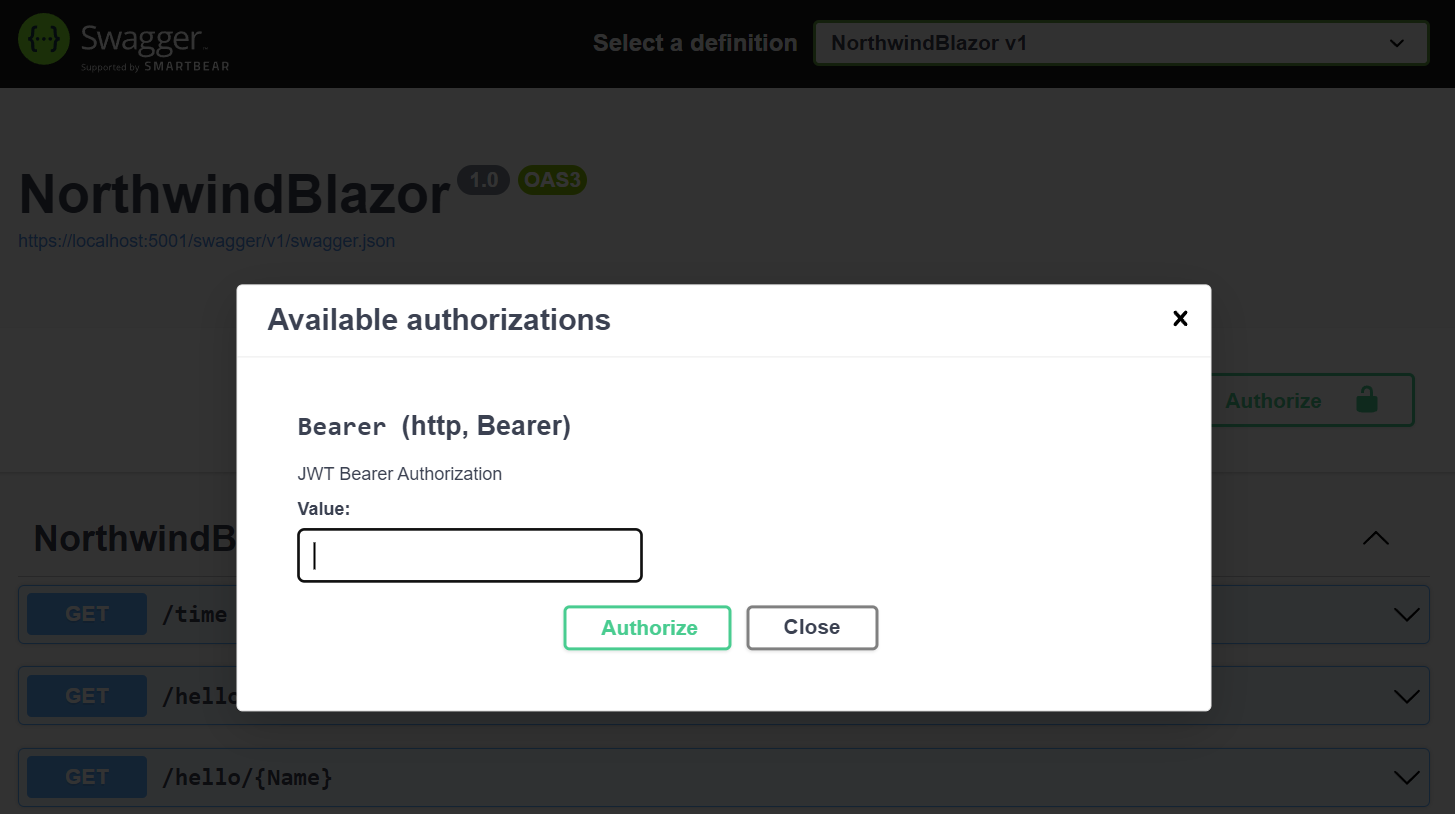
### JWT Auth in Built-in UIs
This also enables the **JWT** Auth Option in ServiceStack's built-in
[API Explorer](https://docs.servicestack.net/api-explorer),
[Locode](https://docs.servicestack.net/locode/) and
[Admin UIs](https://docs.servicestack.net/admin-ui):
### Authenticating with JWT
JWT Identity Auth is a drop-in replacement for ServiceStack's JWT AuthProvider where Authenticating via Credentials
will convert the Authenticated User into a JWT Bearer Token returned in the **HttpOnly**, **Secure** `ss-tok` Cookie
that will be used to Authenticate the client:
```csharp
var client = new JsonApiClient(BaseUrl);
await client.SendAsync(new Authenticate {
provider = "credentials",
UserName = Username,
Password = Password,
});
var bearerToken = client.GetTokenCookie(); // ss-tok Cookie
```
## JWT Refresh Tokens
Refresh Tokens can be used to allow users to request a new JWT Access Token when the current one expires.
To enable support for JWT Refresh Tokens your `IdentityUser` model should implement the `IRequireRefreshToken` interface
which will be used to store the 64 byte Base64 URL-safe `RefreshToken` and its `RefreshTokenExpiry` in its persisted properties:
```csharp
public class ApplicationUser : IdentityUser, IRequireRefreshToken
{
public string? RefreshToken { get; set; }
public DateTime? RefreshTokenExpiry { get; set; }
}
```
Now after successful authentication, the `RefreshToken` will also be returned in the `ss-reftok` Cookie:
```csharp
var refreshToken = client.GetRefreshTokenCookie(); // ss-reftok Cookie
```
### Transparent Server Auto Refresh of JWT Tokens
To be able to terminate a users access, Users need to revalidate their eligibility to verify they're still allowed access
(e.g. deny Locked out users). This JWT revalidation pattern is implemented using Refresh Tokens which are used to request
revalidation of their access and reissuing a new JWT Access Token which can be used to make authenticated requests until it expires.
As Cookies are used to return Bearer and Refresh Tokens ServiceStack is able to implement the revalidation logic on the
server where it transparently validates Refresh Tokens, and if a User is eligible will reissue a new JWT Token Cookie that
replaces the expired Access Token Cookie.
Thanks to this behavior HTTP Clients will be able to Authenticate with just the Refresh Token, which will transparently
reissue a new JWT Access Token Cookie and then continue to perform the Authenticated Request:
```csharp
var client = new JsonApiClient(BaseUrl);
client.SetRefreshTokenCookie(RefreshToken);
var response = await client.SendAsync(new Secured { ... });
```
There's also opt-in sliding support for extending a User's RefreshToken after usage which allows Users to treat
their Refresh Token like an API Key where it will continue extending whilst they're continuously using it to make API requests,
otherwise expires if they stop. How long to extend the expiry of Refresh Tokens after usage can be configured with:
```csharp
options.JwtAuth(x => {
// How long to extend the expiry of Refresh Tokens after usage (default None)
x.ExtendRefreshTokenExpiryAfterUsage = TimeSpan.FromDays(90);
});
```
## Convert Session to Token Service
Another useful Service that's available is being able to Convert your current Authenticated Session into a Token
with the `ConvertSessionToToken` Service which can be enabled with:
```csharp
options.JwtAuth(x => {
x.IncludeConvertSessionToTokenService = true;
});
```
This can be useful for when you want to Authenticate via an external OAuth Provider that you then want to convert into a stateless
JWT Token by calling the `ConvertSessionToToken` on the client, e.g:
#### .NET Clients
```csharp
await client.SendAsync(new ConvertSessionToToken());
```
#### TypeScript/JavaScript
```ts
fetch('/session-to-token', { method:'POST', credentials:'include' })
```
The default behavior of `ConvertSessionToToken` is to remove the Current Session from the Auth Server which will prevent
access to protected Services using our previously Authenticated Session. If you still want to preserve your existing Session
you can indicate this with:
```csharp
await client.SendAsync(new ConvertSessionToToken {
PreserveSession = true
});
```
### JWT Options
Other configuration options available for Identity JWT Auth include:
```csharp
options.JwtAuth(x => {
// How long should JWT Tokens be valid for. (default 14 days)
x.ExpireTokensIn = TimeSpan.FromDays(14);
// How long should JWT Refresh Tokens be valid for. (default 90 days)
x.ExpireRefreshTokensIn = TimeSpan.FromDays(90);
x.OnTokenCreated = (req, user, claims) => {
// Customize which claims are included in the JWT Token
};
// Whether to invalidate Refresh Tokens on Logout (default true)
x.InvalidateRefreshTokenOnLogout = true;
// How long to extend the expiry of Refresh Tokens after usage (default None)
x.ExtendRefreshTokenExpiryAfterUsage = null;
});
```
# Built-In Identity Auth Admin UI
Source: https://razor-ssg.web-templates.io/posts/identity-auth-admin-ui
With ServiceStack now [deeply integrated into ASP.NET Core Apps](/posts/servicestack-endpoint-routing) we're back to
refocusing on adding value-added features that can benefit all .NET Core Apps.
## Registration
The new Identity Auth Admin UI is an example of this, which can be enabled when registering the `AuthFeature` Plugin:
```csharp
public class ConfigureAuth : IHostingStartup
{
public void Configure(IWebHostBuilder builder) => builder
.ConfigureServices(services => {
services.AddPlugin(new AuthFeature(IdentityAuth.For(
options => {
options.SessionFactory = () => new CustomUserSession();
options.CredentialsAuth();
options.AdminUsersFeature();
})));
});
}
```
Which just like the ServiceStack Auth [Admin Users UI](https://docs.servicestack.net/admin-ui-users) enables a
Admin UI that's only accessible to **Admin** Users for managing **Identity Auth** users at `/admin-ui/users`.
## User Search Results
Which displays a limited view due to the minimal properties on the default `IdentityAuth` model:
### Custom Search Result Properties
These User's search results are customizable by specifying the `ApplicationUser` properties to display instead, e.g:
```csharp
options.AdminUsersFeature(feature =>
{
feature.QueryIdentityUserProperties =
[
nameof(ApplicationUser.Id),
nameof(ApplicationUser.DisplayName),
nameof(ApplicationUser.Email),
nameof(ApplicationUser.UserName),
nameof(ApplicationUser.LockoutEnd),
];
});
```
### Custom Search Result Behavior
The default display Order of Users is also customizable:
```csharp
feature.DefaultOrderBy = nameof(ApplicationUser.DisplayName);
```
As well as the Search behavior which can be replaced to search any custom fields, e.g:
```csharp
feature.SearchUsersFilter = (q, query) =>
{
var queryUpper = query.ToUpper();
return q.Where(x =>
x.DisplayName!.Contains(query) ||
x.Id.Contains(queryUpper) ||
x.NormalizedUserName!.Contains(queryUpper) ||
x.NormalizedEmail!.Contains(queryUpper));
};
```
## Default Create and Edit Users Forms
The default Create and Edit Admin Users UI are also limited to editing the minimal `IdentityAuth` properties:
Whilst the Edit page includes standard features to lockout users, change user passwords and manage their roles:
### Custom Create and Edit Forms
By default Users are locked out indefinitely, but this can also be changed to lock users out to a specific date, e.g:
```csharp
feature.ResolveLockoutDate = user => DateTimeOffset.Now.AddDays(7);
```
The forms editable fields can also be customized to include additional properties, e.g:
```csharp
feature.FormLayout =
[
Input.For(x => x.UserName, c => c.FieldsPerRow(2)),
Input.For(x => x.Email, c => {
c.Type = Input.Types.Email;
c.FieldsPerRow(2);
}),
Input.For(x => x.FirstName, c => c.FieldsPerRow(2)),
Input.For(x => x.LastName, c => c.FieldsPerRow(2)),
Input.For(x => x.DisplayName, c => c.FieldsPerRow(2)),
Input.For(x => x.PhoneNumber, c =>
{
c.Type = Input.Types.Tel;
c.FieldsPerRow(2);
}),
];
```
That can override the new `ApplicationUser` Model that's created and any Validation:
### Custom User Creation
```csharp
feature.CreateUser = () => new ApplicationUser { EmailConfirmed = true };
feature.CreateUserValidation = async (req, createUser) =>
{
await IdentityAdminUsers.ValidateCreateUserAsync(req, createUser);
var displayName = createUser.GetUserProperty(nameof(ApplicationUser.DisplayName));
if (string.IsNullOrEmpty(displayName))
throw new ArgumentNullException(nameof(AdminUserBase.DisplayName));
return null;
};
```
### Admin User Events
Should you need to, Admin User Events can use used to execute custom logic before and after creating, updating and
deleting users, e.g:
```csharp
feature.OnBeforeCreateUser = (request, user) => { ... };
feature.OnAfterCreateUser = (request, user) => { ... };
feature.OnBeforeUpdateUser = (request, user) => { ... };
feature.OnAfterUpdateUser = (request, user) => { ... };
feature.OnBeforeDeleteUser = (request, userId) => { ... };
feature.OnAfterDeleteUser = (request, userId) => { ... };
```
# System.Text.Json ServiceStack APIs
Source: https://razor-ssg.web-templates.io/posts/system-text-json-apis
In continuing our focus to enable ServiceStack to become a deeply integrated part of .NET 8 Application's, ServiceStack
latest .NET 8 templates now default to using standardized ASP.NET Core features wherever possible, including:
- [ASP.NET Core Identity Auth](/posts/net8-identity-auth)
- [ASP.NET Core IOC](/posts/servicestack-endpoint-routing#asp.net-core-ioc)
- [Endpoint Routing](/posts/servicestack-endpoint-routing#endpoint-routing)
- [Swashbuckle for Open API v3 and Swagger UI](/posts/openapi-v3-support)
- [System.Text.Json APIs](/posts/system-text-json-apis)
This reduces friction for integrating ServiceStack into existing .NET 8 Apps, encourages greater knowledge and reuse and
simplifies .NET development as developers have a reduced number of concepts to learn, fewer technology implementations to
configure and maintain that are now applied across their entire .NET App.
The last integration piece supported was utilizing **System.Text.Json** - the default high-performance async JSON serializer
used in .NET Applications, can now be used by ServiceStack APIs to serialize and deserialize its JSON API Responses
that's enabled by default when using **Endpoint Routing**.
This integrates ServiceStack APIs more than ever where just like Minimal APIs and Web API,
uses **ASP.NET Core's IOC** to resolve dependencies, uses **Endpoint Routing** to Execute APIs that's secured with
**ASP.NET Core Identity Auth** then uses **System.Text.Json** to deserialize and serialize its JSON payloads.
### Enabled by Default when using Endpoint Routing
```csharp
app.UseServiceStack(new AppHost(), options => {
options.MapEndpoints();
});
```
### Enhanced Configuration
ServiceStack uses a custom `JsonSerializerOptions` to improve compatibility with existing ServiceStack DTOs and
ServiceStack's rich ecosystem of generic [Add ServiceStack Reference](https://docs.servicestack.net/add-servicestack-reference)
Service Clients, which is configured to:
- Not serialize `null` properties
- Supports Case Insensitive Properties
- Uses `CamelCaseNamingPolicy` for property names
- Serializes `TimeSpan` and `TimeOnly` Data Types with [XML Schema Time format](https://www.w3.org/TR/xmlschema-2/#isoformats)
- Supports `[DataContract]` annotations
- Supports Custom Enum Serialization
### Benefits all Add ServiceStack Reference Languages
This compatibility immediately benefits all of ServiceStack's [Add ServiceStack Reference](https://docs.servicestack.net/add-servicestack-reference)
native typed integrations for **11 programming languages** which all utilize ServiceStack's JSON API endpoints - now serialized with System.Text.Json
### Support for DataContract Annotations
Support for .NET's `DataContract` serialization attributes was added using a custom `TypeInfoResolver`, specifically it supports:
- `[DataContract]` - When annotated, only `[DataMember]` properties are serialized
- `[DataMember]` - Specify a custom **Name** or **Order** of properties
- `[IgnoreDataMember]` - Ignore properties from serialization
- `[EnumMember]` - Specify a custom value for Enum values
### Custom Enum Serialization
Below is a good demonstration of the custom Enum serialization support which matches ServiceStack.Text's behavior:
```csharp
public enum EnumType { Value1, Value2, Value3 }
[Flags]
public enum EnumTypeFlags { Value1, Value2, Value3 }
public enum EnumStyleMembers
{
[EnumMember(Value = "lower")]
Lower,
[EnumMember(Value = "UPPER")]
Upper,
}
return new EnumExamples {
EnumProp = EnumType.Value2, // String value by default
EnumFlags = EnumTypeFlags.Value2 | EnumTypeFlags.Value3, // [Flags] as int
EnumStyleMembers = EnumStyleMembers.Upper, // Serializes [EnumMember] value
NullableEnumProp = null, // Ignores nullable enums
};
```
Which serializes to:
```json
{
"enumProp": "Value2",
"enumFlags": 3,
"enumStyleMembers": "UPPER"
}
```
### Custom Configuration
You can further customize the `JsonSerializerOptions` used by ServiceStack by using `ConfigureJsonOptions()` to add
any customizations that you can optionally apply to ASP.NET Core's JSON APIs and MVC with:
```csharp
builder.Services.ConfigureJsonOptions(options => {
options.PropertyNamingPolicy = JsonNamingPolicy.SnakeCaseLower;
})
.ApplyToApiJsonOptions() // Apply to ASP.NET Core's JSON APIs
.ApplyToMvcJsonOptions(); // Apply to MVC
```
### Control over when and where System.Text.Json is used
Whilst `System.Text.Json` is highly efficient, it's also very strict in the inputs it accepts where you may want to
revert back to using ServiceStack's JSON Serializer for specific APIs, especially when you need to support external
clients that can't be updated.
This can done by annotating Request DTOs with `[SystemJson]` attribute, e.g: you can limit to only use `System.Text.Json`
for an **APIs Response** with:
```csharp
[SystemJson(UseSystemJson.Response)]
public class CreateUser : IReturn
{
//...
}
```
Or limit to only use `System.Text.Json` for an **APIs Request** with:
```csharp
[SystemJson(UseSystemJson.Request)]
public class CreateUser : IReturn
{
//...
}
```
Or not use `System.Text.Json` at all for an API with:
```csharp
[SystemJson(UseSystemJson.Never)]
public class CreateUser : IReturn
{
//...
}
```
### JsonApiClient Support
When Endpoints Routing is configured, the `JsonApiClient` will also be configured to utilize the same `System.Text.Json`
options to send and receive its JSON API Requests which also respects the `[SystemJson]` specified behavior.
Clients external to the .NET App can be configured to use `System.Text.Json` with:
```csharp
ClientConfig.UseSystemJson = UseSystemJson.Always;
```
Whilst any custom configuration can be applied to its `JsonSerializerOptions` with:
```csharp
TextConfig.ConfigureSystemJsonOptions(options => {
options.PropertyNamingPolicy = JsonNamingPolicy.SnakeCaseLower;
});
```
### Scoped JSON Configuration
We've also added partial support for [Customized JSON Responses](https://docs.servicestack.net/customize-json-responses)
for the following customization options:
:::{.table,w-full}
| Name | Alias |
|------------------------------|-------|
| EmitCamelCaseNames | eccn |
| EmitLowercaseUnderscoreNames | elun |
| EmitPascalCaseNames | epcn |
| ExcludeDefaultValues | edv |
| IncludeNullValues | inv |
| Indent | pp |
:::
These can be applied to the JSON Response by returning a decorated `HttpResult` with a custom `ResultScope`, e.g:
```csharp
return new HttpResult(responseDto) {
ResultScope = () =>
JsConfig.With(new() { IncludeNullValues = true, ExcludeDefaultValues = true })
};
```
They can also be requested by API consumers by adding a `?jsconfig` query string with the desired option or its alias, e.g:
```csharp
/api/MyRequest?jsconfig=EmitLowercaseUnderscoreNames,ExcludeDefaultValues
/api/MyRequest?jsconfig=eccn,edv
```
### SystemJsonCompatible
Another configuration automatically applied when `System.Text.Json` is enabled is:
```csharp
JsConfig.SystemJsonCompatible = true;
```
Which is being used to make ServiceStack's JSON Serializer more compatible with `System.Text.Json` output so it's easier
to switch between the two with minimal effort and incompatibility. Currently this is only used to override
`DateTime` and `DateTimeOffset` behavior which uses `System.Text.Json` for its Serialization/Deserialization.
# OpenAPI v3 and Swagger UI
Source: https://razor-ssg.web-templates.io/posts/openapi-v3
In the ServiceStack v8.1 release, we have introduced a way to better incorporate your ServiceStack APIs into the larger
ASP.NET Core ecosystem by mapping your ServiceStack APIs to standard [ASP.NET Core Endpoints](https://learn.microsoft.com/en-us/aspnet/core/fundamentals/routing?view=aspnetcore-8.0#endpoints).
This enables your ServiceStack APIs integrate with your larger ASP.NET Core application in the same way other
middleware does, opening up more opportunities for reuse of your ServiceStack APIs.
This opens up the ability to use common third party tooling. A good example of this is adding OpenAPI v3 specification
generation for your endpoints offered by the `Swashbuckle.AspNetCore` package.
:::youtube zAq9hp7ojn4
.NET 8 Open API v3 and Swagger UI
:::
Included in the v8.1 Release is the `ServiceStack.AspNetCore.OpenApi` package to make this integration
as easy as possible, and incorporate additional information from your ServiceStack APIs into Swagger metadata.
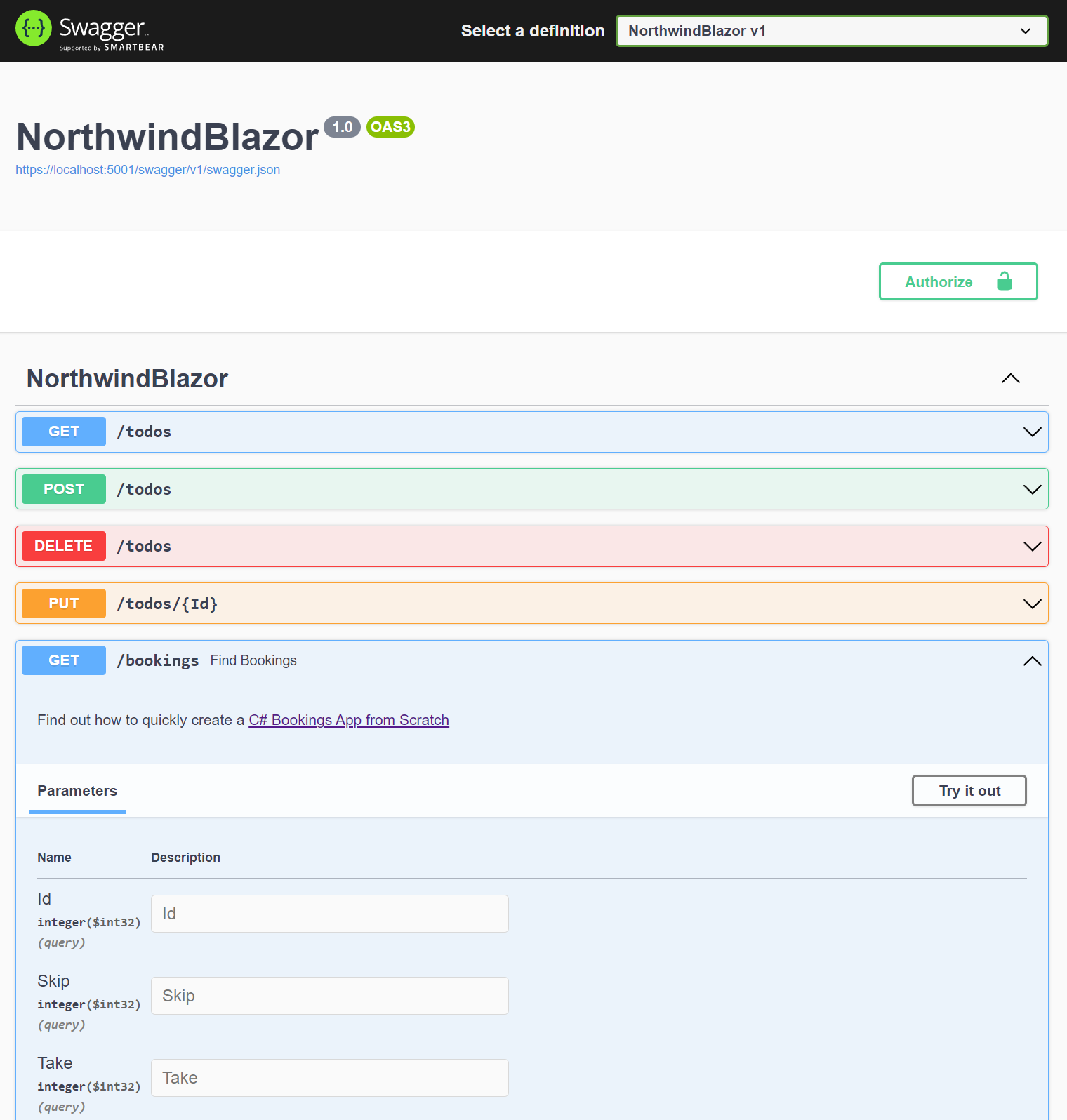
Previously, without the ability to map Endpoints, we've maintained a ServiceStack specific OpenAPI specification generation
via the `OpenApiFeature` plugin. While this provided a lot of functionality by accurately describing your ServiceStack APIs,
it could be tricky to customize those API descriptions to the way some users wanted to.
In this post we will look at how you can take advantage of the new OpenAPI v3 Swagger support using mapped Endpoints,
customizing the generated specification, as well as touch on other related changes to ServiceStack v8.1.
## AppHost Initialization
To use ServiceStack APIs as mapped Endpoints, the way ServiceStack is initialized in .
To convert your App to use [Endpoint Routing and ASP.NET Core IOC](/posts/servicestack-endpoint-routing) your ASPNET Core
application needs to be updated to replace any usage of `Funq` IoC container to use ASP.NET Core's IOC.
Previously, the following was used to initialize your ServiceStack `AppHost`:
#### Program.cs
```csharp
app.UseServiceStack(new AppHost());
```
The `app` in this example is a `WebApplication` resulting from an `IHostApplicationBuilder` calling `builder.Build()`.
Whilst we still need to call `app.UseServiceStack()`, we also need to move the discovery of your ServiceStack APIs to earlier
in the setup before the `WebApplication` is built, e.g:
```csharp
// Register ServiceStack APIs, Dependencies and Plugins:
services.AddServiceStack(typeof(MyServices).Assembly);
var app = builder.Build();
//...
// Register ServiceStack AppHost
app.UseServiceStack(new AppHost(), options => {
options.MapEndpoints();
});
app.Run();
```
Once configured to use Endpoint Routing we can the [mix](https://docs.servicestack.net/mix-tool) tool to apply the
[openapi3](https://gist.github.com/gistlyn/dac47b68e77796902cde0f0b7b9c6ac2) Startup Configuration with:
:::sh
x mix openapi3
:::
### Manually Configure OpenAPI v3 and Swagger UI
This will install the required ASP.NET Core Microsoft, Swashbuckle and ServiceStack Open API NuGet packages:
```xml
```
Then add the `Configure.OpenApi.cs` [Modular Startup](https://docs.servicestack.net/modular-startup) class to your project:
```csharp
[assembly: HostingStartup(typeof(MyApp.ConfigureOpenApi))]
namespace MyApp;
public class ConfigureOpenApi : IHostingStartup
{
public void Configure(IWebHostBuilder builder) => builder
.ConfigureServices((context, services) =>
{
if (context.HostingEnvironment.IsDevelopment())
{
services.AddEndpointsApiExplorer();
services.AddSwaggerGen(); // Swashbuckle
services.AddServiceStackSwagger();
services.AddBasicAuth(); // Enable HTTP Basic Auth
//services.AddJwtAuth(); // Enable & Use JWT Auth
services.AddTransient();
}
});
public class StartupFilter : IStartupFilter
{
public Action Configure(Action next)
=> app => {
// Provided by Swashbuckle library
app.UseSwagger();
app.UseSwaggerUI();
next(app);
};
}
}
```
All this setup is done for you in ServiceStack's updated [Identity Auth .NET 8 Templates](https://servicestack.net/start),
but for existing applications, you will need to do
[convert to use Endpoint Routing](https://docs.servicestack.net/endpoints-migration) to support this new way of running your
ServiceStack applications.
## More Control
One point of friction with our previous `OpenApiFeature` plugin was the missing customization ability to the OpenAPI spec to somewhat disconnect from the defined ServiceStack service, and related C# Request and Response Data Transfer Objects (DTOs). Since the `OpenApiFeature` plugin used class and property attributes on your Request DTOs, making the *structure* of the OpenAPI schema mapping quite ridged, preventing the ability for certain customizations.
For example, if we have an `UpdateTodo` Request DTO that looks like the following:
```csharp
[Route("/todos/{Id}", "PUT")]
public class UpdateTodo : IPut, IReturn
{
public long Id { get; set; }
[ValidateNotEmpty]
public string Text { get; set; }
public bool IsFinished { get; set; }
}
```
Previously, we would get a default Swagger UI that enabled all the properties as `Paramters` to populate.
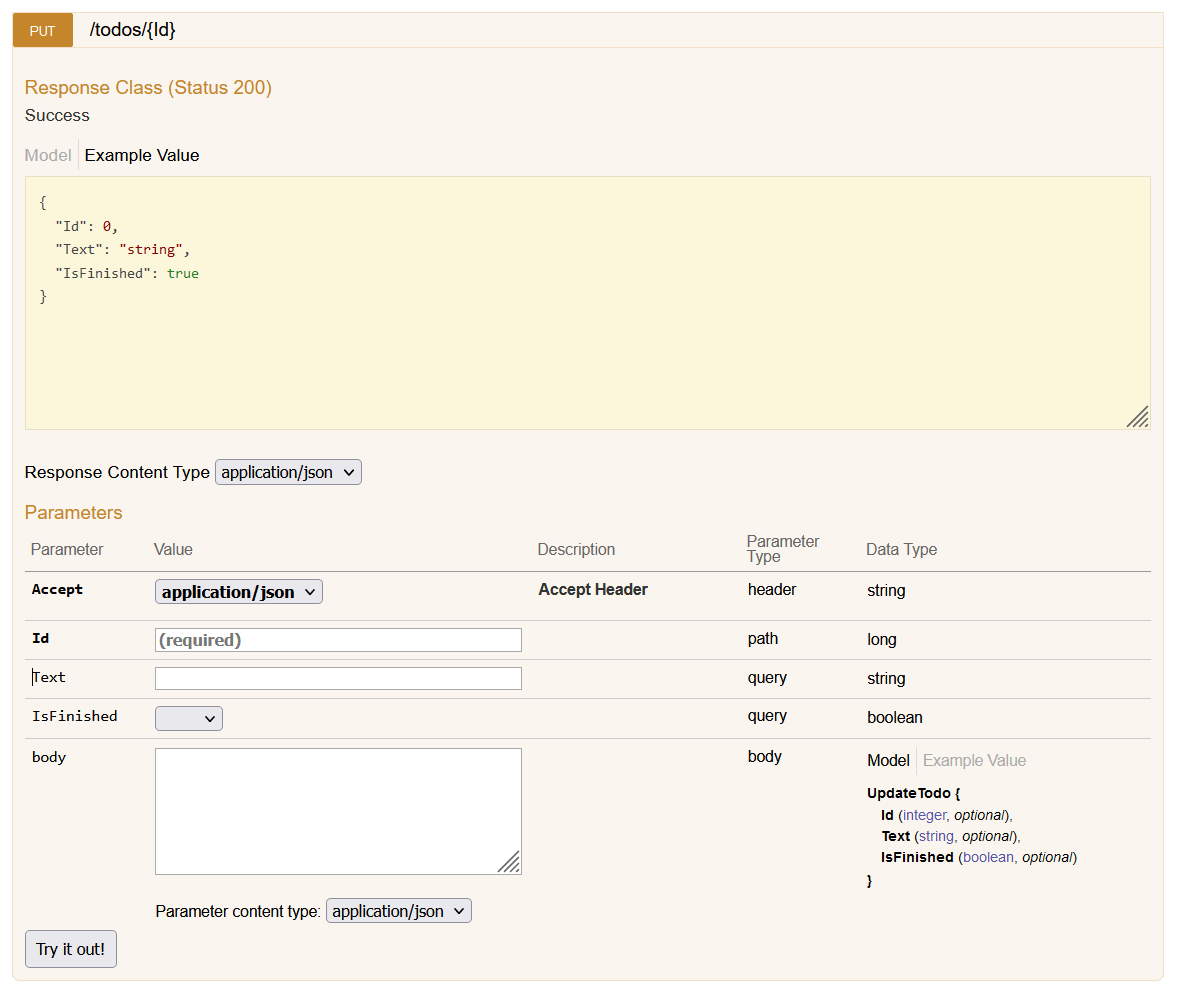
While this correctly describes the Request DTO structure, sometimes as developers we get requirements for how we want to present our APIs to our users from within the Swagger UI.
With the updated SwaggerUI, and the use of the `Swashbuckle` library, we get the following UI by default.
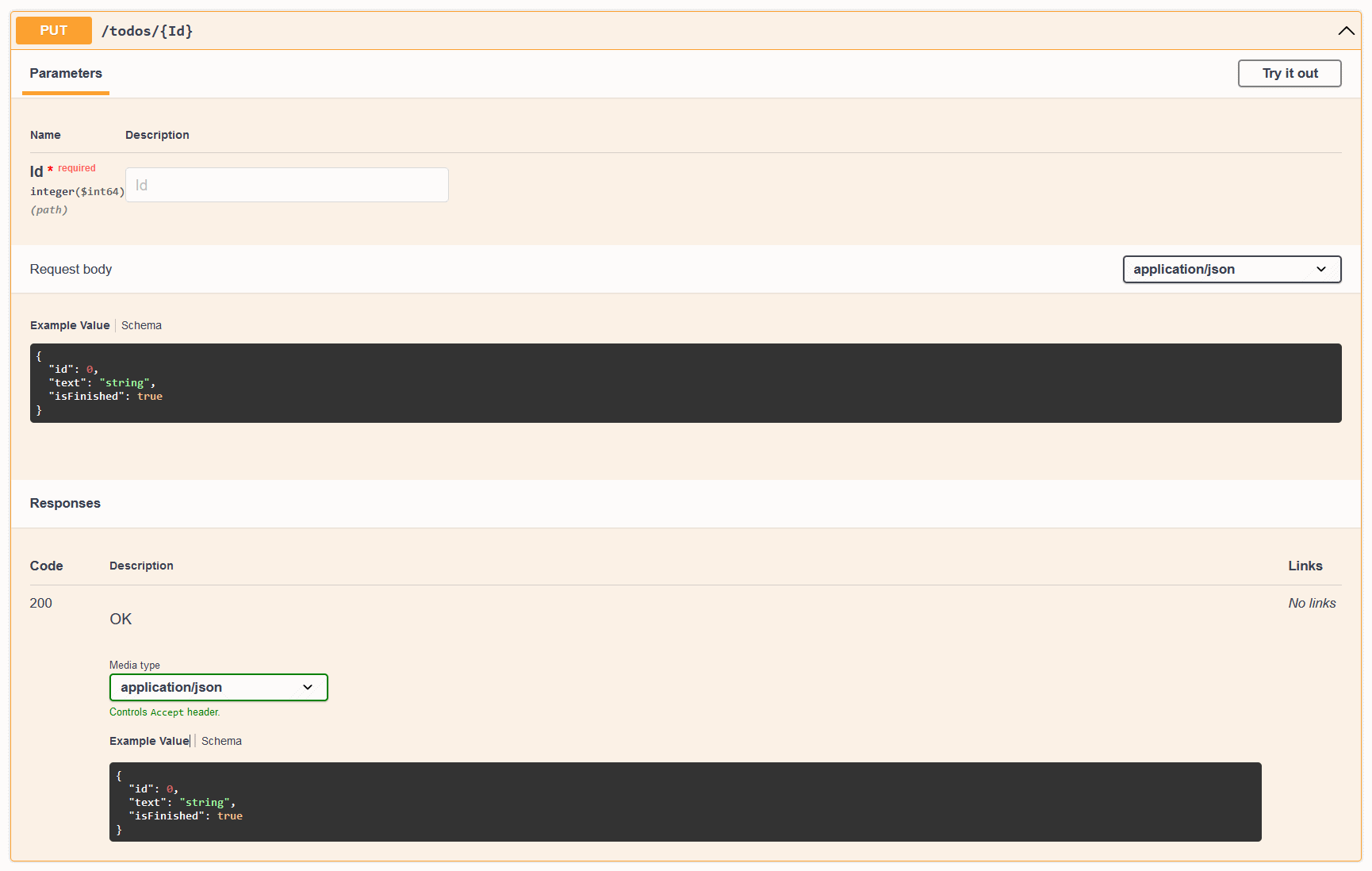
These are essentially the same, we have a CRUD Todo API that takes a `UpdateTodo` Request DTO, and returns a `Todo` Response DTO. ServiceStack needs to have uniquely named Request DTOs, so we can't have a `Todo` schema as the Request DTO despite the fact that it is the same structure as our `Todo` model.
This is a good thing, as it allows us to have a clean API contract, and separation of concerns between our Request DTOs and our models.
However, it might not be desired to present this to our users, since it can be convenient to think about CRUD services as taking the same resource type as the response.
To achieve this, we use the Swashbuckle library to customize the OpenAPI spec generation. Depending on what you want to customize, you can use the `SchemaFilter` or `OperationFilter` options. In this case, we want to customize the matching operation to reference the `Todo` schema for the Request Body.
First, we create a new class that implements the `IOperationFilter` interface.
```csharp
public class OperationRenameFilter : IOperationFilter
{
public void Apply(OpenApiOperation operation, OperationFilterContext context)
{
if (context.ApiDescription.HttpMethod == "PUT" &&
context.ApiDescription.RelativePath == "todos/{Id}")
{
operation.RequestBody.Content["application/json"].Schema.Reference =
new OpenApiReference {
Type = ReferenceType.Schema,
Id = "Todo"
};
}
}
}
```
The above matches some information about the `UpdateTodo` request we want to customize, and then sets the `Reference` property of the `RequestBody` to the `Todo` schema.
We can then add this to the `AddSwaggerGen` options in the `Program.cs` file.
```csharp
builder.Services.AddSwaggerGen(o =>
{
o.OperationFilter();
});
```
The result is the following Swagger UI.
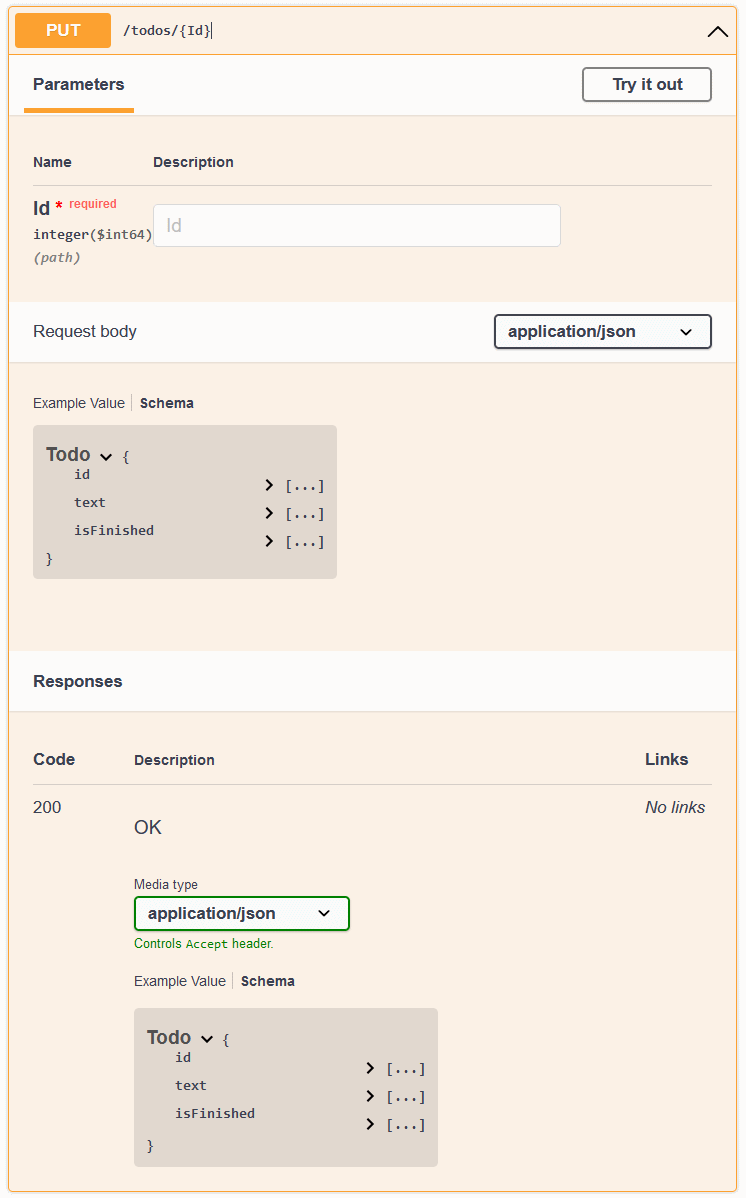
This is just one simple example of how you can customize the OpenAPI spec generation, and `Swashbuckle` has some great documentation on the different ways you can customize the generated spec.
And these customizations impact any of your ASP.NET Core Endpoints, not just your ServiceStack APIs.
## Closing
Now that ServiceStack APIs can be mapped to standard ASP.NET Core Endpoints, it opens up a lot of possibilities for integrating your ServiceStack APIs into the larger ASP.NET Core ecosystem.
The use of the `Swashbuckle` library via the `ServiceStack.AspNetCore.OpenApi` library is just one example of how you can take advantage of this new functionality.
# ServiceStack Endpoint Routing
Source: https://razor-ssg.web-templates.io/posts/servicestack-endpoint-routing
In an effort to reduce friction and improve integration with ASP.NET Core Apps, we've continued the trend from last year
for embracing ASP.NET Core's built-in features and conventions which saw the latest ServiceStack v8 release converting
all its newest .NET 8 templates to adopt [ASP.NET Core Identity Auth](https://docs.servicestack.net/auth/identity-auth).
This is a departure from building upon our own platform-agnostic abstractions which allowed the same ServiceStack code-base
to run on both .NET Core and .NET Framework. Our focus going forward will be to instead adopt De facto standards and conventions
of the latest .NET platform which also means ServiceStack's new value-added features are only available in the latest **.NET 8+** release.
### ServiceStack Middleware
Whilst ServiceStack integrates into ASP.NET Core Apps as custom middleware into ASP.NET Core's HTTP Request Pipeline,
it invokes its own black-box of functionality from there, implemented using its own suite of overlapping features.
Whilst this allows ServiceStack to have full control over how to implement its features, it's not as integrated as it could be,
with there being limits on what ServiceStack Functionality could be reused within external ASP .NET Core MVC Controllers, Razor Pages, etc.
and inhibited the ability to apply application-wide authorization policies across an Application entire surface area,
using and configuring different JSON Serialization implementations.
### Areas for tighter integration
The major areas we've identified that would benefit from tighter integration with ASP.NET Core include:
- [Funq IOC Container](https://docs.servicestack.net/ioc)
- [ServiceStack Routing](https://docs.servicestack.net/routing) and [Request Pipeline](https://docs.servicestack.net/order-of-operations)
- [ServiceStack.Text JSON Serializer](https://docs.servicestack.net/json-format)
### ServiceStack v8.1 is fully integrated!
We're happy to announce the latest release of ServiceStack v8.1 now supports utilizing the optimal ASP.NET Core's
standardized features to reimplement all these key areas - fostering seamless integration and greater reuse which
you can learn about below:
- [ASP.NET Core Identity Auth](https://docs.servicestack.net/auth/identity-auth)
- [ASP.NET Core IOC](https://docs.servicestack.net/releases/v8_01#asp.net-core-ioc)
- [Endpoint Routing](https://docs.servicestack.net/releases/v8_01#endpoint-routing)
- [System.Text.Json APIs](https://docs.servicestack.net/releases/v8_01#system.text.json)
- [Open API v3 and Swagger UI](https://docs.servicestack.net/releases/v8_01#openapi-v3)
- [ASP.NET Core Identity Auth Admin UI](https://docs.servicestack.net/releases/v8_01#asp.net-core-identity-auth-admin-ui)
- [JWT Identity Auth](https://docs.servicestack.net/releases/v8_01#jwt-identity-auth)
Better yet, this new behavior is enabled by default in all of ServiceStack's new ASP .NET Identity Auth .NET 8 templates!
### Migrating to ASP.NET Core Endpoints
To assist ServiceStack users in upgrading their existing projects we've created a migration guide walking through
the steps required to adopt these new defaults:
:::youtube RaDHkk4tfdU
Upgrade your APIs to use ASP.NET Core Endpoints
:::
### ASP .NET Core IOC
The primary limitation of ServiceStack using its own Funq IOC is that any dependencies registered in Funq are not injected
into Razor Pages, Blazor Components, MVC Controllers, etc.
That's why our [Modular Startup](https://docs.servicestack.net/modular-startup) configurations recommend utilizing
custom `IHostingStartup` configurations to register application dependencies in ASP .NET Core's IOC where they can be
injected into both ServiceStack Services and ASP.NET Core's external components, e.g:
```csharp
[assembly: HostingStartup(typeof(MyApp.ConfigureDb))]
namespace MyApp;
public class ConfigureDb : IHostingStartup
{
public void Configure(IWebHostBuilder builder) => builder
.ConfigureServices((context, services) => {
services.AddSingleton(new OrmLiteConnectionFactory(
context.Configuration.GetConnectionString("DefaultConnection"),
SqliteDialect.Provider));
});
}
```
But there were fundamental restrictions on what could be registered in ASP .NET Core's IOC as everything needed to be
registered before AspNetCore's `WebApplication` was built and before ServiceStack's AppHost could be initialized,
which prohibited being able to register any dependencies created by the AppHost including Services, AutoGen Services,
Validators and internal functionality like App Settings, Virtual File System and Caching providers, etc.
## Switch to use ASP .NET Core IOC
To enable ServiceStack to switch to using ASP .NET Core's IOC you'll need to move registration of all dependencies and
Services to before the WebApplication is built by calling the `AddServiceStack()` extension method with the Assemblies
where your ServiceStack Services are located, e.g:
```csharp
builder.Services.AddServiceStack(typeof(MyServices).Assembly);
var app = builder.Build();
//...
app.UseServiceStack(new AppHost());
```
Which now registers all ServiceStack dependencies in ASP .NET Core's IOC, including all ServiceStack Services prior to
the AppHost being initialized which no longer needs to specify the Assemblies where ServiceStack Services are created
and no longer needs to use Funq as all dependencies should now be registered in ASP .NET Core's IOC.
### Registering Dependencies and Plugins
Additionally ASP.NET Core's IOC requirement for all dependencies needing to be registered before the WebApplication is
built means you'll no longer be able to register any dependencies or plugins in ServiceStack's `AppHost.Configure()` method.
```csharp
public class AppHost() : AppHostBase("MyApp"), IHostingStartup
{
public void Configure(IWebHostBuilder builder) => builder
.ConfigureServices(services => {
// Register IOC Dependencies and ServiceStack Plugins
});
public override void Configure()
{
// DO NOT REGISTER ANY PLUGINS OR DEPENDENCIES HERE
}
}
```
Instead anything that needs to register dependencies in ASP.NET Core IOC should now use the `IServiceCollection` extension methods:
- Use `IServiceCollection.Add*` APIs to register dependencies
- Use `IServiceCollection.AddPlugin` API to register ServiceStack Plugins
- Use `IServiceCollection.RegisterService*` APIs to dynamically register ServiceStack Services in external Assemblies
This can be done whenever you have access to `IServiceCollection`, either in `Program.cs`:
```csharp
builder.Services.AddPlugin(new AdminDatabaseFeature());
```
Or in any Modular Startup `IHostingStartup` configuration class, e.g:
```csharp
public class ConfigureDb : IHostingStartup
{
public void Configure(IWebHostBuilder builder) => builder
.ConfigureServices((context, services) => {
services.AddSingleton(new OrmLiteConnectionFactory(
context.Configuration.GetConnectionString("DefaultConnection"),
SqliteDialect.Provider));
// Enable Audit History
services.AddSingleton(c =>
new OrmLiteCrudEvents(c.GetRequiredService()));
// Enable AutoQuery RDBMS APIs
services.AddPlugin(new AutoQueryFeature {
MaxLimit = 1000,
});
// Enable AutoQuery Data APIs
services.AddPlugin(new AutoQueryDataFeature());
// Enable built-in Database Admin UI at /admin-ui/database
services.AddPlugin(new AdminDatabaseFeature());
})
.ConfigureAppHost(appHost => {
appHost.Resolve().InitSchema();
});
}
```
The `ConfigureAppHost()` extension method can continue to be used to execute any startup logic that requires access to
registered dependencies.
### Authoring ServiceStack Plugins
To enable ServiceStack Plugins to support both Funq and ASP .NET Core IOC, any dependencies and Services a plugin needs
should be registered in the `IConfigureServices.Configure(IServiceCollection)` method as seen in the refactored
[ServerEventsFeature.cs](https://github.com/ServiceStack/ServiceStack/blob/main/ServiceStack/src/ServiceStack/ServerEventsFeature.cs)
plugin, e.g:
```csharp
public class ServerEventsFeature : IPlugin, IConfigureServices
{
//...
public void Configure(IServiceCollection services)
{
if (!services.Exists())
{
services.AddSingleton(new MemoryServerEvents
{
IdleTimeout = IdleTimeout,
HouseKeepingInterval = HouseKeepingInterval,
OnSubscribeAsync = OnSubscribeAsync,
OnUnsubscribeAsync = OnUnsubscribeAsync,
OnUpdateAsync = OnUpdateAsync,
NotifyChannelOfSubscriptions = NotifyChannelOfSubscriptions,
Serialize = Serialize,
OnError = OnError,
});
}
if (UnRegisterPath != null)
services.RegisterService(UnRegisterPath);
if (SubscribersPath != null)
services.RegisterService(SubscribersPath);
}
public void Register(IAppHost appHost)
{
//...
}
}
```
#### All Plugins refactored to support ASP .NET Core IOC
All of ServiceStack's Plugins have been refactored to make use of `IConfigureServices` which supports registering in both
Funq and ASP.NET Core's IOC when enabled.
#### Funq IOC implements IServiceCollection and IServiceProvider interfaces
To enable this Funq now implements both `IServiceCollection` and`IServiceProvider` interfaces to enable 100% source-code
compatibility for registering and resolving dependencies with either IOC, which we now recommend using over Funq's
native Registration and Resolution APIs to simplify migration efforts to ASP.NET Core's IOC in future.
## Dependency Injection
The primary difference between the IOC's is that ASP.NET Core's IOC does not support property injection by default,
which will require you to refactor your ServiceStack Services to use constructor injection of dependencies, although
this has become a lot more pleasant with C# 12's [Primary Constructors](https://learn.microsoft.com/en-us/dotnet/csharp/whats-new/tutorials/primary-constructors)
which now requires a lot less boilerplate to define, assign and access dependencies, e.g:
```csharp
public class TechStackServices(IAutoQueryDb autoQuery) : Service
{
public async Task Any(QueryTechStacks request)
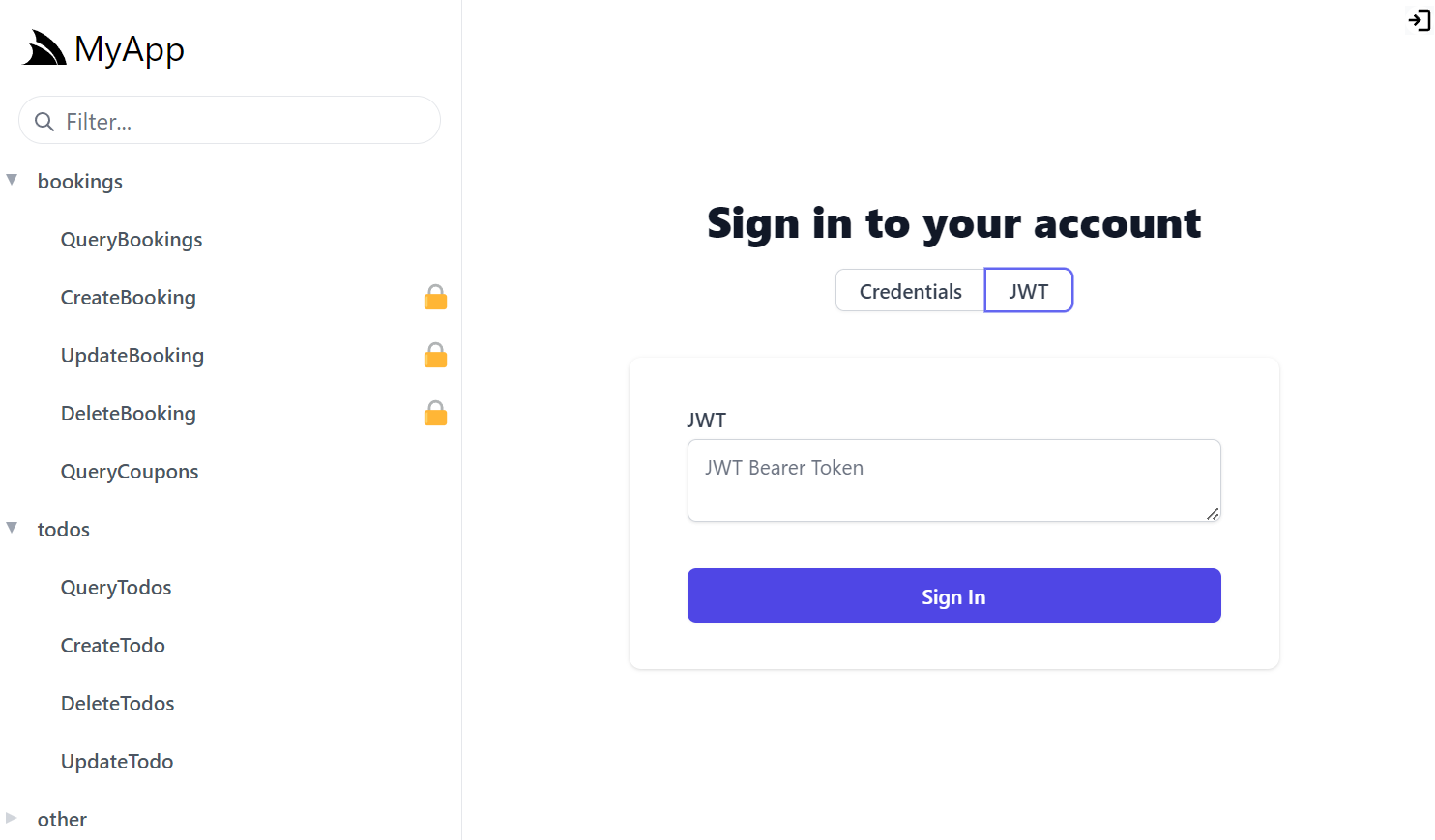
{
using var db = autoQuery.GetDb(request, base.Request);
var q = autoQuery.CreateQuery(request, Request, db);
return await autoQuery.ExecuteAsync(request, q, db);
}
}
```
This has become our preferred approach for injecting dependencies in ServiceStack Services which have all been refactored
to use constructor injection utilizing primary constructors in order to support both IOC's.
To make migrations easier we've also added support for property injection convention in **ServiceStack Services** using
ASP.NET Core's IOC where you can add the `[FromServices]` attribute to any public properties you want to be injected, e.g:
```csharp
public class TechStackServices : Service
{
[FromServices]
public required IAutoQueryDb AutoQuery { get; set; }
[FromServices]
public MyDependency? OptionalDependency { get; set; }
}
```
This feature can be useful for Services wanting to access optional dependencies that may or may not be registered.
:::info NOTE
`[FromServices]` is only supported in ServiceStack Services (i.e. not other dependencies)
:::
### Built-in ServiceStack Dependencies
This integration now makes it effortless to inject and utilize optional ServiceStack features like
[AutoQuery](https://docs.servicestack.net/autoquery/) and [Server Events](https://docs.servicestack.net/server-events)
in other parts of ASP.NET Core inc. Blazor Components, Razor Pages, MVC Controllers, Minimal APIs, etc.
Whilst the Built-in ServiceStack features that are registered by default and immediately available to be injected, include:
- `IVirtualFiles` - Read/Write [Virtual File System](https://docs.servicestack.net/virtual-file-system), defaults to `FileSystemVirtualFiles` at `ContentRootPath`
- `IVirtualPathProvider` - Multi Virtual File System configured to scan multiple read only sources, inc `WebRootPath`, In Memory and Embedded Resource files
- `ICacheClient` and `ICacheClientAsync` - In Memory Cache, or distributed Redis cache if [ServiceStack.Redis](https://docs.servicestack.net/redis/) is configured
- `IAppSettings` - Multiple [AppSettings](https://docs.servicestack.net/appsettings) configuration sources
With ASP.NET Core's IOC now deeply integrated we moved onto the next area of integration: API Integration and Endpoint Routing.
## Endpoint Routing
Whilst ASP.NET Core's middleware is a flexible way to compose and execute different middleware in a HTTP Request pipeline,
each middleware is effectively their own island of functionality that's able to handle HTTP Requests in which ever way
they see fit.
In particular ServiceStack's middleware would execute its own [Request Pipeline](https://docs.servicestack.net/order-of-operations)
which would execute ServiceStack API's registered at user-defined routes with its own [ServiceStack Routing](https://docs.servicestack.net/routing).
We're happy to announce that ServiceStack **.NET 8** Apps support an entirely new and integrated way to run all of ServiceStack
requests including all APIs, metadata and built-in UIs with support for
[ASP.NET Core Endpoint Routing](https://learn.microsoft.com/en-us/aspnet/core/fundamentals/routing) -
enabled by calling the `MapEndpoints()` extension method when configuring ServiceStack, e.g:
```csharp
app.UseServiceStack(new AppHost(), options => {
options.MapEndpoints();
});
```
Which configures ServiceStack APIs to be registered and executed along-side Minimal APIs, Razor Pages, SignalR, MVC
and Web API Controllers, etc, utilizing the same routing, metadata and execution pipeline.
#### View ServiceStack APIs along-side ASP.NET Core APIs
Amongst other benefits, this integration is evident in endpoint metadata explorers like the `Swashbuckle` library
which can now show ServiceStack APIs in its Swagger UI along-side other ASP.NET Core APIs in ServiceStack's new
[Open API v3](/posts/openapi-v3) support.
### Routing
Using Endpoint Routing also means using ASP.NET Core's Routing System which now lets you use ASP.NET Core's
[Route constraints](https://learn.microsoft.com/en-us/aspnet/core/fundamentals/routing#route-constraints)
for defining user-defined routes for your ServiceStack APIs, e.g:
```csharp
[Route("/users/{Id:int}")]
[Route("/users/{UserName:string}")]
public class GetUser : IGet, IReturn
{
public int? Id { get; set; }
public int? UserName { get; set; }
}
```
For the most part ServiceStack Routing implements a subset of ASP.NET Core's Routing features so your existing user-defined
routes should continue to work as expected.
### Wildcard Routes
The only incompatibility we found was when using wildcard paths which in ServiceStack Routing would use an '*' suffix, e.g:
`[Route("/wildcard/{Path*}")]` which will need to change to use a ASP.NET Core's Routing prefix, e.g:
```csharp
[Route("/wildcard/{*Path}")]
[Route("/wildcard/{**Path}")]
public class GetFile : IGet, IReturn
{
public string Path { get; set; }
}
```
#### ServiceStack Routing Compatibility
To improve compatibility with ASP.NET Core's Routing, ServiceStack's Routing (when not using Endpoint Routing) now
supports parsing ASP.NET Core's Route Constraints but as they're inert you would need to continue to use
[Custom Route Rules](https://docs.servicestack.net/routing#custom-rules) to distinguish between different routes matching
the same path at different specificity:
```csharp
[Route("/users/{Id:int}", Matches = "**/{int}")]
[Route("/users/{UserName:string}")]
public class GetUser : IGet, IReturn
{
public int? Id { get; set; }
public int? UserName { get; set; }
}
```
It also supports defining Wildcard Routes using ASP.NET Core's syntax which we now recommend using instead
for compatibility when switching to use Endpoint Routing:
```csharp
[Route("/wildcard/{*Path}")]
[Route("/wildcard/{**Path}")]
public class GetFile : IGet, IReturn
{
public string Path { get; set; }
}
```
### Primary HTTP Method
Another difference is that an API will only register its Endpoint Route for its [primary HTTP Method](https://docs.servicestack.net/api-design#all-apis-have-a-preferred-default-method),
if you want an API to be registered for multiple HTTP Methods you can specify them in the `Route` attribute, e.g:
```csharp
[Route("/users/{Id:int}", "GET,POST")]
public class GetUser : IGet, IReturn
{
public required int Id { get; set; }
}
```
As such we recommend using the IVerb `IGet`, `IPost`, `IPut`, `IPatch`, `IDelete` interface markers to specify the primary HTTP Method
for an API. This isn't needed for [AutoQuery Services](https://docs.servicestack.net/autoquery/) which are implicitly configured
to use their optimal HTTP Method.
If no HTTP Method is specified, the Primary HTTP Method defaults to HTTP **POST**.
### Authorization
Using Endpoint Routing also means ServiceStack's APIs are authorized the same way, where ServiceStack's
[Declarative Validation attributes](https://docs.servicestack.net/auth/#declarative-validation-attributes) are converted
into ASP.NET Core's `[Authorize]` attribute to secure the endpoint:
```csharp
[ValidateIsAuthenticated]
[ValidateIsAdmin]
[ValidateHasRole(role)]
[ValidateHasClaim(type,value)]
[ValidateHasScope(scope)]
public class Secured {}
```
#### Authorize Attribute on ServiceStack APIs
Alternatively you can now use ASP.NET Core's `[Authorize]` attribute directly to secure ServiceStack APIs should
you need more fine-grained Authorization:
```csharp
[Authorize(Roles = "RequiredRole")]
[Authorize(Policy = "RequiredPolicy")]
[Authorize(AuthenticationSchemes = "Identity.Application,Bearer")]
public class Secured {}
```
#### Configuring Authentication Schemes
ServiceStack will default to using the major Authentication Schemes configured for your App to secure the APIs endpoint with,
this can be overridden to specify which Authentication Schemes to use to restrict ServiceStack APIs by default, e.g:
```csharp
app.UseServiceStack(new AppHost(), options => {
options.AuthenticationSchemes = "Identity.Application,Bearer";
options.MapEndpoints();
});
```
### Hidden ServiceStack Endpoints
Whilst ServiceStack Requests are registered and executed as endpoints, most of them are marked with
`builder.ExcludeFromDescription()` to hide them from polluting metadata and API Explorers like Swagger UI and
[API Explorer](https://docs.servicestack.net/api-explorer).
To also hide your ServiceStack APIs you can use `[ExcludeMetadata]` attribute to hide them from all metadata services
or use `[Exclude(Feature.ApiExplorer)]` to just hide them from API Explorer UIs:
```csharp
[ExcludeMetadata]
[Exclude(Feature.ApiExplorer)]
public class HiddenRequest {}
```
### Content Negotiation
An example of these hidden routes is the support for invoking and returning ServiceStack APIs in different Content Types
via hidden Endpoint Routes mapped with the format `/api/{Request}.{format}`, e.g:
- [/api/QueryBookings](https://blazor-vue.web-templates.io/api/QueryBookings)
- [/api/QueryBookings.jsonl](https://blazor-vue.web-templates.io/api/QueryBookings.jsonl)
- [/api/QueryBookings.csv](https://blazor-vue.web-templates.io/api/QueryBookings.csv)
- [/api/QueryBookings.xml](https://blazor-vue.web-templates.io/api/QueryBookings.xml)
- [/api/QueryBookings.html](https://blazor-vue.web-templates.io/api/QueryBookings.html)
#### Query String Format
That continues to support specifying the Mime Type via the `?format` query string, e.g:
- [/api/QueryBookings?format=jsonl](https://blazor-vue.web-templates.io/api/QueryBookings?format=jsonl)
- [/api/QueryBookings?format=csv](https://blazor-vue.web-templates.io/api/QueryBookings?format=csv)
### Predefined Routes
Endpoints are only created for the newer `/api/{Request}` [pre-defined routes](https://docs.servicestack.net/routing#pre-defined-routes),
which should be easier to use with less conflicts now that ServiceStack APIs are executed along-side other endpoint routes
APIs which can share the same `/api` base path with non-conflicting routes, e.g: `app.MapGet("/api/minimal-api")`.
As a result clients configured to use the older `/json/reply/{Request}` pre-defined route will need to be configured
to use the newer `/api` base path.
No change is required for C#/.NET clients using the recommended `JsonApiClient` JSON Service Client which is already
configured to use the newer `/api` base path.
```csharp
var client = new JsonApiClient(baseUri);
```
Older .NET clients can be configured to use the newer `/api` pre-defined routes with:
```csharp
var client = new JsonServiceClient(baseUri) {
UseBasePath = "/api"
};
var client = new JsonHttpClient(baseUri) {
UseBasePath = "/api"
};
```
To further solidify that `/api` as the preferred pre-defined route we've also **updated all generic service clients** of
other languages to use `/api` base path by default:
#### JavaScript/TypeScript
```ts
const client = new JsonServiceClient(baseUrl)
```
#### Dart
```dart
var client = ClientFactory.api(baseUrl);
```
#### Java/Kotlin
```java
JsonServiceClient client = new JsonServiceClient(baseUrl);
```
#### Python
```python
client = JsonServiceClient(baseUrl)
```
#### PHP
```php
$client = new JsonServiceClient(baseUrl);
```
### Revert to Legacy Predefined Routes
You can unset the base path to revert back to using the older `/json/reply/{Request}` pre-defined route, e.g:
#### JavaScript/TypeScript
```ts
client.basePath = null;
```
#### Dart
```dart
var client = ClientFactory.create(baseUrl);
```
#### Java/Kotlin
```java
client.setBasePath();
```
#### Python
```python
client.set_base_path()
```
#### PHP
```php
$client->setBasePath();
```
### Customize Endpoint Mapping
You can register a RouteHandlerBuilders to customize how ServiceStack APIs endpoints are registered which is also
what ServiceStack uses to annotate its API endpoints to enable its new [Open API v3](/posts/openapi-v3) support:
```csharp
options.RouteHandlerBuilders.Add((builder, operation, method, route) =>
{
builder.WithOpenApi(op => { ... });
});
```
### Endpoint Routing Compatibility Levels
The default behavior of `MapEndpoints()` is the strictest and recommended configuration that we want future ServiceStack Apps to use,
however if you're migrating existing App's you may want to relax these defaults to improve compatibility with existing behavior.
The configurable defaults for mapping endpoints are:
```csharp
app.UseServiceStack(new AppHost(), options => {
options.MapEndpoints(use:true, force:true, useSystemJson:UseSystemJson.Always);
});
```
- `use` - Whether to use registered endpoints for executing ServiceStack APIs
- `force` - Whether to only allow APIs to be executed through endpoints
- `useSystemJson` - Whether to use System.Text.Json for JSON API Serialization
So you could for instance register endpoints and not `use` them, where they'll be visible in endpoint API explorers like
[Swagger UI](https://docs.servicestack.net/releases/v8_01#openapi-v3) but continue to execute in ServiceStack's Request Pipeline.
`force` disables fallback execution of ServiceStack Requests through ServiceStack's Request Pipeline for requests that
don't match registered endpoints. You may need to disable this if you have clients calling ServiceStack APIs through
multiple HTTP Methods, as only the primary HTTP Method is registered as an endpoint.
When enabled `force` ensures the only ServiceStack Requests that are not executed through registered endpoints are
`IAppHost.CatchAllHandlers` and `IAppHost.FallbackHandler` handlers.
`useSystemJson` is a new feature that lets you specify when to use `System.Text.Json` for JSON API Serialization, which
is our next exciting feature to standardize on using
[ASP.NET Core's fast async System.Text.Json](https://docs.servicestack.net/releases/v8_01#system.text.json) Serializer.
## Endpoint Routing Everywhere
Whilst the compatibility levels of Endpoint Routing can be relaxed, we recommend new projects use the strictest and most
integrated defaults that's now configured on all [ASP.NET Core Identity Auth .NET 8 Projects](/start).
For additional testing we've also upgraded many of our existing .NET Example Applications, which are now all running with
our latest recommended Endpoint Routing configuration:
- [BlazorDiffusionVue](https://github.com/NetCoreApps/BlazorDiffusionVue)
- [BlazorDiffusionAuto](https://github.com/NetCoreApps/BlazorDiffusionAuto)
- [TalentBlazor](https://github.com/NetCoreApps/TalentBlazor)
- [TechStacks](https://github.com/NetCoreApps/TechStacks)
- [Validation](https://github.com/NetCoreApps/Validation)
- [NorthwindAuto](https://github.com/NetCoreApps/NorthwindAuto)
- [FileBlazor](https://github.com/NetCoreApps/FileBlazor)
- [Chinook](https://github.com/NetCoreApps/Chinook)
- [Chat](https://github.com/NetCoreApps/Chat)
# New Blogging features in Razor SSG
Source: https://razor-ssg.web-templates.io/posts/razor-ssg-new-blog-features
## New Blogging features in Razor SSG
[Razor SSG](https://razor-ssg.web-templates.io) is our Free Project Template for creating fast, statically generated Websites and Blogs with
Markdown & C# Razor Pages. A benefit of using Razor SSG to maintain this
[servicestack.net(github)](https://github.com/ServiceStack/servicestack.net) website is that any improvements added
to our website end up being rolled into the Razor SSG Project Template for everyone else to enjoy.
This latest release brings a number of features and enhancements to improve Razor SSG usage as a Blogging Platform -
a primary use-case we're focused on as we pen our [22nd Blog Post for the year](https://servicestack.net/posts/year/2023) with improvements
in both discoverability and capability of blog posts:
### RSS Feed
Razor SSG websites now generates a valid RSS Feed for its blog to support their readers who'd prefer to read blog posts
and notify them as they're published with their favorite RSS reader:
### Meta Headers support for Twitter cards and SEO
Blog Posts and Pages now include additional ` ` HTML Headers to enable support for
[Twitter Cards](https://developer.twitter.com/en/docs/twitter-for-websites/cards/overview/abouts-cards) in both
Twitter and Meta's new [threads.net](https://threads.net), e.g:
### Improved Discoverability
To improve discoverability and increase site engagement, bottom of blog posts now include links to other posts by
the same Blog Author, including links to connect to their preferred social networks and contact preferences:

### Posts can include Vue Components
Blog Posts can now embed any global Vue Components directly in its Markdown, e.g:
```html
```
#### [/mjs/components/GettingStarted.mjs](https://github.com/NetCoreTemplates/razor-ssg/blob/main/MyApp/wwwroot/mjs/components/GettingStarted.mjs)
#### Individual Blog Post dependencies
Just like Pages and Docs they can also include specific JavaScript **.mjs** or **.css** in the `/wwwroot/posts` folder
which will only be loaded for that post:
Now posts that need it can dynamically load large libraries like [Chart.js](https://www.chartjs.org) and use it
inside a custom Vue component by creating a custom `/posts/.mjs` that exports what components and features
your blog post needs, e.g:
#### [/posts/new-blog-features.mjs](https://github.com/NetCoreTemplates/razor-ssg/blob/main/MyApp/wwwroot/posts/new-blog-features.mjs)
```js
import ChartJs from './components/ChartJs.mjs'
export default {
components: { ChartJs }
}
```
In this case it enables support for [Chart.js](https://www.chartjs.org) by including a custom Vue component that makes it
easy to create charts from Vue Components embedded in markdown:
#### [/posts/components/ChartJs.mjs](https://github.com/NetCoreTemplates/razor-ssg/blob/main/MyApp/wwwroot/posts/components/ChartJs.mjs)
```js
import { ref, onMounted } from "vue"
import { addScript } from "@servicestack/client"
let loadJs = addScript('https://cdn.jsdelivr.net/npm/chart.js/dist/chart.umd.min.js')
export default {
template:`
`,
props:['type','data','options'],
setup(props) {
const chart = ref()
onMounted(async () => {
await loadJs
const options = props.options || {
responsive: true,
legend: {
position: "top"
}
}
new Chart(chart.value, {
type: props.type || "bar",
data: props.data,
options,
})
})
return { chart }
}
}
```
Which allows this post to embed Chart.js charts using the above custom `` Vue component and a JS Object literal, e.g:
```html
```
Which the [Bulk Insert Performance](https://servicestack.net/posts/bulk-insert-performance) Blog Post uses extensively to embeds its
Chart.js Bar charts:
### New Markdown Containers
[Custom Containers](https://github.com/xoofx/markdig/blob/master/src/Markdig.Tests/Specs/CustomContainerSpecs.md)
are a popular method for implementing Markdown Extensions for enabling rich, wrist-friendly consistent
content in your Markdown documents.
Most of [VitePress Markdown Containers](https://vitepress.dev/guide/markdown#custom-containers)
are also available in Razor SSG websites for enabling rich, wrist-friendly consistent markup in your Markdown pages, e.g:
```md
::: info
This is an info box.
:::
::: tip
This is a tip.
:::
::: warning
This is a warning.
:::
::: danger
This is a dangerous warning.
:::
:::copy
Copy Me!
:::
```
::: info
This is an info box.
:::
::: tip
This is a tip.
:::
::: warning
This is a warning.
:::
::: danger
This is a dangerous warning.
:::
:::copy
Copy Me!
:::
See Razor Press's [Markdown Containers docs](https://razor-press.web-templates.io/containers) for the complete list of available containers and examples on how to
implement your own [Custom Markdown containers](https://razor-press.web-templates.io/containers#implementing-block-containers).
### Support for Includes
Markdown fragments can be added to `_pages/_include` - a special folder rendered with
[Pages/Includes.cshtml](https://github.com/NetCoreTemplates/razor-ssg/blob/main/MyApp/Pages/Includes.cshtml) using
an [Empty Layout](https://github.com/NetCoreTemplates/razor-ssg/blob/main/MyApp/Pages/Shared/_LayoutEmpty.cshtml)
which can be included in other Markdown and Razor Pages or fetched on demand with Ajax.
Markdown Fragments can be then included inside other markdown documents with the `::include` inline container, e.g:
:::pre
::include vue/formatters.md::
:::
Where it will be replaced with the HTML rendered markdown contents of fragments maintained in `_pages/_include`.
### Include Markdown in Razor Pages
Markdown Fragments can also be included in Razor Pages using the custom `MarkdownTagHelper.cs` ` ` tag:
```html
```
### Inline Markdown in Razor Pages
Alternatively markdown can be rendered inline with:
```html
## Using Formatters
Your App and custom templates can also utilize @servicestack/vue's
[built-in formatting functions](href="/vue/use-formatters).
```
### Light and Dark Mode Query Params
You can link to Dark and Light modes of your Razor SSG website with the `?light` and `?dark` query string params:
- [https://razor-ssg.web-templates.io/?dark](https://razor-ssg.web-templates.io/?dark)
- [https://razor-ssg.web-templates.io/?light](https://razor-ssg.web-templates.io/?light)
### Blog Post Authors threads.net and Mastodon links
The social links for Blog Post Authors can now include [threads.net](https://threads.net) and [mastodon.social](https://mastodon.social) links, e.g:
```json
{
"AppConfig": {
"BlogImageUrl": "https://servicestack.net/img/logo.png",
"Authors": [
{
"Name": "Lucy Bates",
"Email": "lucy@email.org",
"ProfileUrl": "img/authors/author1.svg",
"TwitterUrl": "https://twitter.com/lucy",
"ThreadsUrl": "https://threads.net/@lucy",
"GitHubUrl": "https://github.com/lucy",
"MastodonUrl": "https://mastodon.social/@lucy"
}
]
}
}
```
## Feature Requests Welcome
Most of Razor SSG's features are currently being driven by requirements from the new
[Websites built with Razor SSG](https://razor-ssg.web-templates.io/#showcase) and features we want available in our Blogs,
we welcome any requests for missing features in other popular Blogging Platforms you'd like to see in Razor SSG to help
make it a high quality blogging solution built with our preferred C#/.NET Technology Stack, by submitting them to:
:::{.text-indigo-600 .text-3xl .text-center}
[https://servicestack.net/ideas](https://servicestack.net/ideas)
:::
### SSG or Dynamic Features
Whilst statically generated websites and blogs are generally limited to features that can be generated at build time, we're able to
add any dynamic features we need in [CreatorKit](https://servicestack.net/creatorkit/) - a Free companion self-host .NET App Mailchimp and Disqus
alternative which powers any dynamic functionality in Razor SSG Apps like the blogs comments and Mailing List features
in this Blog Post.
# Introducing Razor SSG
Source: https://razor-ssg.web-templates.io/posts/razor-ssg
Razor SSG is a Razor Pages powered Markdown alternative to [Ruby's Jekyll](https://jekyllrb.com/) &
[Next.js](https://nextjs.org) that's ideal for generating static websites & blogs using C#, Razor Pages & Markdown.
### GitHub Codespaces Friendly
In addition to having a pure Razor + .NET solution to create fast, CDN-hostable static websites, it also aims to provide a
great experience from GitHub Codespaces, where you can create, modify, preview & check-in changes before the included GitHub Actions
auto deploy changes to its GitHub Pages CDN - all from your iPad!
[](https://github.com/features/codespaces)
To see this in action, we walk through the entire workflow of creating, updating and adding features to a custom Razor SSG website
from just a browser using Codespaces, that auto publishes changes to your GitHub Repo's **gh-pages** branch where it's hosted for
free on GitHub Pages CDN:
VIDEO
### Enhance with simple, modern JavaScript
For enhanced interactivity, static markdown content can be [progressively enhanced](https://servicestack.net/posts/javascript) with Vue 3 components,
as done in this example that embed's the
[GettingStarted.mjs](https://github.com/NetCoreTemplates/razor-ssg/blob/main/MyApp/wwwroot/mjs/components/GettingStarted.mjs) Vue Component to create new Razor SSG App's below with:
```html
```
Although with full control over the websites `_Layout.cshtml`, you're free to use any preferred JS Module or Web Component you prefer.
## Razor Pages
Your website can be built using either Markdown `.md` or Razor `.cshtml` pages, although it's generally recommended to
use Markdown to capture the static content for your website for improved productivity and ease of maintenance.
### Content in Markdown, Functionality in Razor Pages
The basic premise behind most built-in features is to capture static content in markdown using a combination of
folder structure & file name conventions in addition to each markdown page's frontmatter & content. This information
is then used to power each feature using Razor pages for precise layout and functionality.
The template includes the source code for each website feature, enabling full customization that also serves as good examples
for how to implement your own custom markdown-powered website features.
### Markdown Feature Structure
All markdown features are effectively implemented in the same way, starting with a **_folder** for maintaining its static markdown
content, a **.cs** class to load the markdown and a **.cshtml** Razor Page to render it:
| Location | Description |
| - | - |
| `/_{Feature}` | Maintains the static markdown for the feature |
| `Markdown.{Feature}.cs` | Functionality to read the feature's markdown into logical collections |
| `{Feature}.cshtml` | Functionality to Render the feature |
| [Configure.Ssg.cs](https://github.com/NetCoreTemplates/razor-ssg/blob/main/MyApp/Configure.Ssg.cs) | Initializes and registers the feature with ASP .NET's IOC |
Lets see what this looks like in practice by walking through the "Pages" feature:
## Pages Feature
The pages feature simply makes all pages in the **_pages** folder, available from `/{filename}`.
Where the included pages:
### [/_pages](https://github.com/NetCoreTemplates/razor-ssg/tree/main/MyApp/_pages)
- privacy.md
- speaking.md
- uses.md
Are made available from:
- [/privacy](https://razor-ssg.web-templates.io/privacy)
- [/speaking](https://razor-ssg.web-templates.io/speaking)
- [/uses](https://razor-ssg.web-templates.io/uses)
### Loading Pages Markdown
The code that loads the Pages feature markdown content is in [Markdown.Pages.cs](https://github.com/NetCoreTemplates/razor-ssg/blob/main/MyApp/Markdown.Pages.cs):
```csharp
public class MarkdownPages : MarkdownPagesBase
{
public MarkdownPages(ILogger log, IWebHostEnvironment env)
: base(log,env) {}
List Pages { get; set; } = new();
public List VisiblePages => Pages.Where(IsVisible).ToList();
public MarkdownFileInfo? GetBySlug(string slug) =>
Fresh(VisiblePages.FirstOrDefault(x => x.Slug == slug));
public void LoadFrom(string fromDirectory)
{
Pages.Clear();
var fs = AssertVirtualFiles();
var files = fs.GetDirectory(fromDirectory).GetAllFiles().ToList();
var log = LogManager.GetLogger(GetType());
log.InfoFormat("Found {0} pages", files.Count);
var pipeline = CreatePipeline();
foreach (var file in files)
{
var doc = Load(file.VirtualPath, pipeline);
if (doc == null)
continue;
Pages.Add(doc);
}
}
}
```
Which ultimately just loads Markdown files using the configured [Markdig](https://github.com/xoofx/markdig) pipeline in its `Pages`
collection which is made available via its `VisiblePages` property which returns all documents in development whilst hiding
**Draft** and content published at a **Future Date** from production builds.
### Rendering Markdown Pages
The pages are then rendered in [Page.cshtml](https://github.com/NetCoreTemplates/razor-ssg/blob/main/MyApp/Pages/Page.cshtml) Razor Page
that's available from `/{slug}`
```csharp
@page "/{slug}"
@model MyApp.Page
@inject MarkdownPages Markdown
@implements IRenderStatic
@functions {
public List GetStaticProps(RenderContext ctx)
{
var markdown = ctx.Resolve();
return markdown.VisiblePages.Map(page => new Page { Slug = page.Slug! });
}
}
@{
var doc = Markdown.GetBySlug(Model.Slug);
if (doc.Layout != null)
Layout = doc.Layout == "none"
? null
: doc.Layout;
ViewData["Title"] = doc.Title;
}
@await Html.PartialAsync("HighlightIncludes")
```
Which uses a custom layout if one is defined in its frontmatter which
[speaking.md](https://github.com/NetCoreTemplates/razor-ssg/blob/main/MyApp/_pages/speaking.md) utilizes in its **layout** frontmatter:
```yaml
---
title: Speaking
layout: _LayoutContent
---
```
To render the page using [_LayoutContent.cshtml](https://github.com/NetCoreTemplates/razor-ssg/blob/main/MyApp/Pages/Shared/_LayoutContent.cshtml)
visible by the background backdrop in its [/speaking](https://razor-ssg.web-templates.io/speaking) page.
## What's New Feature
The [/whatsnew](https://razor-ssg.web-templates.io/whatsnew) page is an example of creating a custom Markdown feature to implement a portfolio or a product releases page
where a new folder is created per release, containing both release date and release or project name, with all features in that release
maintained markdown content sorted in alphabetical order:
### [/_whatsnew](https://github.com/NetCoreTemplates/razor-ssg/tree/main/MyApp/_whatsnew)
- **/2023-03-08_Animaginary**
- feature1.md
- **/2023-03-18_OpenShuttle**
- feature1.md
- **/2023-03-28_Planetaria**
- feature1.md
What's New follows the same structure as Pages feature which is loaded in:
- [Markdown.WhatsNew.cs](https://github.com/NetCoreTemplates/razor-ssg/blob/main/MyApp/Markdown.WhatsNew.cs)
and rendered in:
- [WhatsNew.cshtml](https://github.com/NetCoreTemplates/razor-ssg/blob/main/MyApp/Pages/WhatsNew.cshtml)
## Blog Feature
The blog maintains its markdown posts in a flat folder which each Markdown post containing its publish date and URL slug it
should be published under:
### [/_posts](https://github.com/NetCoreTemplates/razor-ssg/tree/main/MyApp/_posts)
- ...
- 2023-01-21_start.md
- 2023-03-21_javascript.md
- 2023-03-28_razor-ssg.md
As the Blog has more features it requires a larger [Markdown.Blog.cs](https://github.com/NetCoreTemplates/razor-ssg/blob/main/MyApp/Markdown.Blog.cs)
to load its Markdown posts that is rendered in several different Razor Pages for each of its Views:
| Page | Description | Example |
| - | - | - |
| [Blog.cshtml](https://github.com/NetCoreTemplates/razor-ssg/blob/main/MyApp/Pages/Blog.cshtml) | Main Blog layout | [/blog](https://razor-ssg.web-templates.io/blog) |
| [Posts/Index.cshtml](https://github.com/NetCoreTemplates/razor-ssg/blob/main/MyApp/Pages/Posts/Index.cshtml) | Navigable Archive grid of Posts | [/posts](https://razor-ssg.web-templates.io/posts) |
| [Posts/Post.cshtml](https://github.com/NetCoreTemplates/razor-ssg/blob/main/MyApp/Pages/Posts/Post.cshtml) | Individual Blog Post (like this!) | [/posts/razor-ssg](https://razor-ssg.web-templates.io/posts/razor-ssg) |
| [Author.cshtml](https://github.com/NetCoreTemplates/razor-ssg/blob/main/MyApp/Pages/Posts/Author.cshtml) | Display Posts by Author | [/posts/author/lucy-bates](https://razor-ssg.web-templates.io/posts/author/lucy-bates) |
| [Tagged.cshtml](https://github.com/NetCoreTemplates/razor-ssg/blob/main/MyApp/Pages/Posts/Tagged.cshtml) | Display Posts by Tag | [/posts/tagged/markdown](https://razor-ssg.web-templates.io/posts/tagged/markdown) |
| [Year.cshtml](https://github.com/NetCoreTemplates/razor-ssg/blob/main/MyApp/Pages/Posts/Year.cshtml) | Display Posts by Year | [/posts/year/2023](https://razor-ssg.web-templates.io/posts/year/2023) |
### General Features
Most unique markdown features are captured in their Markdown's frontmatter metadata, but in general these features
are broadly available for all features:
- **Live Reload** - Latest Markdown content is displayed during **Development**
- **Custom Layouts** - Render post in custom Razor Layout with `layout: _LayoutAlt`
- **Drafts** - Prevent posts being worked on from being published with `draft: true`
- **Future Dates** - Posts with a future date wont be published until that date
### Initializing and Loading Markdown Features
All markdown features are initialized in the same way in [Configure.Ssg.cs](https://github.com/NetCoreTemplates/razor-ssg/blob/main/MyApp/Configure.Ssg.cs)
where they're registered in ASP.NET Core's IOC and initialized after the App's plugins are loaded
by injecting with the App's [Virtual Files provider](https://docs.servicestack.net/virtual-file-system)
before using it to read from the directory where the markdown content for each feature is maintained:
```csharp
public class ConfigureSsg : IHostingStartup
{
public void Configure(IWebHostBuilder builder) => builder
.ConfigureServices(services =>
{
services.AddSingleton();
})
.ConfigureAppHost(afterPluginsLoaded: appHost => {
var pages = appHost.Resolve();
var whatsNew = appHost.Resolve();
var blogPosts = appHost.Resolve();
var features = new IMarkdownPages[] { pages, whatsNew, blogPosts };
features.Each(x => x.VirtualFiles = appHost.VirtualFiles);
// Custom initialization
blogPosts.Authors = Authors;
// Load feature markdown content
pages.LoadFrom("_pages");
whatsNew.LoadFrom("_whatsnew");
blogPosts.LoadFrom("_posts");
});
});
//...
}
```
These dependencies are then injected in the feature's Razor Pages to query and render the loaded markdown content.
### Custom Frontmatter
You can extend the `MarkdownFileInfo` type used to maintain the markdown content and metadata of each loaded Markdown file
by adding any additional metadata you want included as C# properties on:
```csharp
// Add additional frontmatter info to include
public class MarkdownFileInfo : MarkdownFileBase
{
}
```
Any additional properties are automatically populated using ServiceStack's
[built-in Automapping](https://docs.servicestack.net/auto-mapping) which includes rich support for converting string frontmatter
values into native .NET types.
### Updating to latest versions
You can easily update all the JavaScript dependencies used in
[postinstall.js](https://github.com/NetCoreTemplates/razor-ssg/blob/main/MyApp/postinstall.js) by running:
:::sh
node postinstall.js
:::
This will also update the Markdown features `*.cs` implementations which is delivered as source files instead of an external
NuGet package to enable full customization, easier debugging whilst supporting easy upgrades.
If you do customize any of the `.cs` files, you'll want to exclude them from being updated by removing them from:
```js
const hostFiles = [
'Markdown.Blog.cs',
'Markdown.Pages.cs',
'Markdown.WhatsNew.cs',
'MarkdownPagesBase.cs',
]
```
### Markdown Tag Helper
The included [MarkdownTagHelper.cs](https://github.com/NetCoreTemplates/razor-ssg/blob/main/MyApp/MarkdownTagHelper.cs) can be used
in hybrid Razor Pages like [About.cshtml](https://github.com/NetCoreTemplates/razor-ssg/blob/main/MyApp/Pages/About.cshtml)
to render the [/about](https://razor-ssg.web-templates.io/about) page which requires the flexibility of Razor Pages with a static content component which you
prefer to maintain inline with Markdown.
The ` ` tag helper renders plain HTML, which you can apply [Tailwind's @typography](https://tailwindcss.com/docs/typography-plugin)
styles by including **typography.css** and annotating it with your preferred `prose` variant, e.g:
```html
Markdown content...
```
## Static Static Generation (SSG)
All features up till now describes how this template implements a Markdown powered Razor Pages .NET application, where this template
differs in its published output, where instead of a .NET App deployed to a VM or App server it generates static `*.html` files that's
bundled together with `/wwwroot` static assets in the `/dist` folder that can be previewed by launching a HTTP Server from that
folder with the built-in npm script:
:::sh
npm run serve
:::
To run **npx http-server** on `http://localhost:8080` that you can open in a browser to preview the published version of your
site as it would be when hosted on a CDN.
### Static Razor Pages
The static generation functionality works by scanning all your Razor Pages and prerendering the pages with prerendering instructions.
### Pages with Static Routes
Pages with static routes can be marked to be prerendered by annotating it with the `[RenderStatic]` attribute as done in
[About.cshtml](https://github.com/NetCoreTemplates/razor-ssg/blob/main/MyApp/Pages/About.cshtml):
```csharp
@page "/about"
@attribute [RenderStatic]
```
Which saves the pre-rendered page using the pages route with a .html suffix, e.g: `/{@page route}.html` whilst pages with static
routes with a trailing `/` are saved to `/{@page route}/index.html` as done for
[Posts/Index.cshtml](https://github.com/NetCoreTemplates/razor-ssg/blob/main/MyApp/Pages/Posts/Index.cshtml):
```csharp
@page "/posts/"
@attribute [RenderStatic]
```
#### Explicit generated paths
To keep the generated pages in-sync with using the same routes as your Razor Pages in development it's recommended to use the implied
rendered paths, but if preferred you can specify which path the page should be rendered to instead with:
```csharp
@page "/posts/"
@attribute [RenderStatic("/posts/index.html")]
```
### Pages with Dynamic Routes
Prerendering dynamic pages follows [Next.js getStaticProps](https://nextjs.org/docs/basic-features/data-fetching/get-static-props)
convention which you can implement using `IRenderStatic` by returning a Page Model for each page that should be generated
as done in [Posts/Post.cshtml](https://github.com/NetCoreTemplates/razor-ssg/blob/main/MyApp/Pages/Posts/Post.cshtml) and
[Page.cshtml](https://github.com/NetCoreTemplates/razor-ssg/blob/main/MyApp/Pages/Page.cshtml):
```csharp
@page "/{slug}"
@model MyApp.Page
@implements IRenderStatic
@functions {
public List GetStaticProps(RenderContext ctx)
{
var markdown = ctx.Resolve();
return markdown.VisiblePages.Map(page => new Page { Slug = page.Slug! });
}
}
...
```
In this case it returns a Page Model for every **Visible** markdown page in
[/_pages](https://github.com/NetCoreTemplates/razor-ssg/tree/main/MyApp/_pages) that ends up rendering the following pages in `/dist`:
- `/privacy.html`
- `/speaking.html`
- `/uses.html`
### Limitations
The primary limitations for developing statically generated Apps is that a **snapshot** of entire App is generated at deployment,
which prohibits being able to render different content **per request**, e.g. for Authenticated users which would require executing
custom JavaScript after the page loads to dynamically alter the page's initial content.
Otherwise in practice you'll be able develop your Razor Pages utilizing Razor's full feature-set, the primary concessions stem
from Pages being executed in a static context which prohibits pages from returning dynamic content per request, instead any
"different views" should be maintained in separate pages.
#### No QueryString Params
As the generated pages should adopt the same routes as your Razor Pages you'll need to avoid relying on **?QueryString** params
and instead capture all required parameters for a page in its **@page route** as done for:
[Posts/Author.cshtml](https://github.com/NetCoreTemplates/razor-ssg/blob/main/MyApp/Pages/Posts/Author.cshtml)
```csharp
@page "/posts/author/{slug}"
@model AuthorModel
@inject MarkdownBlog Blog
@implements IRenderStatic
@functions {
public List GetStaticProps(RenderContext ctx) => ctx.Resolve()
.AuthorSlugMap.Keys.Map(x => new AuthorModel { Slug = x });
}
...
```
Which lists all posts by an Author, e.g: [/posts/author/lucy-bates](https://razor-ssg.web-templates.io/posts/author/lucy-bates), likewise required for:
[Posts/Tagged.cshtml](https://github.com/NetCoreTemplates/razor-ssg/blob/main/MyApp/Pages/Posts/Tagged.cshtml)
```csharp
@page "/posts/tagged/{slug}"
@model TaggedModel
@inject MarkdownBlog Blog
@implements IRenderStatic
@functions {
public List GetStaticProps(RenderContext ctx) => ctx.Resolve()
.TagSlugMap.Keys.Map(x => new TaggedModel { Slug = x });
}
...
```
Which lists all related posts with a specific tag, e.g: [/posts/tagged/markdown](https://razor-ssg.web-templates.io/posts/tagged/markdown), and for:
[Posts/Year.cshtml](https://github.com/NetCoreTemplates/razor-ssg/blob/main/MyApp/Pages/Posts/Year.cshtml)
```csharp
@page "/posts/year/{year}"
@model YearModel
@inject MarkdownBlog Blog
@implements IRenderStatic
@functions {
public List GetStaticProps(RenderContext ctx) => ctx.Resolve()
.VisiblePosts.Select(x => x.Date.GetValueOrDefault().Year)
.Distinct().Map(x => new YearModel { Year = x });
}
...
```
Which lists all posts published in a specific year, e.g: [/posts/year/2023](https://razor-ssg.web-templates.io/posts/year/2023).
Conceivably these "different views" could've been implemented by the same page with different `?author`, `?tag` and `?year`
QueryString params, but are instead extracted into different pages to support its statically generated `*.html` outputs.
## Prerendering Task
The **prerender** [AppTask](https://docs.servicestack.net/app-tasks) that pre-renders the entire website is also registered in
[Configure.Ssg.cs](https://github.com/NetCoreTemplates/razor-ssg/blob/main/MyApp/Configure.Ssg.cs):
```csharp
.ConfigureAppHost(afterAppHostInit: appHost =>
{
// prerender with: `$ npm run prerender`
AppTasks.Register("prerender", args =>
{
var distDir = appHost.ContentRootDirectory.RealPath.CombineWith("dist");
if (Directory.Exists(distDir))
FileSystemVirtualFiles.DeleteDirectory(distDir);
FileSystemVirtualFiles.CopyAll(
new DirectoryInfo(appHost.ContentRootDirectory.RealPath.CombineWith("wwwroot")),
new DirectoryInfo(distDir));
var razorFiles = appHost.VirtualFiles.GetAllMatchingFiles("*.cshtml");
RazorSsg.PrerenderAsync(appHost, razorFiles, distDir).GetAwaiter().GetResult();
});
});
//...
```
Which we can see:
1. Deletes `/dist` folder
2. Copies `/wwwroot` contents into `/dist`
3. Passes all App's Razor `*.cshtml` files to `RazorSsg` to do the pre-rendering
Where it processes all pages with `[RenderStatic]` and `IRenderStatic` prerendering instructions to the
specified `/dist` folder.
### Previewing prerendered site
To preview your SSG website, run the prerendered task with:
:::sh
npm run prerender
:::
Which renders your site to `/_dist` which you can run a HTTP Server from with:
:::sh
npm run serve
:::
That you can preview with your browser at `http://localhost:8080`.
### Publishing
The included [build.yml](https://github.com/NetCoreTemplates/razor-ssg/blob/main/.github/workflows/build.yml) GitHub Action
takes care of running the prerendered task and deploying it to your Repo's GitHub Pages where it will be available at:
https://$org_name.github.io/$repo/
Alternatively you can use a [Custom domain for GitHub Pages](https://docs.github.com/en/pages/configuring-a-custom-domain-for-your-github-pages-site/about-custom-domains-and-github-pages)
by registering a CNAME DNS entry for your preferred Custom Domain, e.g:
| Record | Type | Value | TTL|
| - | - | - | - |
| **mydomain.org** | CNAME | **org_name**.github.io | 3600 |
That you can either [configure in your Repo settings](https://docs.github.com/en/pages/configuring-a-custom-domain-for-your-github-pages-site/managing-a-custom-domain-for-your-github-pages-site#configuring-a-subdomain)
or if you prefer to maintain it with your code-base, save the domain name to `/wwwroot/CNAME`, e.g:
```
www.mydomain.org
```
### Benefits after migrating from Jekyll
Whilst still only at **v1** release, we found it already had a number of advantages over the existing Jekyll static website:
- Faster live reloads
- C#/Razor more type-save & productive than Ruby/Liquid
- Greater flexibility in implementing new features
- Better IDE support (from Rider)
- Ability to reuse our .NET libraries
- Better development experience
The last point ultimately prompted seeking an alternative solution as previously Jekyll was used from Windows/WSL which
was awkward to manage from a different filesystem with Jekyll upgrades breaking RubyMine support forcing the use of
text editors to maintain its code-base and content.
### Used by the new [servicestack.net](https://servicestack.net)
Deterred by the growing complexity of current SSG solutions, we decided to create a new solution using C#/Razor
(our preferred technology for generating server HTML) with a clean implementation that allowed full control
with an **npm dependency-free** solution letting us adopt our preferred approach to
[Simple, Modern JavaScript](https://servicestack.net/posts/javascript) without any build-tooling or SPA complexity.
We're happy with the results of [https://servicestack.net](https://servicestack.net) new Razor SSG website:
[](https://servicestack.net)
A clean, crisp code-base utilizing simple JS Module Vue 3 components, the source code of which is publicly maintained at:
- [https://github.com/servicestack/servicestack.net](https://github.com/servicestack/servicestack.net)
Which serves as a good example at how well this template scales for larger websites.
#### Markdown Videos Feature
It only needed one new Markdown feature to display our growing video library:
- [/_videos](https://github.com/ServiceStack/servicestack.net/tree/main/MyApp/_videos) - Directory of Markdown Video collections
- [Markdown.Videos.cs](https://github.com/ServiceStack/servicestack.net/blob/main/MyApp/Markdown.Videos.cs) - Loading Video feature markdown content
- [Shared/VideoGroup.cshtml](https://github.com/ServiceStack/servicestack.net/blob/main/MyApp/Pages/Shared/VideoGroup.cshtml) - Razor Page for displaying Video Collection
Which you're free to reuse in your own websites needing a similar feature.
#### Feedback & Feature Requests Welcome
In future we'll look at expanding this template with generic Markdown features suitable for websites, blogs & portfolios,
or maintain a shared community collection if there ends up being community contributions of Razor SSG & Markdown features.
In the meantime, we welcome any feedback or new feature requests at:
### [https://servicestack.net/ideas](https://servicestack.net/ideas)
# Simple, Modern JavaScript
Source: https://razor-ssg.web-templates.io/posts/javascript
JavaScript has progressed significantly in recent times where many of the tooling & language enhancements
that we used to rely on external tools for is now available in modern browsers alleviating the need for
complex tooling and npm dependencies that have historically plagued modern web development.
The good news is that the complex npm tooling that was previously considered mandatory in modern JavaScript App
development can be considered optional as we can now utilize modern browser features like
[async/await](https://developer.mozilla.org/en-US/docs/Web/JavaScript/Reference/Statements/async_function),
[JavaScript Modules](https://developer.mozilla.org/en-US/docs/Web/JavaScript/Guide/Modules),
[dynamic imports](https://developer.mozilla.org/en-US/docs/Web/JavaScript/Reference/Operators/import),
[import maps](https://developer.mozilla.org/en-US/docs/Web/HTML/Element/script/type/importmap)
and [modern language features](https://developer.mozilla.org/en-US/docs/Web/JavaScript/Guide) for a
sophisticated development workflow without the need for any npm build tools.
### Bringing Simplicity Back
The [vue-mjs](https://github.com/NetCoreTemplates/vue-mjs) template focuses on simplicity and eschews many aspects that has
complicated modern JavaScript development,
specifically:
- No npm node_modules or build tools
- No client side routing
- No heavy client state
Effectively abandoning the traditional SPA approach in lieu of a simpler [MPA](https://docs.astro.build/en/concepts/mpa-vs-spa/)
development model using Razor Pages for Server Rendered content with any interactive UIs progressively enhanced with JavaScript.
#### Freedom to use any JS library
Avoiding the SPA route ends up affording more flexibility on which JS libraries each page can use as without heavy bundled JS
blobs of all JS used in the entire App, it's free to only load the required JS each page needs to best implement its
required functionality, which can be any JS library, preferably utilizing ESM builds that can be referenced from a
[JavaScript Module](https://developer.mozilla.org/en-US/docs/Web/JavaScript/Guide/Modules), taking advantage of the module system
native to modern browsers able to efficiently download the declarative matrix of dependencies each script needs.
### Best libraries for progressive Multi Page Apps
It includes a collection of libraries we believe offers the best modern development experience in Progressive
MPA Web Apps, specifically:
#### [Tailwind CLI](https://tailwindcss.com/docs/installation)
Tailwind enables a responsive, utility-first CSS framework for creating maintainable CSS at scale without the need for any CSS
preprocessors like Sass, which is configured to run from an npx script to avoid needing any node_module dependencies.
#### [Vue 3](https://vuejs.org/guide/introduction.html)
Vue is a popular Progressive JavaScript Framework that makes it easy to create interactive Reactive Components whose
[Composition API](https://vuejs.org/api/composition-api-setup.html) offers a nice development model without requiring any
pre-processors like JSX.
Where creating a component is as simple as:
```js
const Hello = {
template: `Hello, {{name}}! `,
props: { name:String }
}
```
Or a simple reactive example:
```js
import { ref } from "vue"
const Counter = {
template: `Counter {{count}} `,
setup() {
let count = ref(1)
return { count }
}
}
```
### Vue Components in Markdown
Inside `.md` Markdown pages Vue Components can be embedded using Vue's progressive
[HTML Template Syntax](https://vuejs.org/guide/essentials/template-syntax.html):
```html
```
### Vue Components in Razor Pages
Inside `.cshtml` Razor Pages these components can be mounted using the standard [Vue 3 mount](https://vuejs.org/api/application.html#app-mount) API, but to
make it easier we've added additional APIs for declaratively mounting components to pages using `data-component` and `data-props`
attributes:
```html
```
Alternatively they can be programatically added using the custom `mount` method in `api.mjs`:
```js
import { mount } from "/mjs/api.mjs"
mount('#counter', Counter)
```
Both methods create components with access to all your Shared Components and any 3rd Party Plugins which
we can preview in this example that uses **@servicestack/vue**'s
[PrimaryButton](https://docs.servicestack.net/vue//navigation#primarybutton)
and [ModalDialog](https://docs.servicestack.net/vue//modals):
```js
const Plugin = {
template:`
Open Modal
Hello @servicestack/vue!
`,
setup() {
const show = ref(false)
return { show }
}
}
```
```html
```
### Vue HTML Templates
An alternative progressive approach for creating Reactive UIs with Vue is by embedding its HTML markup directly in `.html` pages using
[HTML Template Syntax](https://vuejs.org/guide/essentials/template-syntax.html) which is both great for performance
as the DOM UI can be rendered before the Vue Component is initialized. UI elements you want hidden can use Vue's
[v-cloak](https://vuejs.org/api/built-in-directives.html#v-cloak) attribute where they'll be hidden until components are initialized.
It's also great for development as it lets you cohesively maintain most pages functionality need in the HTML page itself - in
isolation with the rest of the website, i.e. instead of spread across multiple external `.js` source files that for
SPAs unnecessarily increases the payload sizes of JS bundles with functionality that no other pages need.
With Vue's HTML syntax you can maintain the Vue template in HTML and just use embedded JavaScript for the Reactive UI's functionality, e.g:
```html
Open Modal
Hello @servicestack/vue!
```
This is the approach used to develop [Vue Stable Diffusion](https://servicestack.net/posts/vue-stable-diffusion) where all functionality specific
to the page is maintained in the page itself, whilst any common functionality is maintained in external JS Modules loaded
on-demand by the Browser when needed.
### @servicestack/vue
[@servicestack/vue](https://github.com/ServiceStack/servicestack-vue) is our growing Vue 3 Tailwind component library with a number of rich Tailwind components useful
in .NET Web Apps, including Input Components with auto form validation binding which is used by all HTML forms in
the [vue-mjs](https://github.com/NetCoreTemplates/vue-mjs) template.
### @servicestack/client
[@servicestack/client](https://docs.servicestack.net/javascript-client) is our generic JS/TypeScript client library
which enables a terse, typed API for using your App's typed DTOs from the built-in
[JavaScript ES6 Classes](https://docs.servicestack.net/javascript-add-servicestack-reference) support to enable an effortless
end-to-end Typed development model for calling your APIs **without any build steps**, e.g:
```html
```
For better IDE intelli-sense during development, save the annotated Typed DTOs to disk with:
:::sh
npm run dtos
:::
That can be referenced instead to unlock your IDE's static analysis type-checking and intelli-sense benefits during development:
```js
import { Hello } from '/js/dtos.mjs'
client.api(new Hello({ name }))
```
You'll typically use all these libraries in your **API-enabled** components as seen in the
[HelloApi.mjs](https://github.com/NetCoreTemplates/vue-mjs/blob/main/MyApp/wwwroot/mjs/components/HelloApi.mjs)
component on the home page which calls the [Hello](/ui/Hello) API on each key press:
```js
import { ref } from "vue"
import { useClient } from "@servicestack/vue"
import { Hello } from "../dtos.mjs"
export default {
template:/*html*/``,
props:['value'],
setup(props) {
let name = ref(props.value)
let result = ref('')
let client = useClient()
async function update() {
let api = await client.api(new Hello({ name }))
if (api.succeeded) {
result.value = api.response.result
}
}
update()
return { name, update, result }
}
}
```
Which we can also mount below:
```html
```
We'll also go through and explain other features used in this component:
#### `/*html*/`
Although not needed in [Rider](rider) (which can automatically infer HTML in strings), the `/*html*/` type hint can be used
to instruct tooling like the [es6-string-html](https://marketplace.visualstudio.com/items?itemName=Tobermory.es6-string-html)
VS Code extension to provide syntax highlighting and an enhanced authoring experience for HTML content in string literals.
### useClient
[useClient()](https://docs.servicestack.net/vue//use-client) provides managed APIs around the `JsonServiceClient`
instance registered in Vue App's with:
```js
let client = JsonApiClient.create()
app.provide('client', client)
```
Which maintains contextual information around your API calls like **loading** and **error** states, used by `@servicestack/vue` components to
enable its auto validation binding. Other functionality in this provider include:
```js
let {
api, apiVoid, apiForm, apiFormVoid, // Managed Typed ServiceClient APIs
loading, error, // Maintains 'loading' and 'error' states
setError, addFieldError, // Add custom errors in client
unRefs // Returns a dto with all Refs unwrapped
} = useClient()
```
Typically you would need to unwrap `ref` values when calling APIs, i.e:
```js
let client = JsonApiClient.create()
let api = await client.api(new Hello({ name:name.value }))
```
#### useClient - api
This is unnecessary in useClient `api*` methods which automatically unwraps ref values, allowing for the more pleasant API call:
```js
let api = await client.api(new Hello({ name }))
```
#### useClient - unRefs
But as DTOs are typed, passing reference values will report a type annotation warning in IDEs with type-checking enabled,
which can be resolved by explicitly unwrapping DTO ref values with `unRefs`:
```js
let api = await client.api(new Hello(unRefs({ name })))
```
#### useClient - setError
`setError` can be used to populate client-side validation errors which the
[SignUp.mjs](https://github.com/NetCoreTemplates/vue-mjs/blob/main/MyApp/wwwroot/Pages/SignUp.mjs)
component uses to report an invalid submissions when passwords don't match:
```js
const { api, setError } = useClient()
async function onSubmit() {
if (password.value !== confirmPassword.value) {
setError({ fieldName:'confirmPassword', message:'Passwords do not match' })
return
}
//...
}
```
### Form Validation
All `@servicestack/vue` Input Components support contextual validation binding that's typically populated from API
[Error Response DTOs](https://docs.servicestack.net/error-handling) but can also be populated from client-side validation
as done above.
#### Explicit Error Handling
This populated `ResponseStatus` DTO can either be manually passed into each component's **status** property as done in [/TodoMvc](/TodoMvc):
```html
```
Where if you try adding an empty Todo the `CreateTodo` API will fail and populate its `store.error` reactive property with the
APIs Error Response DTO which the ` ` component checks to display any field validation errors adjacent to the HTML Input
with matching `id` fields:
```js
let store = {
/** @type {Todo[]} */
todos: [],
newTodo:'',
error:null,
async addTodo() {
this.todos.push(new Todo({ text:this.newTodo }))
let api = await client.api(new CreateTodo({ text:this.newTodo }))
if (api.succeeded)
this.newTodo = ''
else
this.error = api.error
},
//...
}
```
#### Implicit Error Handling
More often you'll want to take advantage of the implicit validation support in `useClient()` which makes its state available to child
components, alleviating the need to explicitly pass it in each component as seen in razor-tailwind's
[Contacts.mjs](https://github.com/NetCoreTemplates/razor-tailwind/blob/main/MyApp/wwwroot/Pages/Contacts.mjs) `Edit` component for its
[/Contacts](https://vue-mjs.web-templates.io/Contacts) page which doesn't do any manual error handling:
```js
const Edit = {
template:/*html*/`
`,
props:['contact'],
emits:['done'],
setup(props, { emit }) {
const client = useClient()
const request = ref(new UpdateContact(props.contact))
const colorOptions = propertyOptions(getProperty('UpdateContact','Color'))
async function submit() {
const api = await client.api(request.value)
if (api.succeeded) close()
}
async function onDelete () {
const api = await client.apiVoid(new DeleteContact({ id:props.id }))
if (api.succeeded) close()
}
const close = () => emit('done')
return { request, enumOptions, colorOptions, submit, onDelete, close }
}
}
```
Effectively making form validation binding a transparent detail where all `@servicestack/vue`
Input Components are able to automatically apply contextual validation errors next to the fields they apply to:

### AutoForm Components
We can elevate our productivity even further with
[Auto Form Components](https://docs.servicestack.net/vue//autoform) that can automatically generate an
instant API-enabled form with validation binding by just specifying the Request DTO you want to create the form of, e.g:
```html
```
The AutoForm components are powered by your [App Metadata](https://docs.servicestack.net/vue//use-appmetadata) which allows creating
highly customized UIs from [declarative C# attributes](https://docs.servicestack.net/locode/declarative) whose customizations are
reused across all ServiceStack Auto UIs, including:
- [API Explorer](https://docs.servicestack.net/api-explorer)
- [Locode](https://docs.servicestack.net/locode/)
- [Blazor Tailwind Components](https://docs.servicestack.net/templates-blazor-components)
### Form Input Components
In addition to including Tailwind versions of the standard [HTML Form Inputs](https://docs.servicestack.net/vue//form-inputs) controls to create beautiful Tailwind Forms,
it also contains a variety of integrated high-level components:
- [FileInput](https://docs.servicestack.net/vue//fileinput)
- [TagInput](https://docs.servicestack.net/vue//taginput)
- [Autocomplete](https://docs.servicestack.net/vue//autocomplete)
### useAuth
Your Vue.js code can access Authenticated Users using [useAuth()](https://docs.servicestack.net/vue/use-auth)
which can also be populated without the overhead of an Ajax request by embedding the response of the built-in
[Authenticate API](/ui/Authenticate?tab=details) inside `_Layout.cshtml` with:
```html
```
Where it enables access to the below [useAuth()](https://docs.servicestack.net/vue/use-auth) utils for inspecting the
current authenticated user:
```js
const {
signIn, // Sign In the currently Authenticated User
signOut, // Sign Out currently Authenticated User
user, // Access Authenticated User info in a reactive Ref
isAuthenticated, // Check if the current user is Authenticated in a reactive Ref
hasRole, // Check if the Authenticated User has a specific role
hasPermission, // Check if the Authenticated User has a specific permission
isAdmin // Check if the Authenticated User has the Admin role
} = useAuth()
```
This is used in [Bookings.mjs](https://github.com/NetCoreTemplates/vue-mjs/blob/main/MyApp/wwwroot/Pages/Bookings.mjs)
to control whether the `` component should enable its delete functionality:
```js
export default {
template/*html*/:`
`,
setup(props) {
const { hasRole } = useAuth()
const canDelete = computed(() => hasRole('Manager'))
return { canDelete }
}
}
```
#### [JSDoc](https://jsdoc.app)
We get great value from using [TypeScript](https://www.typescriptlang.org) to maintain our libraries typed code bases, however it
does mandate using an external tool to convert it to valid JS before it can be run, something the new Razor Vue.js templates expressly avoids.
Instead it adds JSDoc type annotations to code where it adds value, which at the cost of slightly more verbose syntax enables much of the
same static analysis and intelli-sense benefits of TypeScript, but without needing any tools to convert it to valid JavaScript, e.g:
```js
/** @param {KeyboardEvent} e */
function validateSafeName(e) {
if (e.key.match(/[\W]+/g)) {
e.preventDefault()
return false
}
}
```
#### TypeScript Language Service
Whilst the code-base doesn't use TypeScript syntax in its code base directly, it still benefits from TypeScript's language services
in IDEs for the included libraries from the TypeScript definitions included in `/lib/typings`, downloaded in
[postinstall.js](https://github.com/NetCoreTemplates/vue-mjs/blob/main/MyApp/postinstall.js) after **npm install**.
### Import Maps
[Import Maps](https://developer.mozilla.org/en-US/docs/Web/HTML/Element/script/type/importmap) is a useful browser feature that allows
specifying optimal names for modules, that can be used to map package names to the implementation it should use, e.g:
```csharp
@Html.StaticImportMap(new() {
["vue"] = "/lib/mjs/vue.mjs",
["@servicestack/client"] = "/lib/mjs/servicestack-client.mjs",
["@servicestack/vue"] = "/lib/mjs/servicestack-vue.mjs",
})
```
Where they can be freely maintained in one place without needing to update any source code references.
This allows source code to be able to import from the package name instead of its physical location:
```js
import { ref } from "vue"
import { useClient } from "@servicestack/vue"
import { JsonApiClient, $1, on } from "@servicestack/client"
```
It's a great solution for specifying using local unminified debug builds during **Development**, and more optimal CDN hosted
production builds when running in **Production**, alleviating the need to rely on complex build tools to perform this code transformation for us:
```csharp
@Html.ImportMap(new()
{
["vue"] = ("/lib/mjs/vue.mjs", "https://unpkg.com/vue@3/dist/vue.esm-browser.prod.js"),
["@servicestack/client"] = ("/lib/mjs/servicestack-client.mjs", "https://unpkg.com/@servicestack/client@2/dist/servicestack-client.min.mjs"),
["@servicestack/vue"] = ("/lib/mjs/servicestack-vue.mjs", "https://unpkg.com/@servicestack/vue@3/dist/servicestack-vue.min.mjs")
})
```
Note: Specifying exact versions of each dependency improves initial load times by eliminating latency from redirects.
Or if you don't want your Web App to reference any external dependencies, have the ImportMap reference local minified production builds instead:
```csharp
@Html.ImportMap(new()
{
["vue"] = ("/lib/mjs/vue.mjs", "/lib/mjs/vue.min.mjs"),
["@servicestack/client"] = ("/lib/mjs/servicestack-client.mjs", "/lib/mjs/servicestack-client.min.mjs"),
["@servicestack/vue"] = ("/lib/mjs/servicestack-vue.mjs", "/lib/mjs/servicestack-vue.min.mjs")
})
```
#### Polyfill for Safari
Unfortunately Safari is the last modern browser to [support import maps](https://caniuse.com/import-maps) which is only now in
Technical Preview. Luckily this feature can be polyfilled with the [ES Module Shims](https://github.com/guybedford/es-module-shims):
```html
@if (Context.Request.Headers.UserAgent.Any(x => x.Contains("Safari") && !x.Contains("Chrome")))
{
}
```
### Fast Component Loading
SPAs are notorious for being slow to load due to needing to download large blobs of JavaScript bundles that it needs to initialize
with their JS framework to mount their App component before it starts fetching the data from the server it needs to render its components.
A complex solution to this problem is to server render the initial HTML content then re-render it again on the client after the page loads.
A simpler solution is to avoid unnecessary ajax calls by embedding the JSON data the component needs in the page that loads it, which is what
[/TodoMvc](/TodoMvc) does to load its initial list of todos using the [Service Gateway](https://docs.servicestack.net/service-gateway)
to invoke APIs in process and embed its JSON response with:
```html
```
Where `ApiResultsAsJsonAsync` is a simplified helper that uses the `Gateway` to call your API and returns its unencoded JSON response:
```csharp
(await Gateway.ApiAsync(new QueryTodos())).Response?.Results.AsRawJson();
```
The result of which should render the List of Todos instantly when the page loads since it doesn't need to perform any additional Ajax requests
after the component is loaded.
### Fast Page Loading
We can get SPA-like page loading performance using htmx's [Boosting](https://htmx.org/docs/#boosting) feature which avoids full page reloads
by converting all anchor tags to use Ajax to load page content into the page body, improving perceived performance from needing to reload
scripts and CSS in ``.
This is used in [Header.cshtml](https://github.com/NetCoreTemplates/vue-mjs/blob/main/MyApp/Pages/Shared/Header.cshtml) to **boost** all
main navigation links:
```html
```
htmx has lots of useful [real world examples](https://htmx.org/examples/) that can be activated with declarative attributes,
another useful feature is the [class-tools](https://htmx.org/extensions/class-tools/) extension to hide elements from
appearing until after the page is loaded:
```html
@Html.SrcPage("SignIn.mjs")
```
Which is used to reduce UI yankiness from showing server rendered content before JS components have loaded.
### @servicestack/vue Library
[@servicestack/vue](https://docs.servicestack.net/vue/) is our cornerstone library for enabling a highly productive
Vue.js development model across our [Vue Tailwind Project templates](https://docs.servicestack.net/templates-vue) which
we'll continue to significantly invest in to unlock even greater productivity benefits in all Vue Tailwind Apps.
In addition to a variety of high-productive components, it also contains a core library of functionality
underpinning the Vue Components that most Web Apps should also find useful:
# Speaking
Source: https://razor-ssg.web-templates.io/speaking
## I’ve spoken at events all around the world and been interviewed for many podcasts.
One of my favorite ways to share my ideas is live on stage, where there’s so much more communication bandwidth than there is in writing, and I love podcast interviews because they give me the opportunity to answer questions instead of just present my opinions.
## Conferences
> SysConf 2021
#### In space, no one can watch you stream — until now
A technical deep-dive into HelioStream, the real-time streaming library I wrote for transmitting live video back to Earth.
[Watch video](#)
> Business of Startups 2020
#### Lessons learned from our first product recall
They say that if you’re not embarrassed by your first version, you’re doing it wrong. Well when you’re selling DIY space shuttle kits it turns out it’s a bit more complicated.
[Watch video](#)
## Podcasts
> Encoding Design, July 2022
#### Using design as a competitive advantage
How we used world-class visual design to attract a great team, win over customers, and get more press for Planetaria.
[Listen to podcast](#)
> The Escape Velocity Show, March 2022
#### Bootstrapping an aerospace company to $17M ARR
The story of how we built one of the most promising space startups in the world without taking any capital from investors.
[Listen to podcast](#)
> How They Work Radio, September 2021
#### Programming your company operating system
On the importance of creating systems and processes for running your business so that everyone on the team knows how to make the right decision no matter the situation.
[Listen to podcast](#)
# Things I use & love
Source: https://razor-ssg.web-templates.io/uses
## Software I use, gadgets I love, and other things I recommend.
I get asked a lot about the things I use to build software, stay productive, or buy to fool myself into thinking
I’m being productive when I’m really just procrastinating. Here’s a big list of all of my favorite stuff.
## Workstation
#### 16” MacBook Pro, M1 Max, 64GB RAM (2021)
I was using an Intel-based 16” MacBook Pro prior to this and the difference is night and day. I’ve never heard the fans turn on a single time, even under the incredibly heavy loads I put it through with our various launch simulations.
#### Apple Pro Display XDR (Standard Glass)
The only display on the market if you want something HiDPI and bigger than 27”. When you’re working at planetary scale, every pixel you can get counts.
#### IBM Model M SSK Industrial Keyboard
They don’t make keyboards the way they used to. I buy these any time I see them go up for sale and keep them in storage in case I need parts or need to retire my main.
#### Apple Magic Trackpad
Something about all the gestures makes me feel like a wizard with special powers. I really like feeling like a wizard with special powers.
#### Herman Miller Aeron Chair
If I’m going to slouch in the worst ergonomic position imaginable all day, I might as well do it in an expensive chair.
## Development tools
#### Sublime Text 4
I don’t care if it’s missing all of the fancy IDE features everyone else relies on, Sublime Text is still the best text editor ever made.
#### iTerm2
I’m honestly not even sure what features I get with this that aren’t just part of the macOS Terminal but it’s what I use.
#### TablePlus
Great software for working with databases. Has saved me from building about a thousand admin interfaces for my various projects over the years.
## Design
#### Figma
We started using Figma as just a design tool but now it’s become our virtual whiteboard for the entire company. Never would have expected the collaboration features to be the real hook.
## Productivity
#### Alfred
It’s not the newest kid on the block but it’s still the fastest. The Sublime Text of the application launcher world.
#### Reflect
Using a daily notes system instead of trying to keep things organized by topics has been super powerful for me. And with Reflect, it’s still easy for me to keep all of that stuff discoverable by topic even though all of my writing happens in the daily note.
#### SavvyCal
Great tool for scheduling meetings while protecting my calendar and making sure I still have lots of time for deep work during the week.
#### Focus
Simple tool for blocking distracting websites when I need to just do the work and get some momentum going.
# Community Rules
Source: https://razor-ssg.web-templates.io/community-rules
MyApp is where anyone is welcome to learn about what we do.
We want to keep it a welcome place, so we have created this ruleset to help guide the content posted on this website.
If you see a post or comment that breaks the rules, we welcome you to report it to the our moderators.
These rules apply to all community aspects on this website: all parts of a public post (title, description, tags, visual content), comments, links, and messages.
Moderators consider context and intent while enforcing the community rules.
- No nudity or sexually explicit content.
- Provocative, inflammatory, unsettling, or suggestive content should be marked as Mature.
- No hate speech, abuse, or harassment.
- No content that condones illegal or violent activity.
- No gore or shock content.
- No posting personal information.
### Good Sharing Practices
Considering these tips when sharing with this community will help ensure you're contributing great content.
#### 1. Value
- Good sharing means posting content which brings value to the community. Content which opens up a discussion, shares something new and unique, or has a deeper story to tell beyond the image itself is content that generally brings value. Ask yourself first: is this something I would be interested in seeing if someone else posted it?
#### 2. Transparency
- We expect that the original poster (OP) will be explicit about if and how they are connected to the content they are posting. Trying to hide that relationship, or not explaining it well to others, is a common feature of bad sharing.
#### 3. Respect
- Good sharing means knowing when the community has spoken through upvotes and downvotes and respecting that. You should avoid constantly reposting content to User Submitted that gets downvoted. This kind of spamming annoys the community, and it won't make your posts any more popular.
Repeated violations of the good sharing practices after warning may result in account ban.
If content breaks these community rules, it will be removed and the original poster warned about the removal.
Warnings will expire. If multiple submissions break the rules in a short time frame, warnings will accumulate, which could lead to a 24-hour suspension, and further, a ban.
If you aren't sure if your post fits the community rules, please don't post it.
Just because you've seen a rule-breaking image posted somewhere else on this website doesn't mean it's okay for you to repost it.
# Privacy Policy
Source: https://razor-ssg.web-templates.io/privacy
[Your business name] is committed to providing quality services to you and this policy outlines our ongoing obligations to you in respect of how we manage your Personal Information.
We have adopted the Australian Privacy Principles (APPs) contained in the Privacy Act 1988 (Cth) (the Privacy Act). The NPPs govern the way in which we collect, use, disclose, store, secure and dispose of your Personal Information.
A copy of the Australian Privacy Principles may be obtained from the website of The Office of the Australian Information Commissioner at https://www.oaic.gov.au/.
What is Personal Information and why do we collect it?
Personal Information is information or an opinion that identifies an individual. Examples of Personal Information we collect includes names, addresses, email addresses, phone and facsimile numbers.
This Personal Information is obtained in many ways including [interviews, correspondence, by telephone and facsimile, by email, via our website www.yourbusinessname.com.au, from your website, from media and publications, from other publicly available sources, from cookies- delete all that aren’t applicable] and from third parties. We don’t guarantee website links or policy of authorised third parties.
We collect your Personal Information for the primary purpose of providing our services to you, providing information to our clients and marketing. We may also use your Personal Information for secondary purposes closely related to the primary purpose, in circumstances where you would reasonably expect such use or disclosure. You may unsubscribe from our mailing/marketing lists at any time by contacting us in writing.
When we collect Personal Information we will, where appropriate and where possible, explain to you why we are collecting the information and how we plan to use it.
Sensitive Information
Sensitive information is defined in the Privacy Act to include information or opinion about such things as an individual's racial or ethnic origin, political opinions, membership of a political association, religious or philosophical beliefs, membership of a trade union or other professional body, criminal record or health information.
Sensitive information will be used by us only:
- For the primary purpose for which it was obtained
- For a secondary purpose that is directly related to the primary purpose
- With your consent; or where required or authorised by law.
Third Parties
Where reasonable and practicable to do so, we will collect your Personal Information only from you. However, in some circumstances we may be provided with information by third parties. In such a case we will take reasonable steps to ensure that you are made aware of the information provided to us by the third party.
Disclosure of Personal Information
Your Personal Information may be disclosed in a number of circumstances including the following:
- Third parties where you consent to the use or disclosure; and
- Where required or authorised by law.
Security of Personal Information
Your Personal Information is stored in a manner that reasonably protects it from misuse and loss and from unauthorized access, modification or disclosure.
When your Personal Information is no longer needed for the purpose for which it was obtained, we will take reasonable steps to destroy or permanently de-identify your Personal Information. However, most of the Personal Information is or will be stored in client files which will be kept by us for a minimum of 7 years.
Access to your Personal Information
You may access the Personal Information we hold about you and to update and/or correct it, subject to certain exceptions. If you wish to access your Personal Information, please contact us in writing.
[Your business name] will not charge any fee for your access request, but may charge an administrative fee for providing a copy of your Personal Information.
In order to protect your Personal Information we may require identification from you before releasing the requested information.
Maintaining the Quality of your Personal Information
It is an important to us that your Personal Information is up to date. We will take reasonable steps to make sure that your Personal Information is accurate, complete and up-to-date. If you find that the information we have is not up to date or is inaccurate, please advise us as soon as practicable so we can update our records and ensure we can continue to provide quality services to you.
Policy Updates
This Policy may change from time to time and is available on our website.
Privacy Policy Complaints and Enquiries
If you have any queries or complaints about our Privacy Policy please contact us at:
[Your business address]
[Your business email address]
[Your business phone number]
# About
Source: https://razor-ssg.web-templates.io/creatorkit/about
[](/creatorkit/)
[CreatorKit](/creatorkit/) is a simple, customizable alternative solution to using Mailchimp for accepting and managing website
newsletter subscriptions and other mailing lists, sending rich emails with customizable email layouts and templates to your
Customers and subscribers using your preferred SMTP provider of choice.
It also provides a private alternative to using Disqus to enhance websites with threading and commenting on your preferred
blog posts and website pages you want to be able to collaborate with your community on.
### Enhance static websites
We're developing CreatorKit as an ideal companion for JAMStack or statically generated branded websites like
[Razor SSG](https://razor-ssg.web-templates.io/posts/razor-ssg)
enabling you to seamlessly integrate features such as newsletter subscriptions, email management, comments, voting,
and moderation into your existing websites without the complexity of a custom solution, that's ideally suited for Websites
who want to keep all Mailing Lists Contacts and Authenticated User Comments in a different site, isolated from your
existing Customer Accounts and internal Systems.
With CreatorKit, you can enjoy the convenience of managing your blog's comments, votes, and subscriptions directly
from your own hosted [CreatorKit Portal](https://creatorkit.netcore.io/portal/) without needing to rely on complex content
management systems to manage your blog's interactions with your readers.
Additionally, CreatorKit makes it easy to send emails and templates to different mailing lists, making it the perfect
tool for managing your email campaigns. Whether you're a blogger, marketer, or entrepreneur, CreatorKit is a great
solution for maximizing your blog's functionality and engagement.
## Features
The CreatorKit Portal offers a complete management UI to manage mailing lists, email newsletter and marketing campaigns,
thread management and moderation workflow.
### Email Management
[](/creatorkit/portal-messages)
### Optimized Email UI's with Live Previews
[](/creatorkit/portal-messages#email-ui)
### Custom HTML Templates
[](/creatorkit/portal-messages#sending-custom-html-emails)
### HTML Email Templates
[](/creatorkit/portal-messages#sending-html-markdown-emails)
### Mailing List Email Runs
[](/creatorkit/portal-mailruns)
### Newsletter Generation
[](/creatorkit/portal-mailruns#generating-newsletters)
### Comment Moderation
[](/creatorkit/portal-posts)
### Use for FREE
CreatorKit is a FREE customizable .NET App included with [ServiceStack](https://servicestack.net) which is
[Free for Individuals and Open Source projects](https://servicestack.net/free) or for organizations that continue to
host their forked CreatorKit projects on GitHub or GitLab. As a stand-alone hosted product there should be
minimal need for any customizations with initial [Mailining Lists, Subscribers](/creatorkit/install#before-you-run),
[App Settings](/creatorkit/install#whats-included) and branding information maintained in
customizable [CSV](/creatorkit/install#before-you-run) and [text files](/creatorkit/customize).
To get started follow the [installation instructions](/creatorkit/install) to download and configure it with your
organization's website settings.
## Future
As we're using CreatorKit ourselves to power all dynamic Mailing List and Comment System features on
[https://servicestack.net](servicestack.net), we'll be continuing to develop it with useful features to
empower static websites with more generic email templates and potential to expand it with commerce features, inc.
Stripe integration, products & subscriptions, ordering system, invoicing, quotes, PDF generation, etc.
Follow [@ServiceStack](https://twitter.com/ServiceStack), Watch or Star [NetCoreApps/CreatorKit](https://github.com/NetCoreApps/CreatorKit)
or Join our CreatorKit-powered Monthly Newsletter to follow and keep up to date with new features:
As a design goal [CreatorKit's components](/creatorkit/components) will be easily embeddable into any external website,
where it will be integrated into the [Razor SSG](/posts/razor-ssg) project template to serve as a working demonstration
and reference implementation. As such it's a great option if you're looking to create a Fast, FREE, CDN hostable,
[simple, modern](/posts/javascript) statically generated website created with Razor & Markdown
like [ServiceStack/servicestack.net](https://github.com/ServiceStack/servicestack.net).
### Feedback welcome
If you'd like to prioritize features you'd like to see first or propose new, generically useful features for
static websites, please let us know in [servicestack.net/ideas](https://servicestack.net/ideas).
# Install
Source: https://razor-ssg.web-templates.io/creatorkit/install
CreatorKit is a customizable .NET companion App that you would run alongside your Website which provides the backend for
mailing list subscriptions, User repository and comment features which can be added to your website with CreatorKit's
tailwind components which are loaded from and communicate back directly to your CreatorKit .NET App instance:
## Get CreatorKit
To better be able to keep up-to-date with future CreatorKit improvements we recommend
[forking CreatorKit](https://github.com/NetCoreApps/CreatorKit/fork) so you can easily apply future changes
to your customized forks:
Or if you're happy to take CreatorKit's current feature-set as it is, download the .zip to launch a local instance of
CreatorKit:
## Extending CreatorKit
To minimize disruption when upgrading to future versions of CreatorKit we recommend adding any new Services to
[CreatorKit.Extensions](https://github.com/NetCoreApps/CreatorKit/tree/main/CreatorKit.Extensions) and their DTOs
in [CreatorKit.Extensions.ServiceModel](https://github.com/NetCoreApps/CreatorKit/tree/main/CreatorKit.Extensions.ServiceModel):
```files
/CreatorKit
/CreatorKit.Extensions
CustomEmailRunServices.cs
CustomEmailServices.cs
CustomRendererServices.cs
/CreatorKit.Extensions.ServiceModel
MarkdownEmail.cs
NewsletterMailRun.cs
RenderNewsletter.cs
```
These folders will be limited to optional extras which can added to or removed as needed where it will be isolated from
the core set of functionality maintained in the other CreatorKit's folders.
Any custom AppHost or IOC dependencies your Services require can be added to
[Configure.Extensions.cs](https://github.com/NetCoreApps/CreatorKit/blob/main/CreatorKit/Configure.Extensions.cs).
### Before you Run
We need to initialize CreatorKit's database which we can populate with our preferred App Users, Mailing Lists and Subscribers
by modifying the CSV files in `/Migrations/seed`:
```files
/Migrations
/seed
mailinglists.csv
subscribers.csv
users.csv
Migration1000.cs
Migration1001.cs
```
## Mailing Lists
You can define all Mailing Lists you wish to send and contacts can subscribe to in **mailinglists.csv**:
#### mailinglists.csv
```csv
Name,Description
None,None
TestGroup,Test Group
MonthlyNewsletter,Monthly Newsletter
BlogPostReleases,New Blog Posts
VideoReleases,New Videos
ProductReleases,New Product Releases
YearlyUpdates,Yearly Updates
```
When the database is first created this list will be used to generate the
[MailingList.cs](https://github.com/NetCoreApps/CreatorKit/blob/main/CreatorKit.ServiceModel/Types/MailingList.cs) Enum, e.g:
```csharp
[Flags]
public enum MailingList
{
None = 0,
[Description("Test Group")]
TestGroup = 1 << 0, //1
[Description("Monthly Newsletter")]
MonthlyNewsletter = 1 << 1, //2
[Description("New Blog Posts")]
BlogPostReleases = 1 << 2, //4
[Description("New Videos")]
VideoReleases = 1 << 3, //8
[Description("New Product Releases")]
ProductReleases = 1 << 4, //16
[Description("Yearly Updates")]
YearlyUpdates = 1 << 5, //32
}
```
This is a `[Flags]` enum with each value increasing by a power of 2 allowing a single integer value to capture
all the mailing lists contacts are subscribed to.
#### subscribers.csv
Add any mailing subscribers you wish to be included by default, it's a good idea to include all Website developer emails
here so they can test sending emails to themselves:
```csv
Email,FirstName,LastName,MailingLists
test@subscriber.com,Test,Subscriber,3
```
[Mailing Lists](creatorkit/customize#mailing-lists) is a flag enums where the integer values is a sub of all Mailing Lists
you want them subscribed to, e.g. use `3` to subscribe to both the `TestGroup (1)` and `MonthlyNewsletter (2)` Mailing Lists.
#### users.csv
Add any App Users you want your CreatorKit App to include by default, at a minimum you'll need an `Admin` user which is
required to access the Portal to be able to use CreatorKit:
```csv
Id,Email,FirstName,LastName,Roles
1,admin@email.com,Admin,User,"[Admin]"
2,test@user.com,Test,User,
```
Once your happy with your seed data run the included [OrmLite DB Migrations](https://docs.servicestack.net/ormlite/db-migrations) with:
Which will create the CreatorKit SQLite databases with your seed Users and Mailing List subscribers included.
Should you need to recreate the database, you can delete the `App_Data/*.sqlite` databases then rerun
`npm run migrate` to recreate the databases with your updated `*.csv` seed data.
### What's included
The full .NET Source code is included with CreatorKit enabling unlimited customizations. It's a stand-alone download
which doesn't require any external dependencies to run initially, although some features require configuration:
#### SMTP Server
You'll need to configure an SMTP Server to enable sending Emails by adding it to your **appsettings.json**, e.g:
```json
{
"smtp": {
"UserName" : "SmtpUsername",
"Password" : "SmtpPassword",
"Host" : "smtp.example.org",
"Port" : 587,
"From" : "noreply@example.org",
"FromName" : "My Organization",
"Bcc": "optional.backup@example.org"
}
}
```
If you don't have an existing SMTP Server we recommend using [Amazon SES](https://aws.amazon.com/ses/) as a cost effective
way to avoid managing your own SMTP Servers.
#### OAuth Providers
By default CreatorKit is configured to allow Sign In's for authenticated post comments from Facebook, Google, Microsoft
OAuth Providers during development on its `https://localhost:5002`.
You'll need to configure OAuth Apps for your production host in order to support OAuth Sign Ins at deployment:
- Create App for Facebook at https://developers.facebook.com/apps
- Create App for Google at https://console.developers.google.com/apis/credentials
- Create App for Microsoft at https://apps.dev.microsoft.com
You can Add/Remove to this from the list of [supported OAuth Providers](https://docs.servicestack.net/auth#oauth-providers).
### RDBMS
CreatorKit by default is configured to use an embedded SQLite database which can be optionally configured to replicate
backups to AWS S3 or Cloudflare R2 using [Litestream](https://docs.servicestack.net/ormlite/litestream).
This is setup to be used with Cloudflare R2 by default which can be configured from the [.deploy/litestream-template.yml](https://github.com/NetCoreApps/CreatorKit/blob/main/.deploy/litestream-template.yml) file:
```yml
access-key-id: ${R2_ACCESS_KEY_ID}
secret-access-key: ${R2_SECRET_ACCESS_KEY}
dbs:
- path: /data/db.sqlite
replicas:
- type: s3
bucket: ${R2_BUCKET}
path: db.sqlite
region: auto
endpoint: ${R2_ENDPOINT}
```
By adding the matching GitHub Action Secrets to your repository, this file will be populated and deployed to your own Linux server via SSH.
This provides a realtime backup to your R2 bucket for minimal cost, enabling point in time recovery of data if you run into issues.
Alternatively [Configure.Db.cs](https://github.com/NetCoreApps/CreatorKit/blob/main/CreatorKit/Configure.Db.cs) can
be changed to use preferred [RDBMS supported by OrmLite](https://docs.servicestack.net/ormlite/installation).
### App Settings
The **PublicBaseUrl** and **BaseUrl** properties in `appsettings.json` should be updated with the URL where your
CreatorKit instance is deployed to and replace **WebsiteBaseUrl** with the website you want to use CreatorKit emails
to be addressed from:
```json
{
"AppData": {
"PublicBaseUrl": "https://creatorkit.netcore.io",
"BaseUrl": "https://creatorkit.netcore.io",
"WebsiteBaseUrl": "https://razor-ssg.web-templates.io"
}
}
```
### CORS
Any additional Website URLs that utilize CreatorKit's components should be included in the CORS **allowOriginWhitelist**
to allow CORS requests from that website:
```json
{
"CorsFeature": {
"allowOriginWhitelist": [
"http://localhost:5000",
"http://localhost:8080"
]
}
}
```
### Customize
After configuring CreatorKit to run with your preferred Environment, you'll want to customize it to your Organization
or Personal Brand:
# Customize
Source: https://razor-ssg.web-templates.io/creatorkit/customize
The `/emails` folder contains all email templates and layouts made available to CreatorKit:
```files
/emails
/layouts
basic.html
empty.html
marketing.html
/partials
button-centered.html
divider.html
image-centered.html
section.html
title.html
/vars
info.txt
urls.txt
empty.html
newsletter-welcome.html
newsletter.html
verify-email.html
```
Which uses the [#Script](https://sharpscript.net) .NET Templating language to render Emails from Templates, where:
- `/layouts` contains different kinds of email layouts
- `/partials` contains all reusable [Partials](https://sharpscript.net/docs/partials) made available to your templates
The remaining `*.html` contains different type of emails you want to send, e.g. **empty.html** is a blank
template you can use to send custom Markdown email content with the your preferred email layout.
## Template Variables
All Branding Information referenced in the templates are maintained in the `/vars` folder:
```files
/vars
info.txt
urls.txt
```
At a minimum you'll want to replace all **info.txt** variables from ServiceStack's with your Organization's information:
#### info.txt
```txt
Company ServiceStack
CompanyOfficial ServiceStack, Inc.
Domain servicestack.net
MailingAddress 470 Schooleys Mt Road #636, Hackettstown, NJ 07840-4096
MailPreferences Mail Preferences
Unsubscribe Unsubscribe
Contact Contact
Privacy Privacy policy
OurAddress Our mailing address:
MailReason You received this email because you are subscribed to ServiceStack news and announcements.
SignOffTeam The ServiceStack Team
NewsletterFmt ServiceStack Newsletter, {0}
SocialUrls Website,Twitter,YouTube
SocialImages website_24x24,twitter_24x24,youtube_24x24
```
Variables inside your email templates can be referenced using handlebars syntax, e.g:
`{{info.Company}}`
The **urls.txt** contains all URLs embedded in emails that you'll want to replace with URLs on your website, with
`/mail-preferences` and `/signup-confirmed` being integration pages covered in [Integrations](./integrations).
#### urls.txt
```txt
BaseUrl {{BaseUrl}}
PublicBaseUrl {{PublicBaseUrl}}
WebsiteBaseUrl {{WebsiteBaseUrl}}
Website {{WebsiteBaseUrl}}
MailPreferences {{WebsiteBaseUrl}}/mail-preferences
Unsubscribe {{WebsiteBaseUrl}}/mail-preferences
Privacy {{WebsiteBaseUrl}}/privacy
Contact {{WebsiteBaseUrl}}/#contact
SignupConfirmed {{WebsiteBaseUrl}}/signup-confirmed
Twitter https://twitter.com/ServiceStack
YouTube https://www.youtube.com/channel/UC0kXKGVU4NHcwNdDdRiAJSA
```
- **BaseUrl** - Base URL of your Website that uses CreatorKit
- **AppBaseUrl** - Base URL of the current CreatorKit instance
- **PublicAppBaseUrl** - Base URL of a public CreatorKit instance
The **PublicAppBaseUrl** is used to reference public images hosted on your deployed CreatorKit instance since most email
clients wont render images hosted on `https://localhost`.
### Usage
You're free to add to these existing collections or create new variable collections which are accessible from
`{{info.*}}` and `{{urls.*}}` in your templates that's also available via dropdown in the Markdown Editor Variables
dropdown:

In addition, a `{{images.*}}` variable collection is also populated from all images in the `/img/mail` folder, e.g:
```files
/img
/mail
blog_48x48@2x.png
chat_48x48@2x.png
email_100x100@2x.png
logo_72x72@2x.png
logofull_350x60@2x.png
mail_48x48@2x.png
speaker_48x48@2x.png
twitter_24x24@2x.png
video_48x48@2x.png
website_24x24@2x.png
welcome_650x487.jpg
youtube_24x24@2x.png
youtube_48x48@2x.png
```
That's prefixed with the `{{PublicAppBaseUrl}}` allowing them to be referenced directly in your `*.html` Email templates. e.g:
```html
```
Or from your Markdown Emails using Markdown Image syntax:
```markdown

```
# Components
Source: https://razor-ssg.web-templates.io/creatorkit/components
After launching your customized CreatorKit instance, you can start integrating its features into your existing websites,
or if you're also in need of a fast, beautiful website we highly recommend the [Razor SSG](https://razor-ssg.web-templates.io/posts/razor-ssg)
template which is already configured to include CreatorKit's components.
The components are included using a declarative progressive markup so that it doesn't affect the behavior of the website
if the CreatorKit is down or unresponsive.
## Enabling CreatorKit Components
To utilize CreatorKit's Components in your website you'll need to initialize the components you want to use by embedding
this script at the bottom of your page, e.g. in [Footer.cshtml](https://github.com/NetCoreTemplates/razor-ssg/blob/main/MyApp/Pages/Shared/Footer.cshtml):
```html
```
Where `mail()` will scan the document for declarative `data-mail` for any Mailing List components to create, likewise `post()`
does the same for any Thread/Post components.
The `@components` URL lets you load Components from your `localhost:5001` instance during development and your public CreatorKit
instance in production which you'll need to replace `creatorkit.netcore.io` to use.
## Post Voting and Comments
You can enable voting for individual posts or pages with and Thread comments by including the `PostComments` component with:
```html
```
Which when loaded will render a thread like icon where users can up vote posts or pages and either Sign In/Sign Up
buttons for unauthenticated users or a comment box for Signed in Users:
#### PostComments Properties
The available PostComments properties for customizing its behavior include:
```ts
defineProps<{
hide?: "threadLikes"|"threadLikes"[]
commentLink?: { href: string, label: string }
}>()
```
### Component Properties
Any component properties can be either declared inline using `data-props`, e.g:
```html
```
Where it will hide the Thread Like icon and include a link to your `/community-rules` page inside each comment box.
Alternatively properties can instead be populated in the `mail()` and `post()` initialize functions:
```html
```
## Mailing List Components
### JoinMailingList
The `JoinMailingList` component can be added anywhere you want to accept Mailing List subscriptions on your website, e.g:
```html
```
Which you can style as needed as this template wraps in a
[Newsletter.cshtml](https://github.com/NetCoreTemplates/razor-ssg/blob/main/MyApp/Pages/Shared/Newsletter.cshtml)
Tailwind component that's displayed on the [Home Page](/).
#### JoinMailingList Properties
Which allows for the following customizations:
```ts
defineProps<{
//= MonthlyNewsletter
mailingLists?: "TestGroup" | "MonthlyNewsletter" | "BlogPostReleases" |
"VideoReleases" | "ProductReleases" | "YearlyUpdates"
placeholder?: string //= Enter your email
submitLabel?: string //= Subscribe
thanksHeading?: string //= Thanks for signing up!
thanksMessage?: string //= To complete sign up, look for the verification...
thanksIcon?: { svg?:string, uri?:string, alt?:string, cls?:string }
}>
```
### MailPreferences
The `MailPreferences` component manages a users Mailing List subscriptions which you can be linked in your Email footers
for users wishing to manage or unsubscribe from mailing list emails.
It can be include in any HTML or Markdown page as Razor SSG does in its
[mail-preferences.md](https://github.com/NetCoreTemplates/razor-ssg/blob/main/MyApp/_pages/mail-preferences.md):
```html
```
Where if it's unable to locate the user will ask the user for their email:
Alternatively the page can jump directly to a contacts Mailing Lists by including a `?ref` query string parameter
of the Contact's External Ref, e.g: `/mail-preferences?ref={{ExternalRef}}`
You can also add `&unsubscribe=1` to optimize the page for users wishing to Unsubscribe where it will also display
an **Unsubscribe** button to subscribe to all mailing lists.
#### MailPreferences Properties
Most of the copy used in the `MailPreferences` component can be overridden with:
```ts
defineProps<{
emailPrompt?: string //= Enter your email to manage your email...
submitEmailLabel?: string //= Submit
updatedHeading?: string //= Updated!
updatedMessage?: string //= Your email preferences have been saved.
unsubscribePrompt?: string //= Unsubscribe from all future email...
unsubscribeHeading?: string //= Updated!
unsubscribeMessage?: string //= You've been unsubscribed from all email...
submitLabel?: string //= Save Changes
submitUnsubscribeLabel?: string //= Unsubscribe
}>()
```
## Tailwind Styles
CreatorKit's components are styled with tailwind classes which will also need to be included in your website.
For Tailwind projects we recommend copying a concatenation of all Components from
[/CreatorKit/wwwroot/tailwind/all.components.txt](https://raw.githubusercontent.com/NetCoreApps/CreatorKit/main/CreatorKit/wwwroot/tailwind/all.components.txt)
and include it in your project where the tailwind CLI can find it so any classes used are included in your
App's Tailwind **.css** bundle.
In Razor SSG projects this is already being copied in its [postinstall.js](https://github.com/NetCoreTemplates/razor-ssg/blob/main/MyApp/postinstall.js)
If you're not using Tailwind, websites will need to reference your CreatorKit's instance Tailwind .css bundle instead, e.g:
```html
```
# Integrations
Source: https://razor-ssg.web-templates.io/creatorkit/integrations
We recommend your website have pages for the following `info.txt` collection variables:
```txt
MailPreferences {{WebsiteBaseUrl}}/mail-preferences
Unsubscribe {{WebsiteBaseUrl}}/mail-preferences
Privacy {{WebsiteBaseUrl}}/privacy
Contact {{WebsiteBaseUrl}}/#contact
SignupConfirmed {{WebsiteBaseUrl}}/signup-confirmed
```
You're also free to change the URLs in `info.txt` to reference existing pages on your website where they exist.
The `info.SignupConfirmed` URL is redirected to after a contact verifies their email address.
## Example
For reference here are example pages Razor SSG uses for this URLs:
| Page | Source Code |
|---------------------------------------|-------------------------------------------------------------------------------------------------------------------------|
| [/signup-confirmed](signup-confirmed) | [/_pages/signup-confirmed.md](https://github.com/NetCoreTemplates/razor-ssg/blob/main/MyApp/_pages/signup-confirmed.md) |
| [/mail-preferences](mail-preferences) | [/_pages/mail-preferences.md](https://github.com/NetCoreTemplates/razor-ssg/blob/main/MyApp/_pages/mail-preferences.md) |
| [/privacy](privacy) | [/_pages/privacy.md](https://github.com/NetCoreTemplates/razor-ssg/blob/main/MyApp/_pages/privacy.md) |
| [/community-rules](community-rules) | [/_pages/community-rules.md](https://github.com/NetCoreTemplates/razor-ssg/blob/main/MyApp/_pages/community-rules.md) |
# Overview
Source: https://razor-ssg.web-templates.io/creatorkit/portal-overview
All information captured by CreatorKit's components can be managed from your CreatorKit's instance portal at:
https://localhost:5003 /portal/
Signing in with an Admin User will take you to the dashboard showing your Website activity:

## Mailing List Admin
The first menu section is for managing your contact mailing lists including creating and sending emails and email campaigns
to mailing list contacts,
### Contacts
Mailing List Contacts can either be added via the [JoinMailingList](creatorkit/components#joinmailinglist) component
on your website or using the Contacts Admin UI:

### Archive
When you want to clear your workspace of sent emails you can archive them which moves them to a separate Database ensuring
the current working database is always snappy and clear of clutter.

## Posts Admin
The **Manage Posts** section is for managing and moderating your website's post comments with
most menu items manages data in different Tables using [AutoQueryGrid](https://docs.servicestack.net/vue/autoquerygrid)
and custom [AutoForm](https://docs.servicestack.net/vue/autoform) components.
# Messages
Source: https://razor-ssg.web-templates.io/creatorkit/portal-messages
### Sending Single plain-text Emails
**Messages** lets you craft and send emails to a single contact which can be sent immediately or saved as a draft so
you can review the HTML rendered email and send later.

It also lists all available emails that can be sent which are any APIs that inherit the `CreateEmailBase` base class
which contains the minimum contact fields required in each email:
```csharp
public abstract class CreateEmailBase
{
[ValidateNotEmpty]
[Input(Type="EmailInput")]
public string Email { get; set; }
[ValidateNotEmpty]
[FieldCss(Field = "col-span-6 lg:col-span-3")]
public string FirstName { get; set; }
[ValidateNotEmpty]
[FieldCss(Field = "col-span-6 lg:col-span-3")]
public string LastName { get; set; }
}
```
Plain text emails can be sent with the `SimpleTextEmail` API:
```csharp
[Renderer(typeof(RenderSimpleText))]
[Tag(Tag.Mail), ValidateIsAdmin]
[Description("Simple Text Email")]
public class SimpleTextEmail : CreateEmailBase, IPost, IReturn
{
[ValidateNotEmpty]
[FieldCss(Field = "col-span-12")]
public string Subject { get; set; }
[ValidateNotEmpty]
[Input(Type = "textarea"), FieldCss(Field = "col-span-12", Input = "h-36")]
public string Body { get; set; }
public bool? Draft { get; set; }
}
```
### Email UI
Which are rendered using the [Vue AutoForm component](https://docs.servicestack.net/vue/autoform) from the API
definition where the `SimpleTextEmail` Request DTO renders the new Email UI:

Which uses the custom `EmailInput` component to search for contacts and populates their Email, First and Last name fields.
The implementation for sending single emails are defined in
[EmailServices.cs](https://github.com/NetCoreApps/CreatorKit/blob/main/CreatorKit.ServiceInterface/EmailServices.cs)
which uses [EmailRenderer.cs](https://github.com/NetCoreApps/CreatorKit/blob/main/CreatorKit.ServiceInterface/EmailRenderer.cs)
to save and send non draft emails which follow the pattern below:
```csharp
public EmailRenderer Renderer { get; set; }
public async Task Any(SimpleTextEmail request)
{
var contact = await Db.GetOrCreateContact(request);
var viewRequest = request.ConvertTo().FromContact(contact);
var bodyText = (string) await Gateway.SendAsync(typeof(string), viewRequest);
var email = await Renderer.CreateMessageAsync(Db, new MailMessage
{
Draft = request.Draft ?? false,
Message = new EmailMessage
{
To = contact.ToMailTos(),
Subject = request.Subject,
Body = request.Body,
BodyText = bodyText,
},
}.FromRequest(request));
return email;
}
```
Live previews are generated and Emails rendered with renderer APIs that inherit `RenderEmailBase` e.g:
```csharp
[Tag(Tag.Mail), ValidateIsAdmin, ExcludeMetadata]
public class RenderSimpleText : RenderEmailBase, IGet, IReturn
{
public string Body { get; set; }
}
```
Which renders the Request DTO inside a [#Script](https://sharpscript.net) email context:
```csharp
public async Task Any(RenderSimpleText request)
{
var ctx = Renderer.CreateScriptContext();
return await ctx.RenderScriptAsync(request.Body,request.ToObjectDictionary());
}
```
### Sending Custom HTML Emails
`CustomHtmlEmail` is a configurable API for sending HTML emails utilizing custom Email Layout and Templates
from populated dropdowns configured with available Templates in `/emails`:
```csharp
[Renderer(typeof(RenderCustomHtml))]
[Tag(Tag.Mail), ValidateIsAdmin]
[Icon(Svg = Icons.RichHtml)]
[Description("Custom HTML Email")]
public class CustomHtmlEmail : CreateEmailBase, IPost, IReturn
{
[ValidateNotEmpty]
[Input(Type = "combobox", EvalAllowableValues = "AppData.EmailLayoutOptions")]
public string Layout { get; set; }
[ValidateNotEmpty]
[Input(Type = "combobox", EvalAllowableValues = "AppData.EmailTemplateOptions")]
public string Template { get; set; }
[ValidateNotEmpty]
[FieldCss(Field = "col-span-12")]
public string Subject { get; set; }
[Input(Type = "MarkdownEmailInput", Label = ""), FieldCss(Field = "col-span-12", Input = "h-56")]
public string? Body { get; set; }
public bool? Draft { get; set; }
}
```

#### Custom HTML Implementation
It follows the same pattern as other email implementations where it uses the `EmailRenderer` to create and send emails:
```csharp
public async Task Any(CustomHtmlEmail request)
{
var contact = await Db.GetOrCreateContact(request);
var viewRequest = request.ConvertTo().FromContact(contact);
var bodyHtml = (string) await Gateway.SendAsync(typeof(string), viewRequest);
var email = await Renderer.CreateMessageAsync(Db, new MailMessage
{
Draft = request.Draft ?? false,
Message = new EmailMessage
{
To = contact.ToMailTos(),
Subject = request.Subject,
Body = request.Body,
BodyHtml = bodyHtml,
},
}.FromRequest(viewRequest));
return email;
}
```
Which uses the `RenderCustomHtml` to render the HTML and Live Previews which executes the populated Request DTO with
the Email **#Script** context configured to use the selected Email Layout and Template:
```csharp
public async Task Any(RenderCustomHtml request)
{
var context = Renderer.CreateMailContext(layout:request.Layout, page:request.Template);
var evalBody = !string.IsNullOrEmpty(request.Body)
? await context.RenderScriptAsync(request.Body, request.ToObjectDictionary())
: string.Empty;
return await Renderer.RenderToHtmlResultAsync(Db, context, request,
args:new() {
["body"] = evalBody,
});
}
```
## CreatorKit.Extensions
Any additional services should be maintained in [CreatorKit.Extensions](https://github.com/NetCoreApps/CreatorKit/tree/main/CreatorKit.Extensions)
project with any custom email implementations added to
[CustomEmailServices.cs](https://github.com/NetCoreApps/CreatorKit/blob/main/CreatorKit.Extensions/CustomEmailServices.cs).
### Sending HTML Markdown Emails
[MarkdownEmail.cs](https://github.com/NetCoreApps/CreatorKit/blob/main/CreatorKit.Extensions.ServiceModel/MarkdownEmail.cs)
is an example of a more user-friendly custom HTML Email you may want to send, which is pre-configured to use the
[basic.html](https://github.com/NetCoreApps/CreatorKit/blob/main/CreatorKit/emails/layouts/basic.html)
Layout and the
[empty.html](https://github.com/NetCoreApps/CreatorKit/blob/main/CreatorKit/emails/empty.html)
Email Template to allow sending plain HTML Emails with a custom Markdown Email body:
```csharp
[Renderer(typeof(RenderCustomHtml), Layout = "basic", Template="empty")]
[Tag(Tag.Mail), ValidateIsAdmin]
[Icon(Svg = Icons.TextMarkup)]
[Description("Markdown Email")]
public class MarkdownEmail : CreateEmailBase, IPost, IReturn
{
[ValidateNotEmpty]
[FieldCss(Field = "col-span-12")]
public string Subject { get; set; }
[ValidateNotEmpty]
[Input(Type="MarkdownEmailInput",Label=""), FieldCss(Field="col-span-12",Input="h-56")]
public string? Body { get; set; }
public bool? Draft { get; set; }
}
```
As defined, this DTO renders the form utilizing a custom `MarkdownEmailInput` rich text editor which provides an optimal UX
for authoring Markdown content with icons to assist with discovery of Markdown's different formatting syntax.
#### Template Variables
The editor also includes a dropdown to provide convenient access to your [Template Variables](creatorkit/customize#template-variables):

The implementation of `MarkdownEmail` just sends a Custom HTML Email configured to use the **basic** Layout with the **empty** Email Template:
```csharp
public async Task Any(MarkdownEmail request)
{
var contact = await Db.GetOrCreateContact(request);
var viewRequest = request.ConvertTo